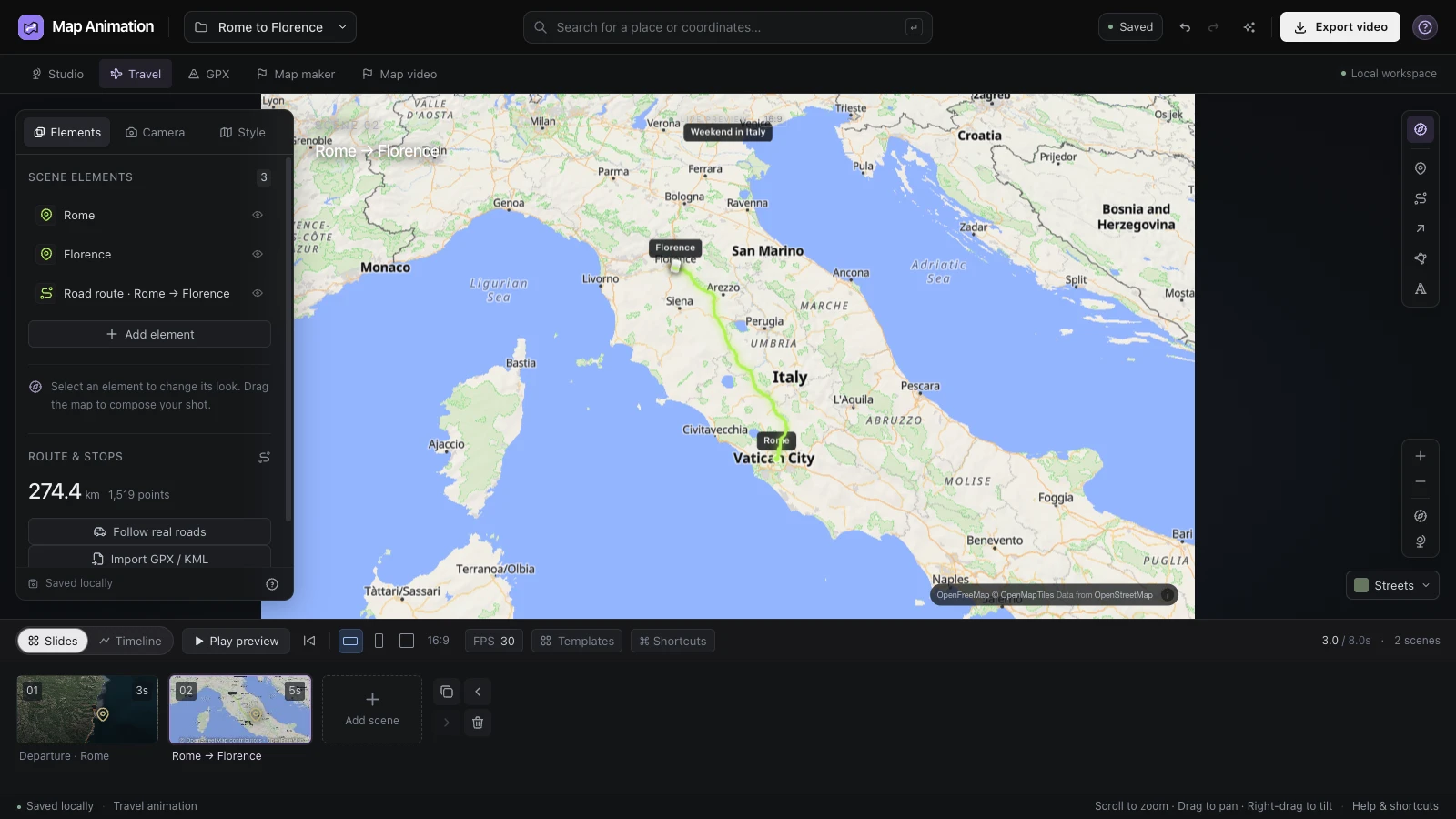
Introduce the whole journey
Open with an overview before focusing on individual destinations. Readers can recognize the shape of the trip and place each arrival in context.
Turn your itinerary into a travel map animation. Add the stops in order, choose the transport for each leg and refine the camera and pace before exporting a video for your trip story.
Compare the coastal starting view with a vehicle following the route toward Big Sur. A geographic journey becomes easier to follow when the line and moving marker share the same map context.
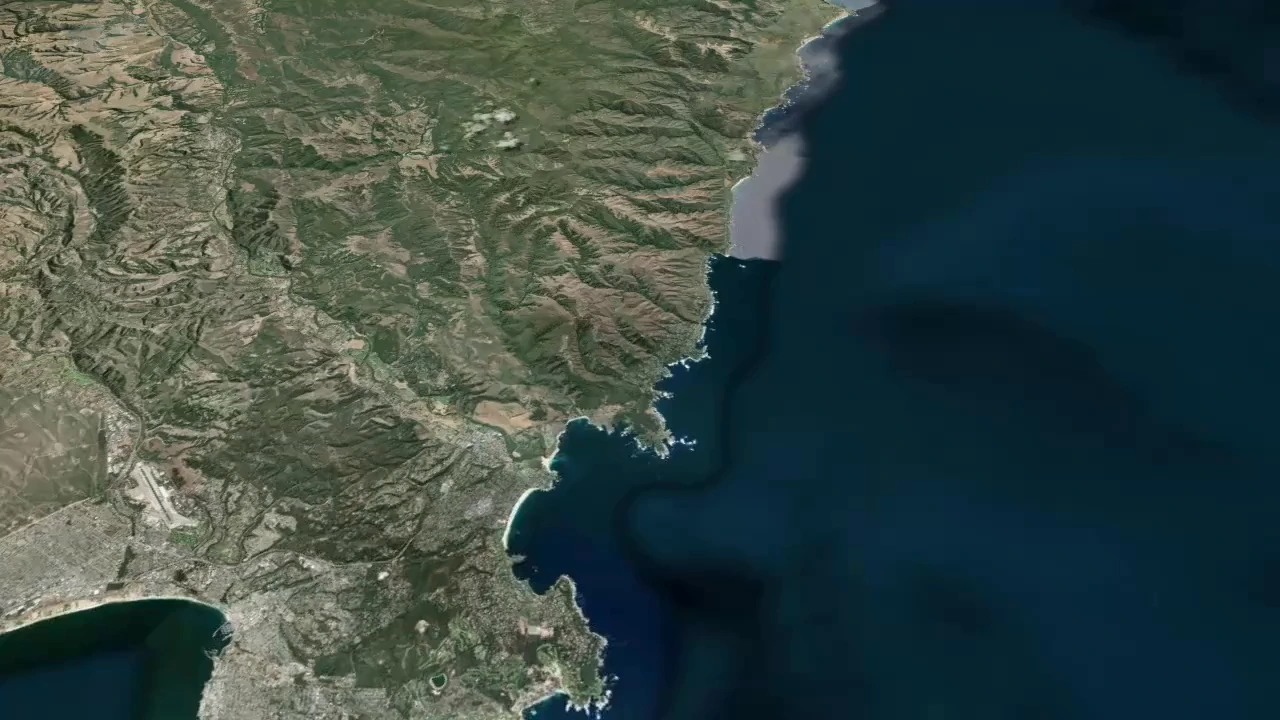
The opening view places the journey beside the California coastline before the vehicle advances. Showing the surrounding geography helps an audience locate the trip and understand which direction the route will take as the sequence begins.
The vehicle follows the highlighted coastal route toward Big Sur. Use the travel map animation preview to check where attention moves, how long an arrival stays visible and whether your chosen framing keeps the journey clear beside the coastline.
One coastal route · Big Sur
The still and video follow the same coastal journey. Compare the route progression with the starting geography, then choose camera views and scene durations that support the pace of your own travel story.
Give the audience a clear sense of where the trip goes before adding the details. Keep the itinerary editable while you balance the geographic journey with the footage and narration around it.
Open with an overview before focusing on individual destinations. Readers can recognize the shape of the trip and place each arrival in context.
Set scene durations to suit your sequence and surrounding footage. Hold unfamiliar destinations long enough to read, then shorten transitions that need less explanation.
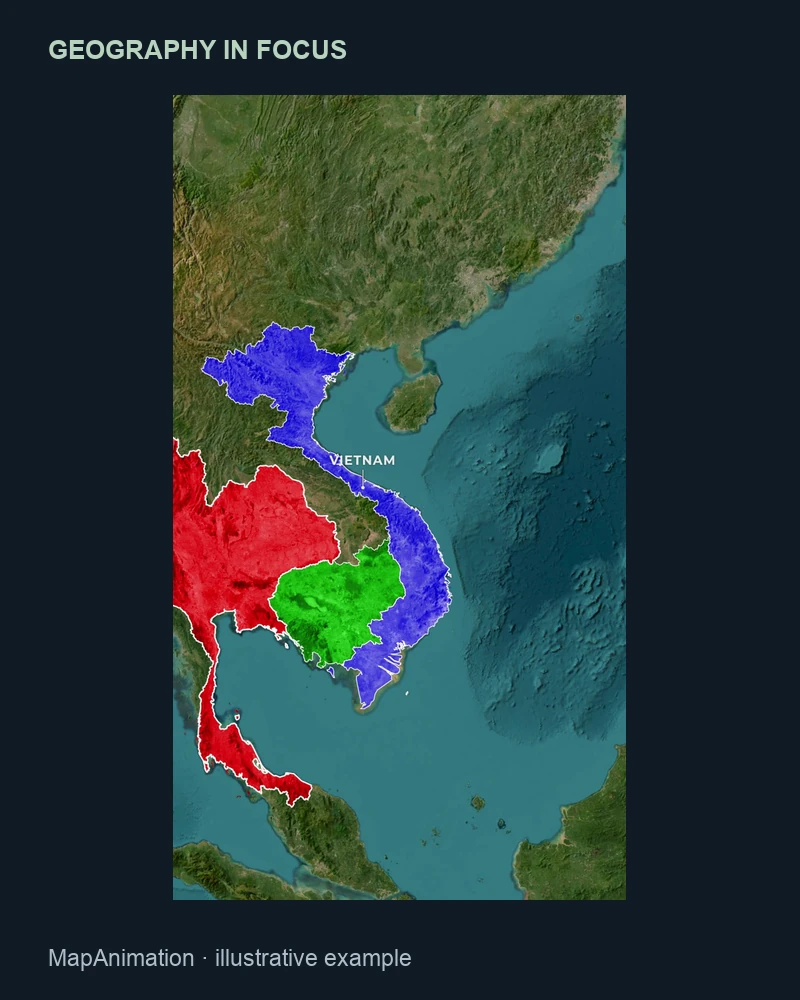
Save the travel map animation project when you expect another version. Change stops, labels or framing without rebuilding the trip from a finished video image.
Export travel animation as MP4 or WebM for a vlog, recap or presentation. Keep a PNG when a still overview explains the journey more clearly than movement.
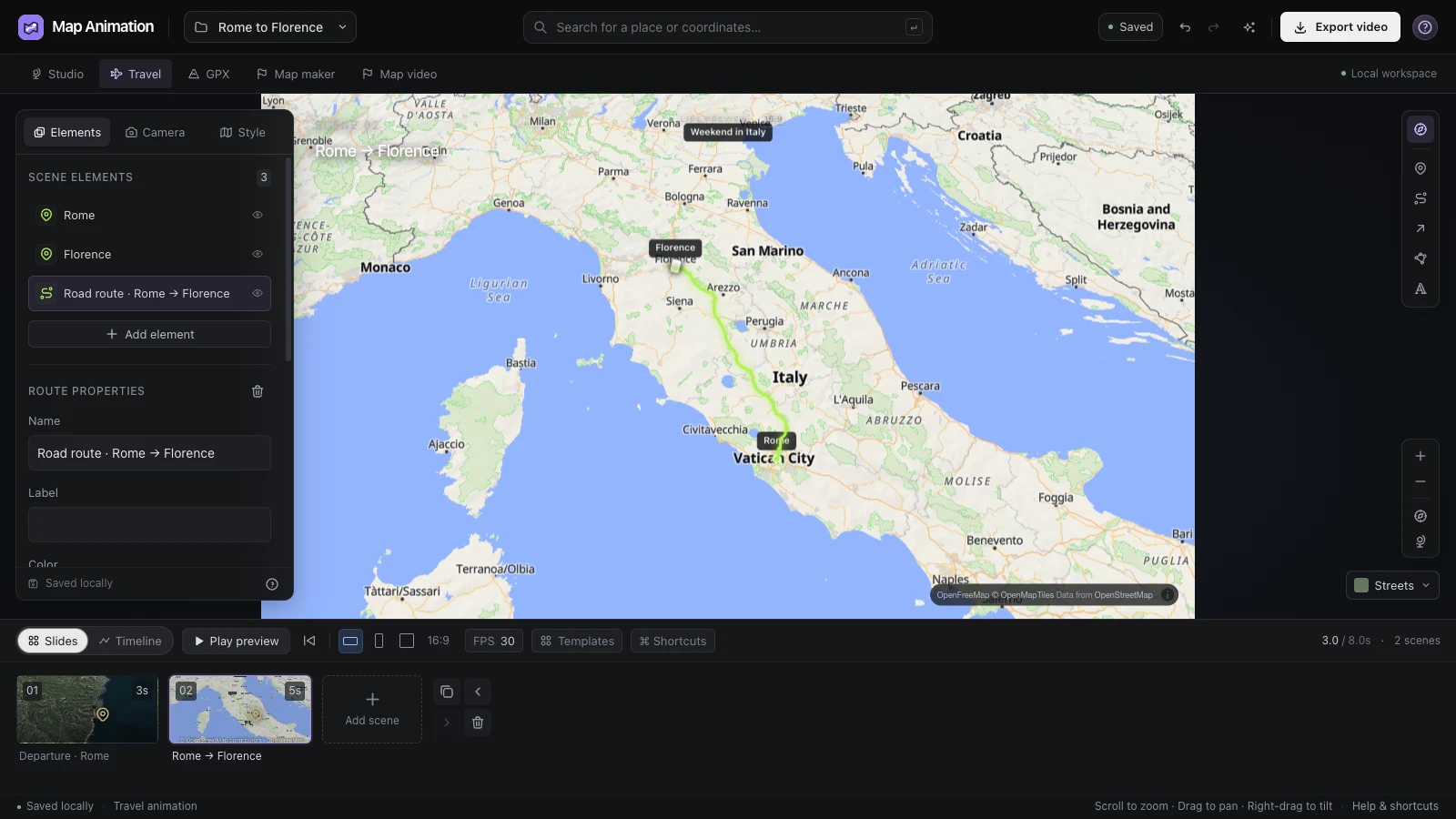
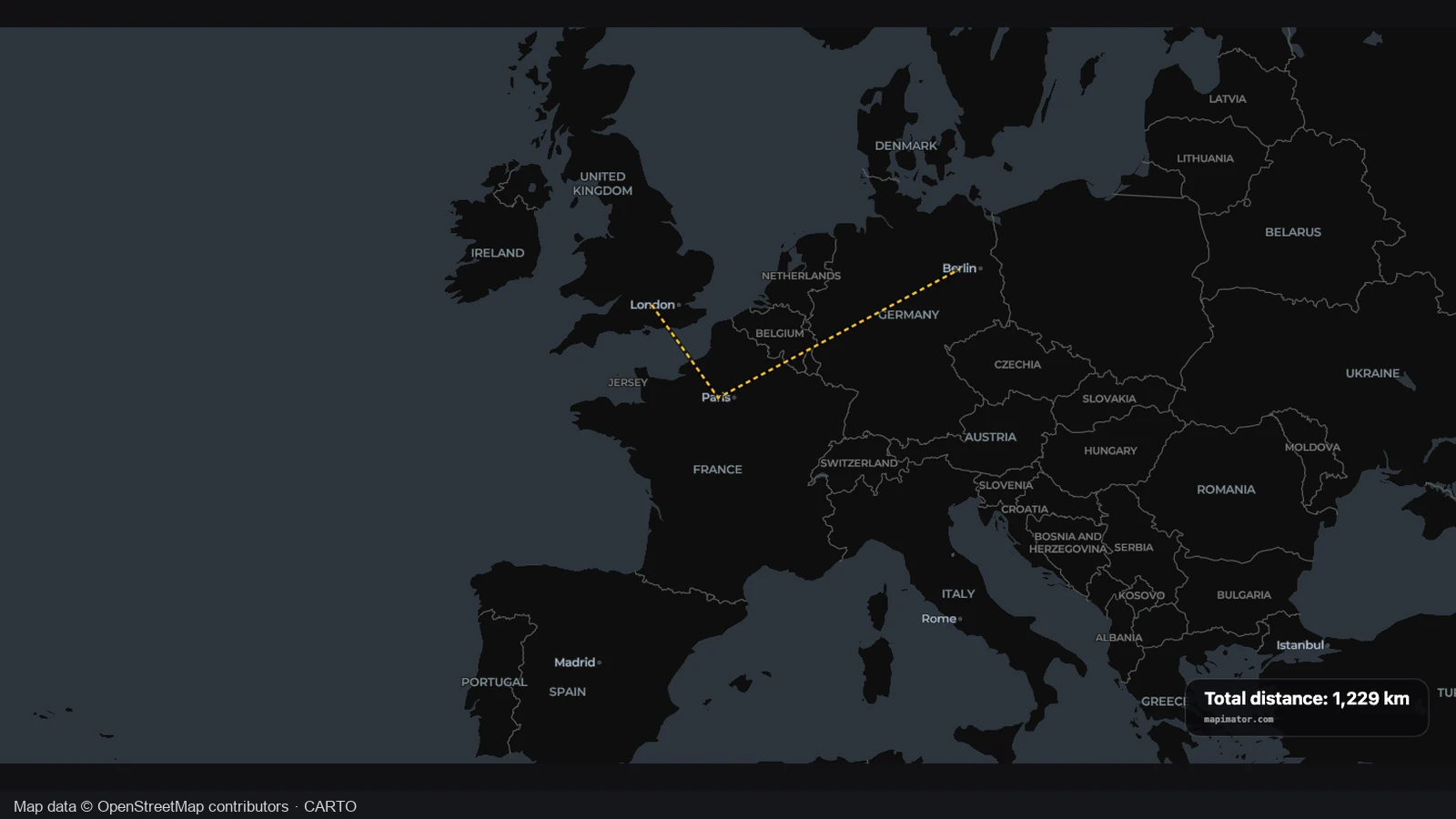
Add two to eight stops and review their travel order before continuing. The travel map animation workflow creates editable legs, so intermediate destinations remain part of the story instead of disappearing between the beginning and end of the trip.
Open the editor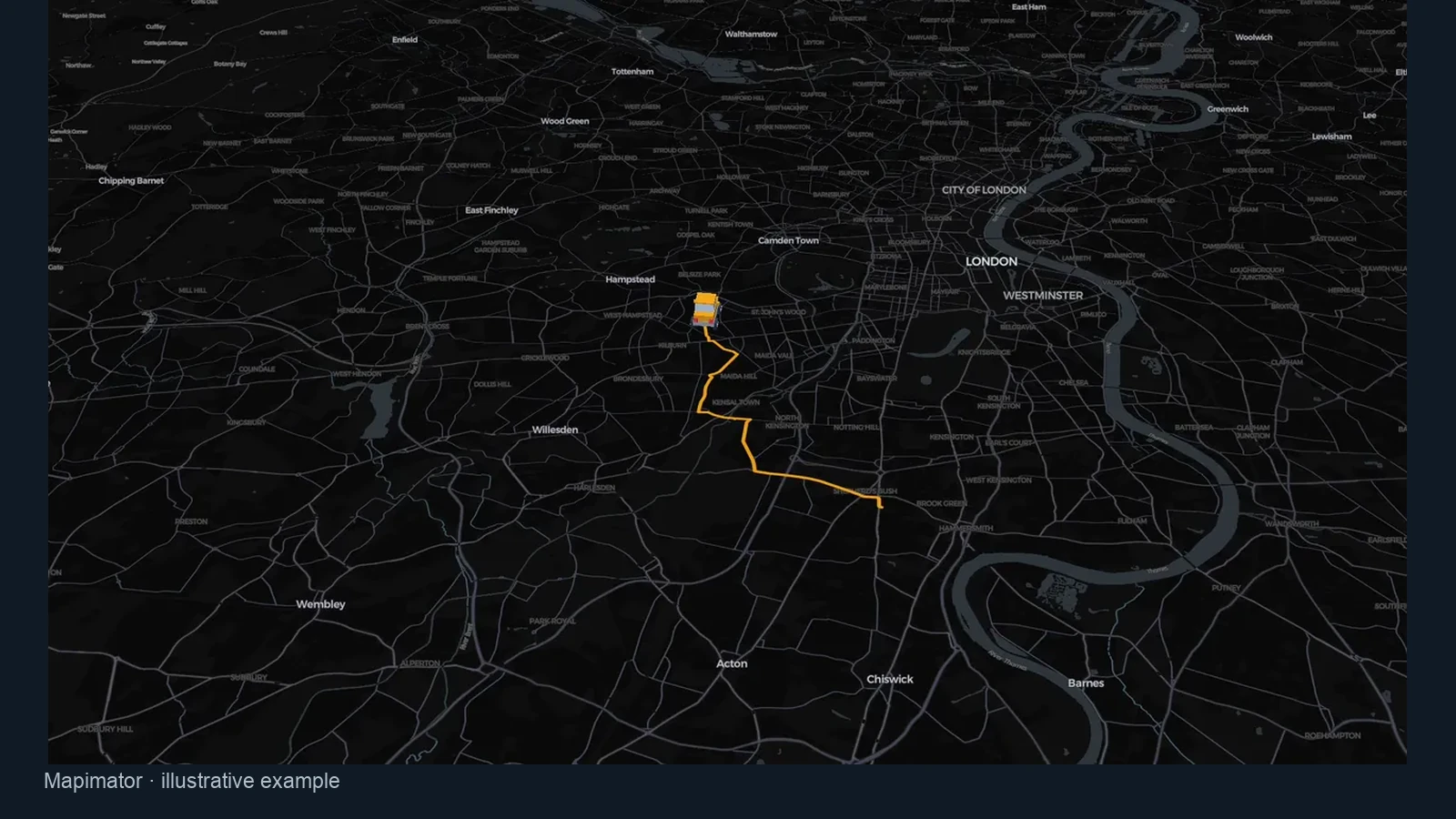
Choose car travel for a routed road journey and inspect the resulting path. Your travel map animation keeps the stops editable, letting you compare the road connection with the trip you want to explain before deciding on the final camera views.
Open the editor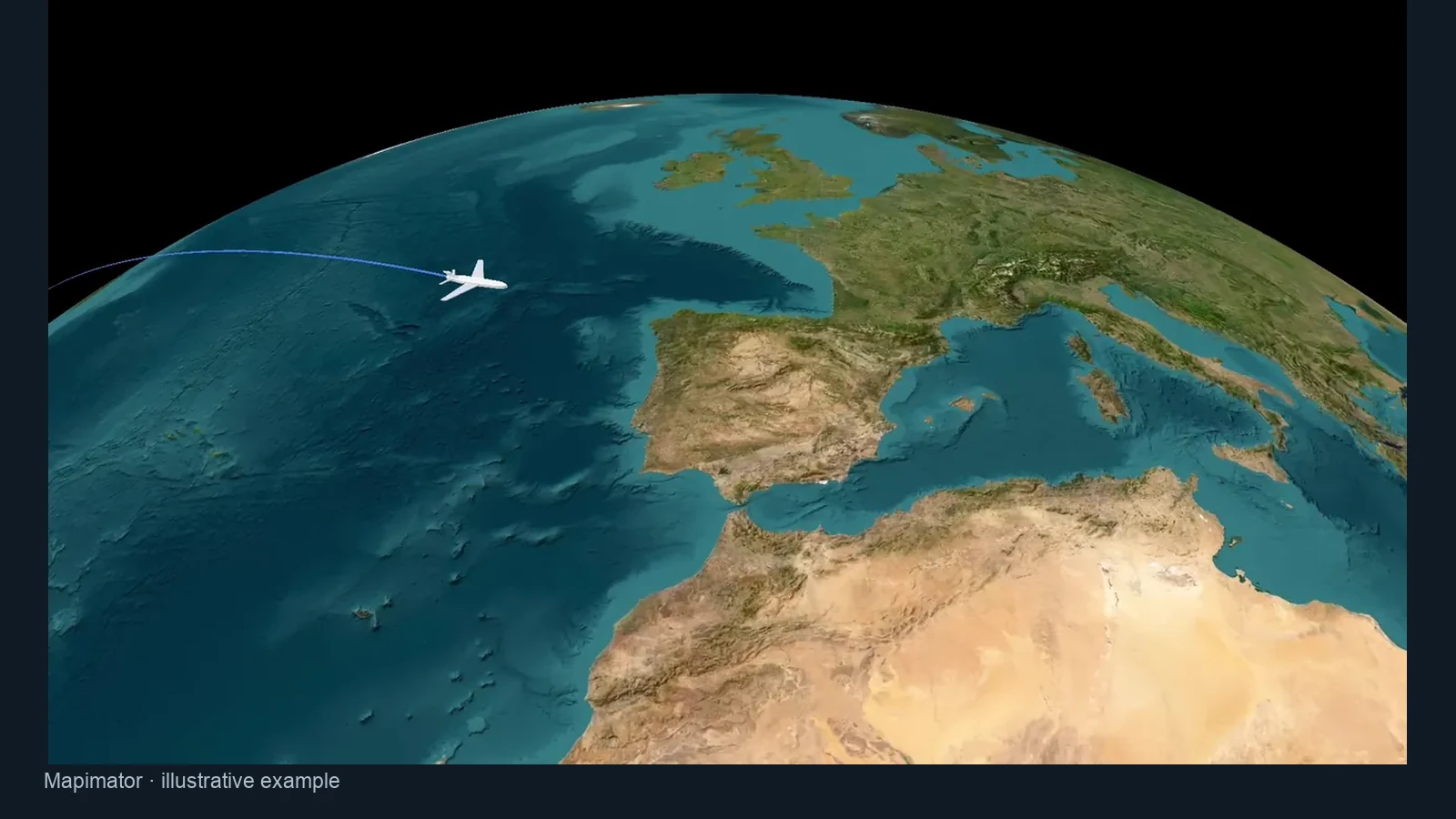
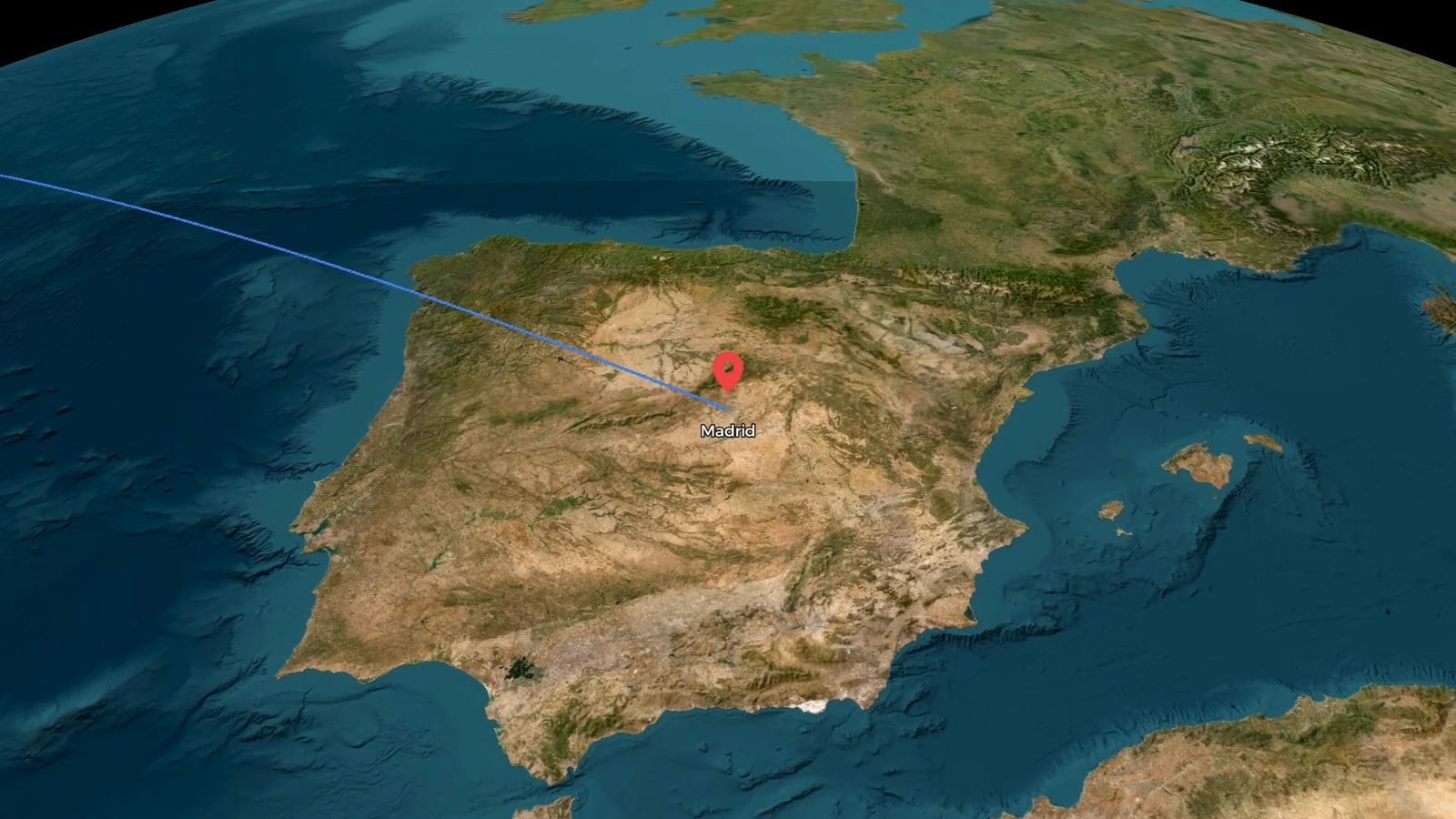
Choose flight arcs to connect distant places and introduce the geographic scale. In a travel map animation, the curve communicates a journey between stops; adjust camera framing and timing so departures and arrivals remain understandable at the intended video size.
Open the editor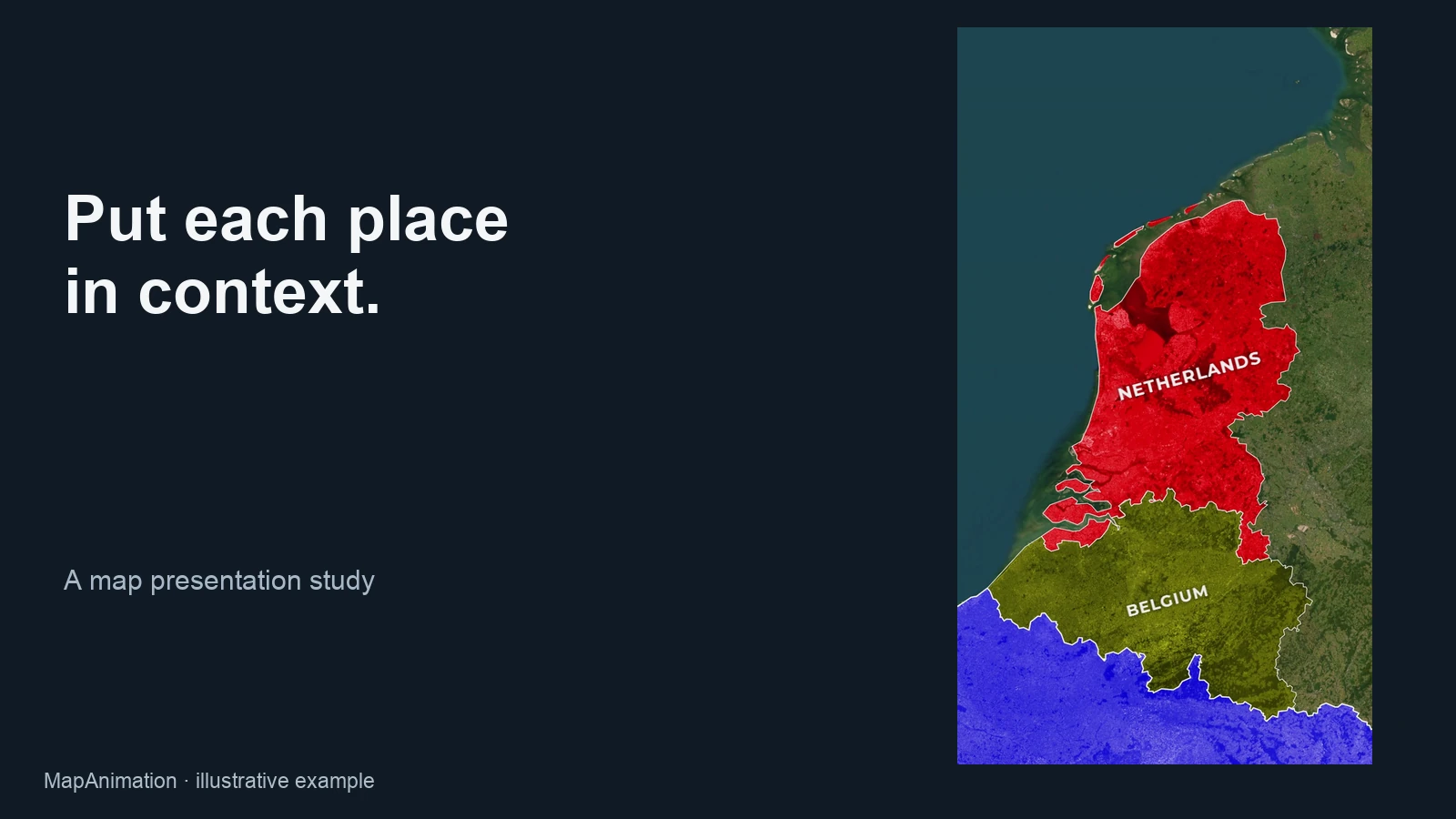
Use the project file to retain the stops, labels and camera settings behind your journey. Reopen it when a city changes or another version needs different framing, then export a new travel map video from the same starting point.
Open the editorFind two to eight destinations and put them in journey order. Choose the transport for each leg before sending your travel map animation into the editable workspace.
Inspect each route, correct labels and adjust camera views. Preview your travel map animation beside the intended story so viewers can recognize every important stop.
Choose the framing, resolution and frame rate, then download your travel map animation. Keep a JSON project when you expect to revise the itinerary or scene timing.
Yes. Add two to eight destinations in journey order. The travel map animation workflow builds editable legs between them. Review the sequence in the workspace, adjust the names and camera views, and give the important arrivals enough time to be recognized.
Begin with the places in your itinerary and choose the transport for each leg. Preview the travel map animation line and moving marker, then adjust the scene timing. Arrange the journey geographically, then use footage and narration to supply the personal details.
Yes. Create the travel map animation here, export an MP4 and add it to iMovie as a clip. Keep the JSON project so locations and timing remain editable in this workspace. The workflow delivers the clip rather than modifying controls inside iMovie.
Car legs use road routing between stops, while flight legs use curved arcs. Train, walking and ship legs use illustrative connections. Inspect the travel map animation before export. For a recorded path, choose GPX replay; for connected mapped railway geometry, use the dedicated train map tool.
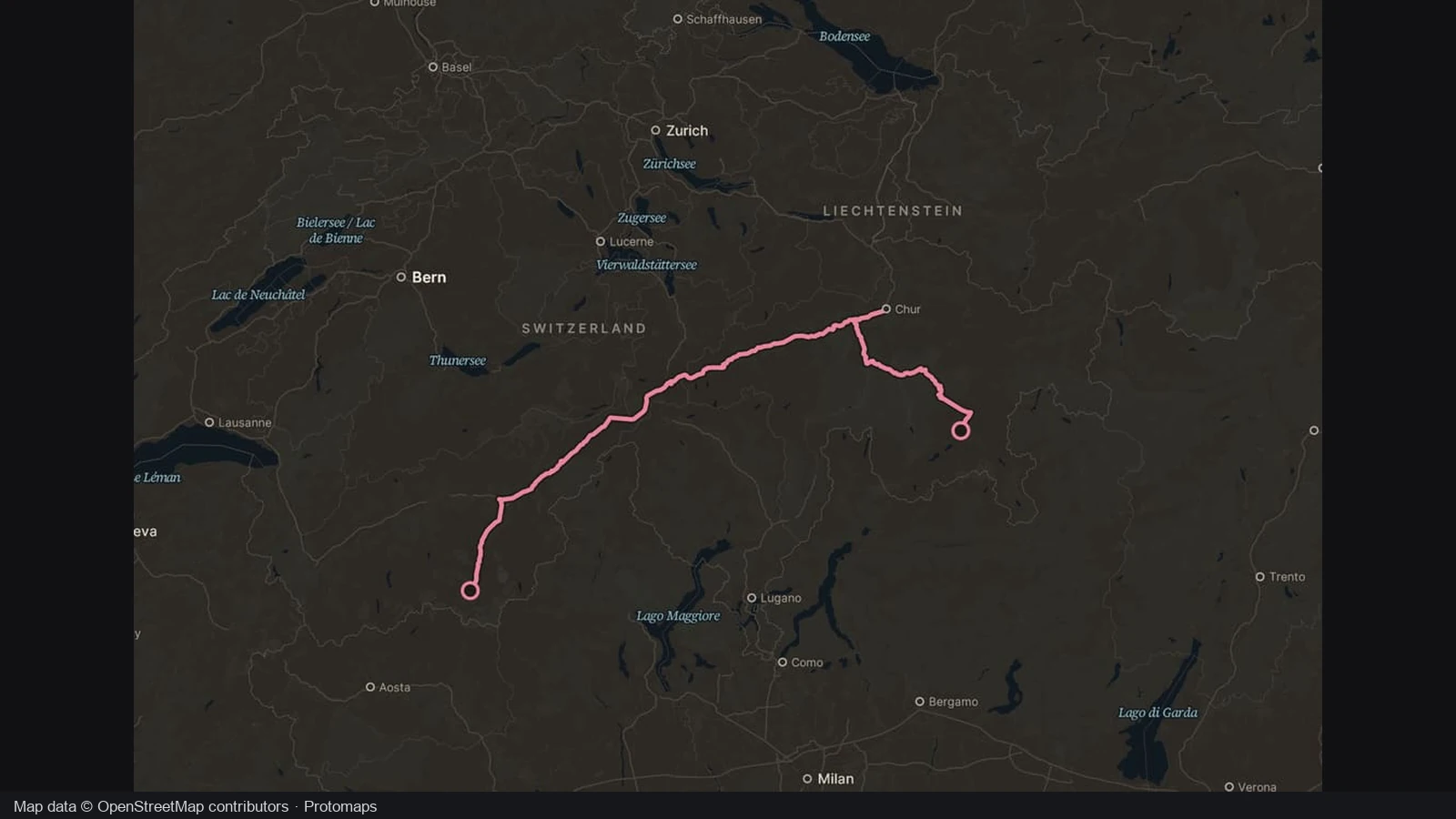
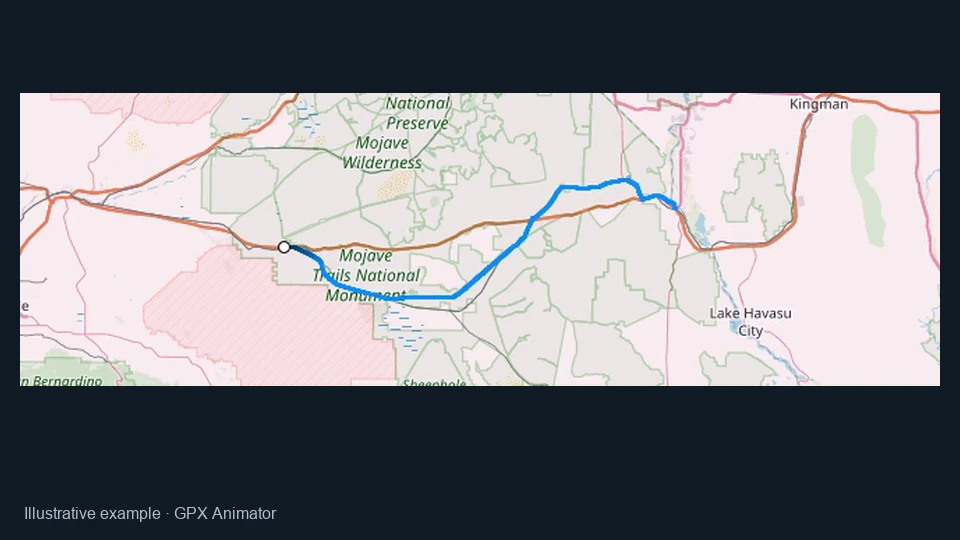
Use the separate GPX animator when a continuous GPX or KML file contains the journey you want to replay. Travel map animation from destinations starts with an itinerary instead. Choose the recorded-track workflow when the precise path of an activity matters more than planning connections between named places.
Choose landscape, portrait or square framing, 720p or 1080p, and 24, 30 or 60 frames per second. A travel map animation export can run up to 120 seconds. Preview names at the final viewing size before downloading a clip for your main edit.
Yes. Use the editor to place stops, add routes and refine the geography manually. A travel map animation can introduce the trip or connect two clips. Use the vlog map maker workflow to explain where the footage takes place while keeping scene timing and camera views editable.
Manual travel animation editing and local video or PNG export do not consume AI credits. You can prepare a travel map animation from your stops and refine it yourself. Optional AI drafting is separate and costs one credit; free manual export does not include a free AI request.

Add your destinations, make the route understandable and turn the itinerary into a travel animation that fits your next video.
Create travel map animation