Keep every segment visible
When you measure distance on map routes, each leg remains visible beside the total. Identify the largest contribution before deciding which point to move or remove.
Choose places and measure distance on map routes you mark yourself. Compare individual legs and their total, edit the points and switch units without planning a driving itinerary.
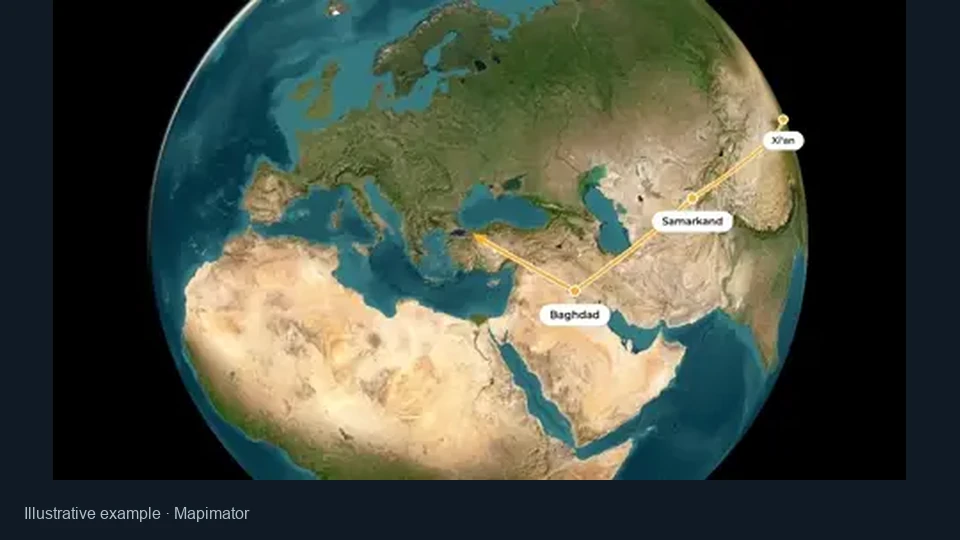
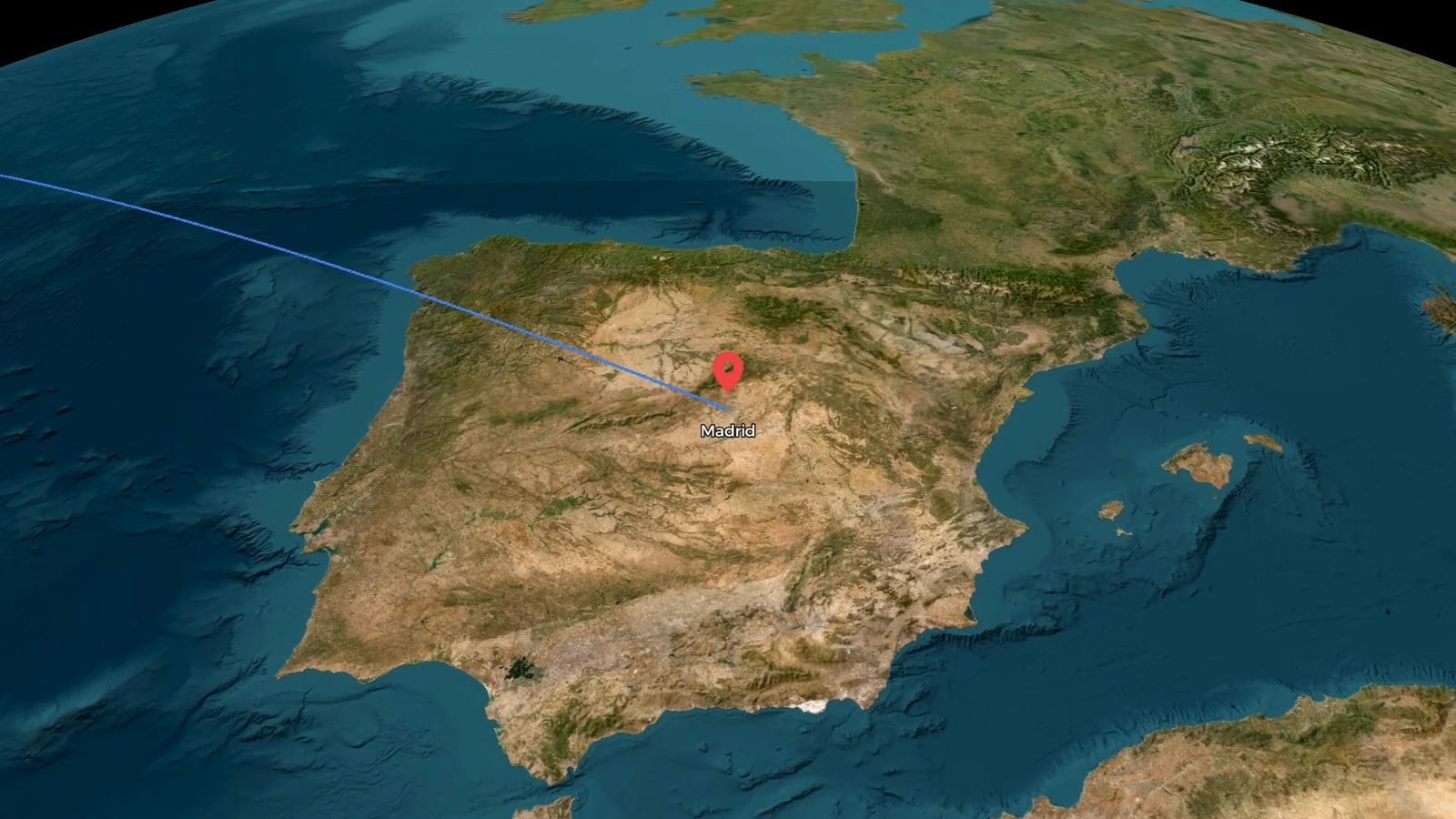
Compare an unmarked European view with the same map after three points are selected. Two connected segments turn the locations into a path with a visible total distance.
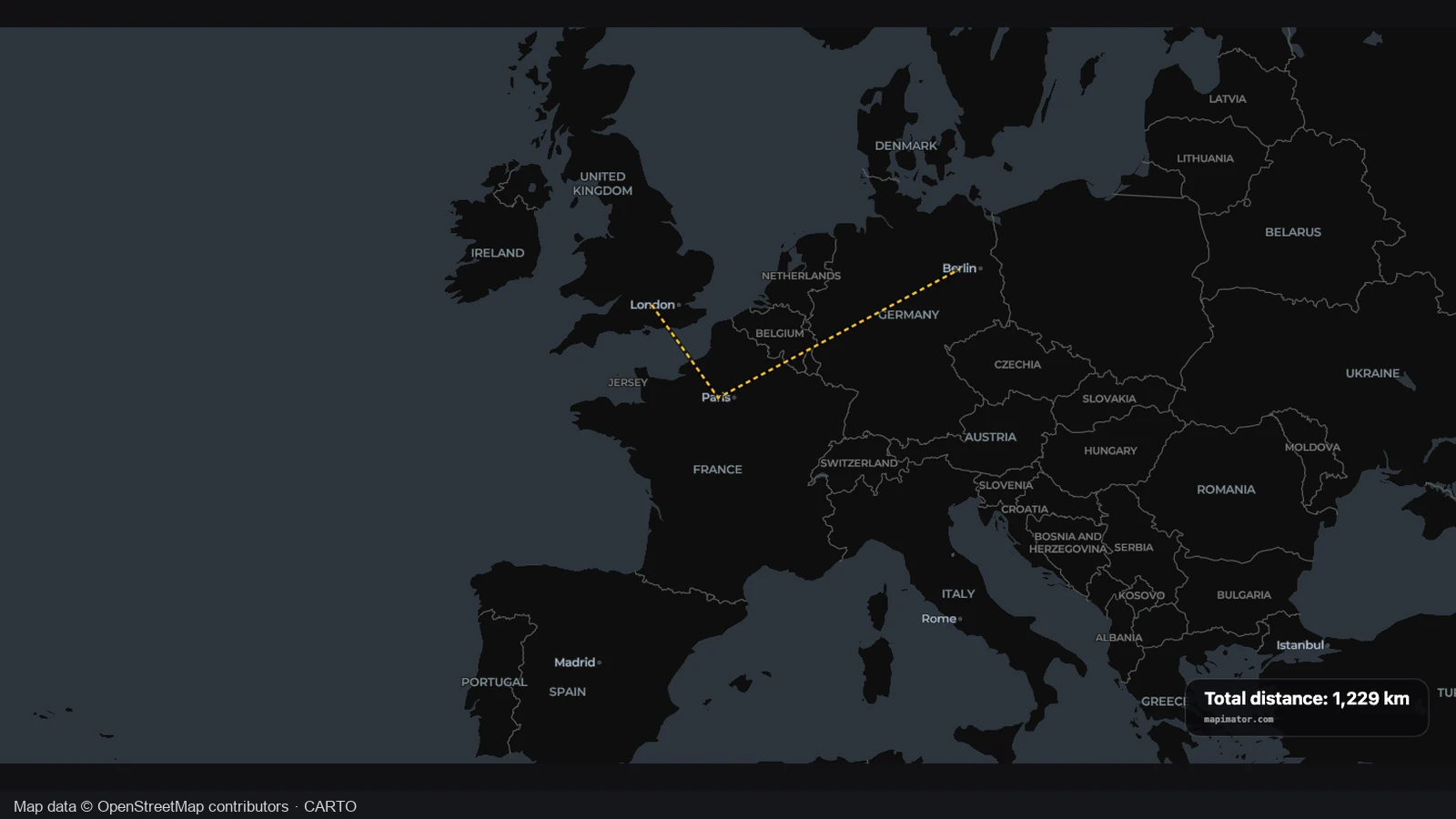
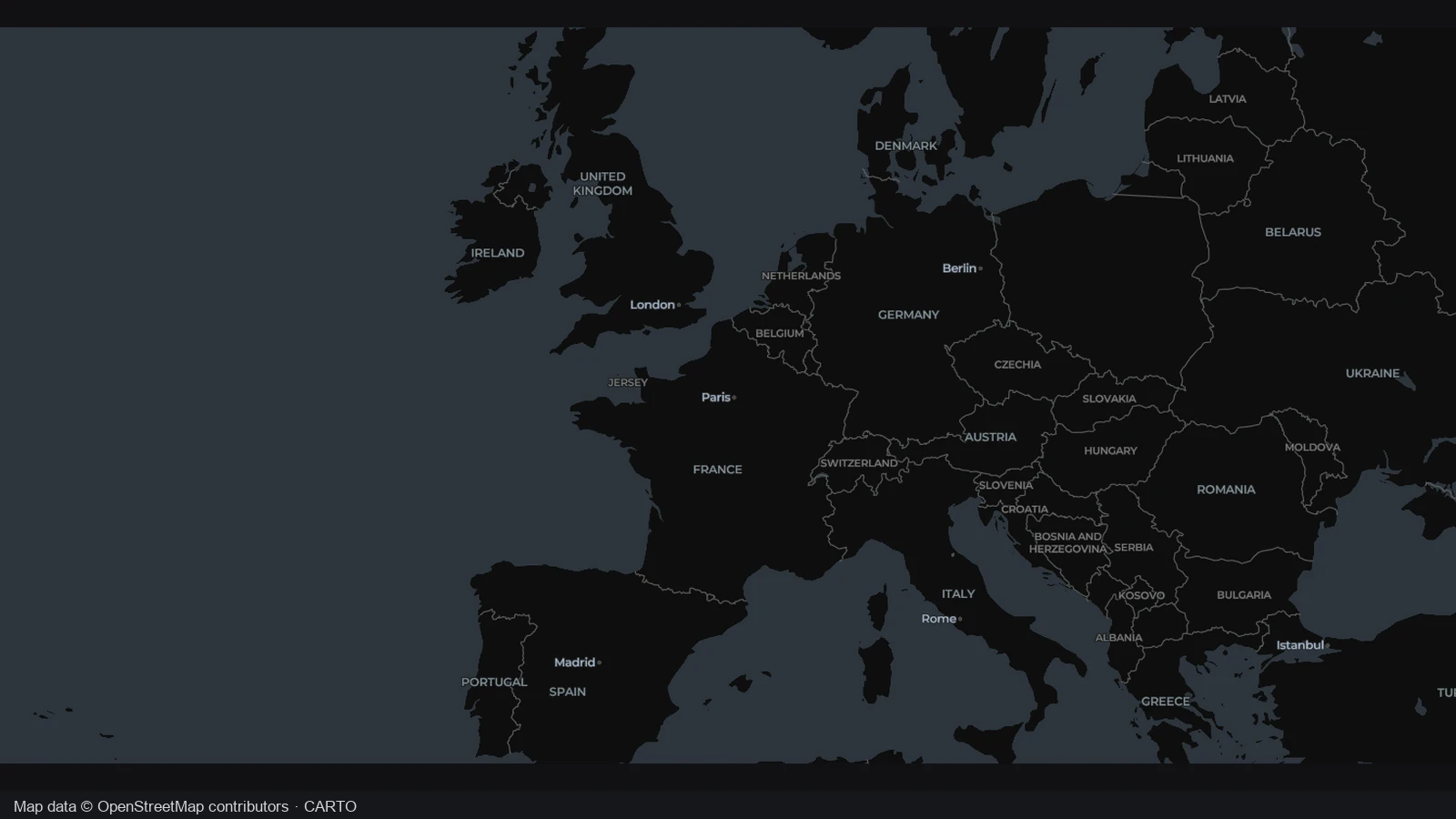
The opening view shows the surrounding geography without a measured path. Start with the locations you want to compare, then choose the order in which to connect them. A clear view helps you recognize the context behind the result.
Three numbered points form two segments with a displayed total of 1229 km. When you measure distance on map paths yourself, check each point and change of direction before using the combined figure in a geographic comparison.
3 points · 2 segments · 1,229 km
Each new point adds another leg. The example shows the combined distance for its selected positions; your own result follows the points and order you choose.
Keep the places, units and calculation together. Compare geographic separation, sketch a path through chosen stops or make the basis of a distance figure clear to your reader.
When you measure distance on map routes, each leg remains visible beside the total. Identify the largest contribution before deciding which point to move or remove.
Search for a place, then refine its coordinates when the city center is too broad. Make the starting point match the site your question is about.
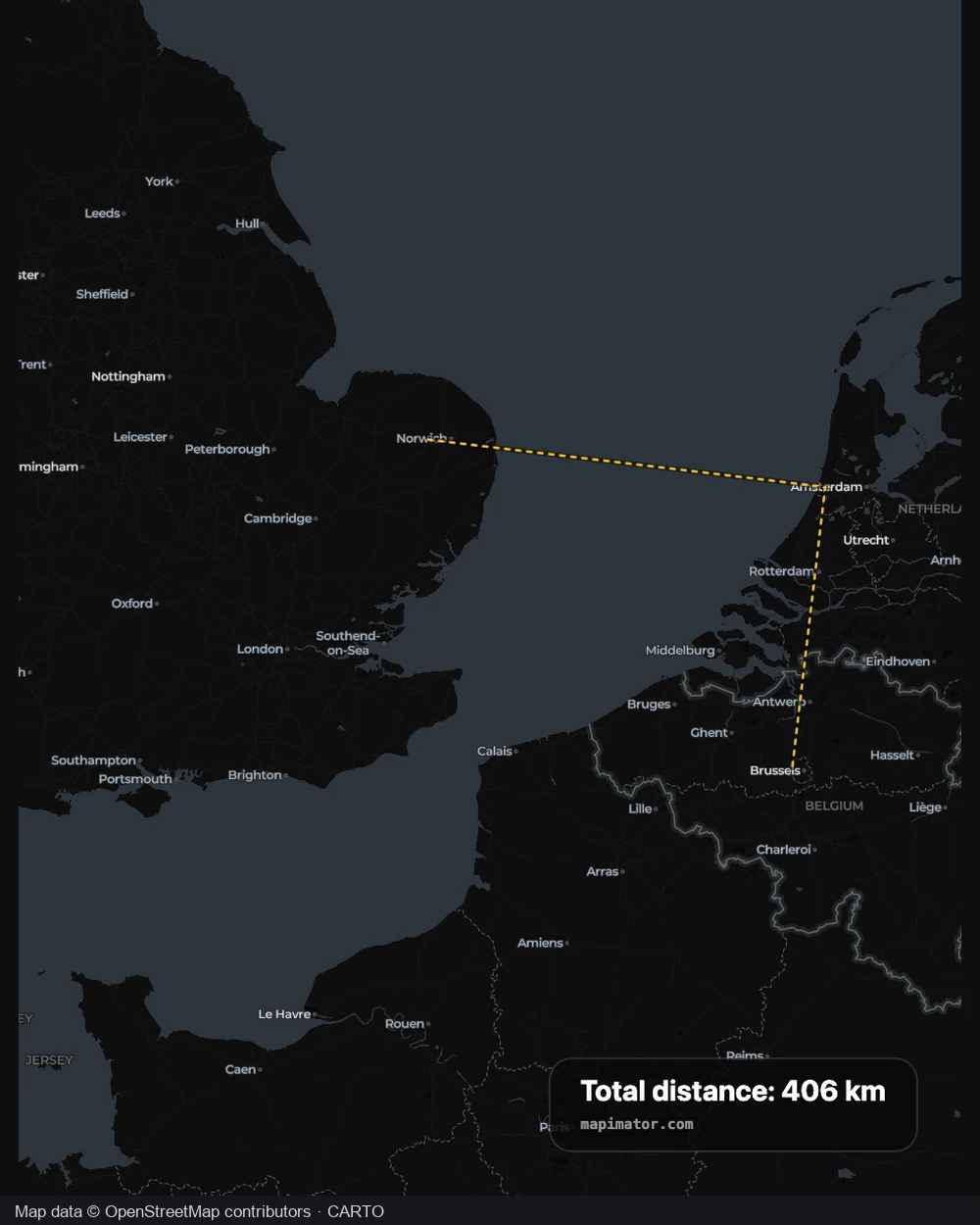
Measure distance on map paths in kilometers, miles or nautical miles. Convert the same sequence without changing its points, using the unit your audience expects.
Download the view with the total in its caption. Give readers the positions and scale behind the number rather than asking them to interpret a figure alone.
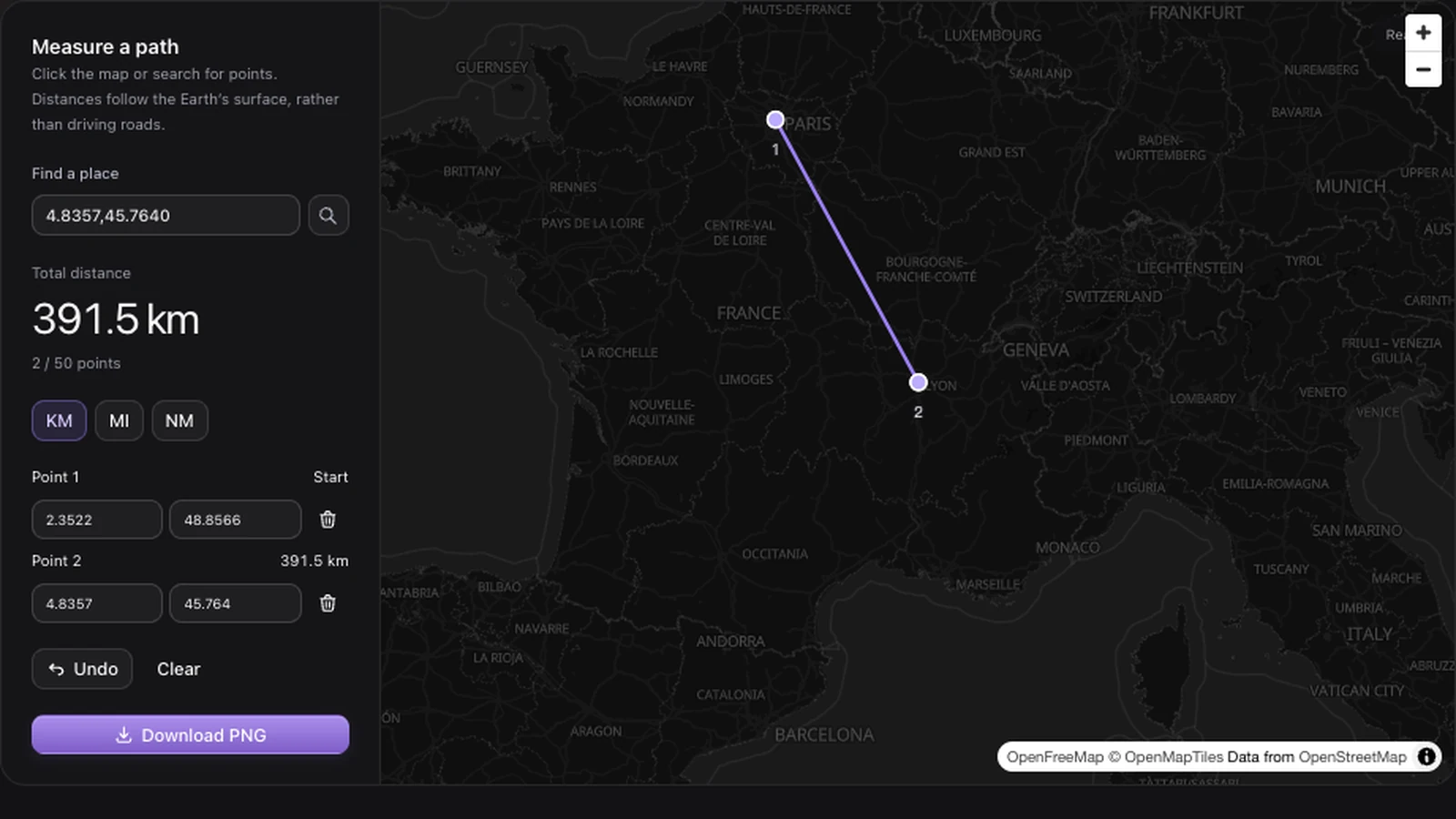
Connect up to 50 ordered points to measure distance on map routes with several stops. Each new point adds a surface-distance leg, letting you compare a chain of locations or approximate a path with changes of direction.
Start measuring distance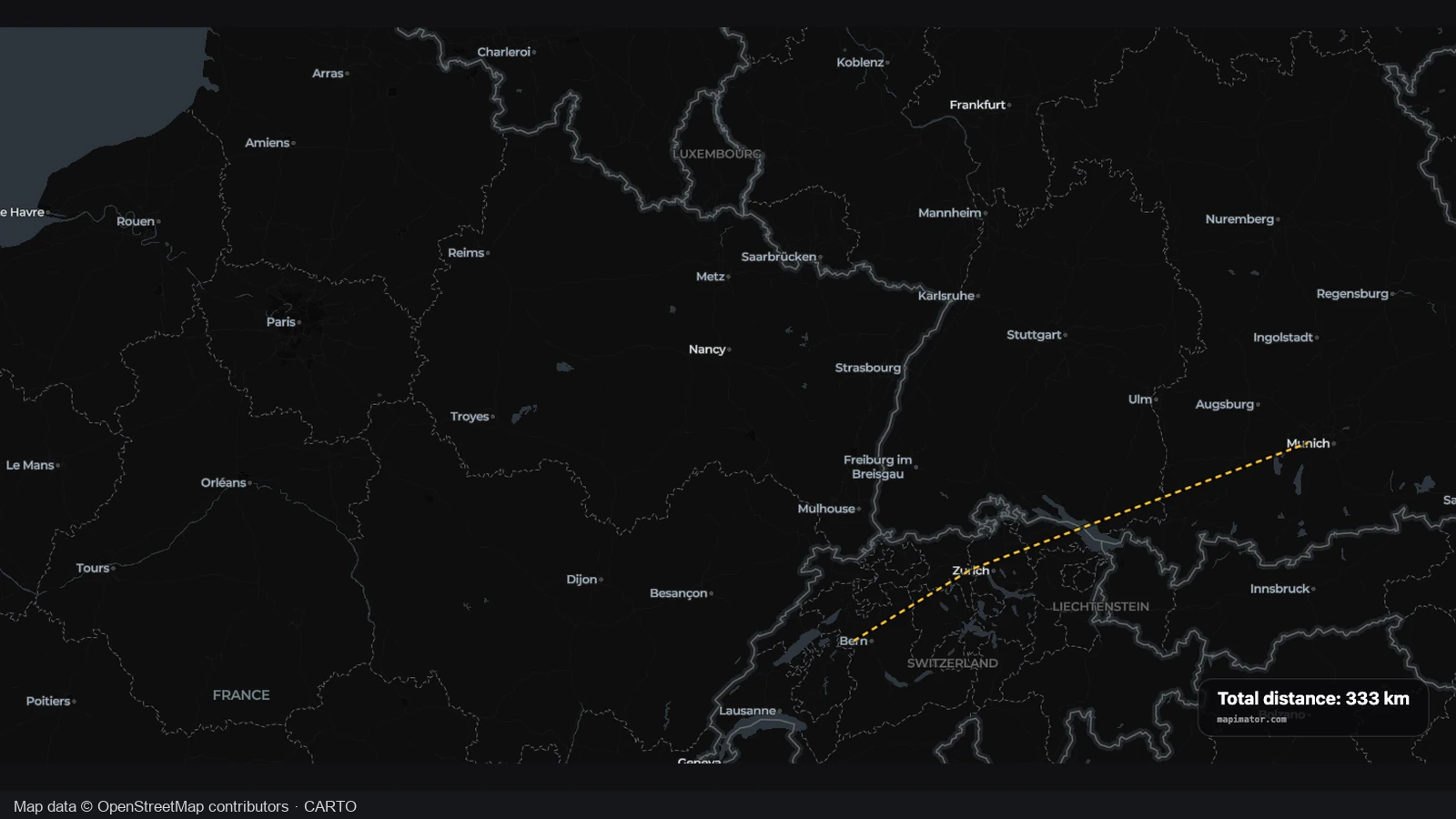
Edit longitude and latitude to measure distance on map paths at the locations you mean. The total updates after a coordinate change, helping you compare a particular site or landmark rather than relying only on its nearest place name.
Start measuring distance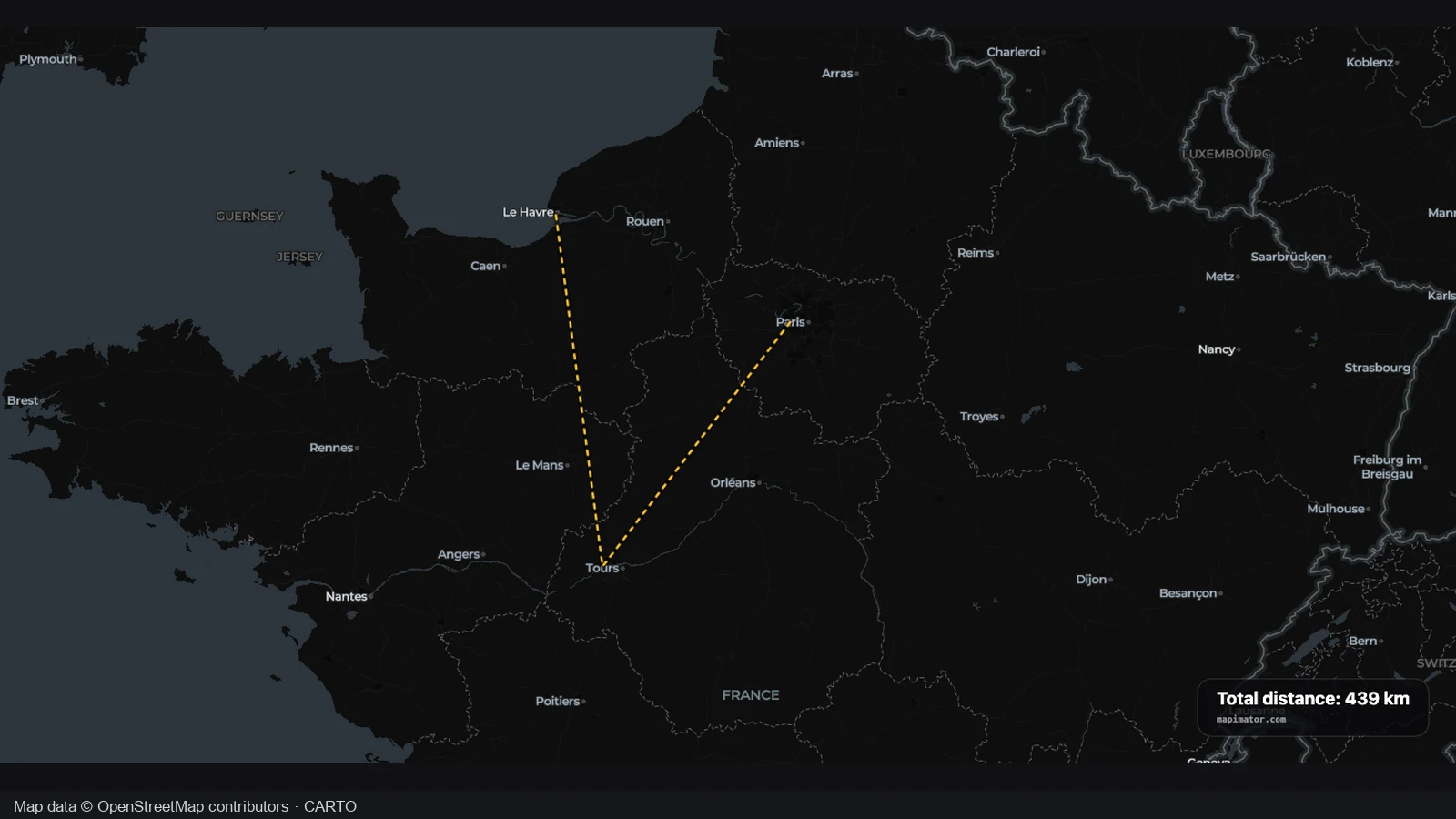
When you measure distance on map routes, a mistaken click need not erase your work. Remove one point or undo the latest addition while retaining the rest, then check the revised legs and total in the same panel.
Start measuring distance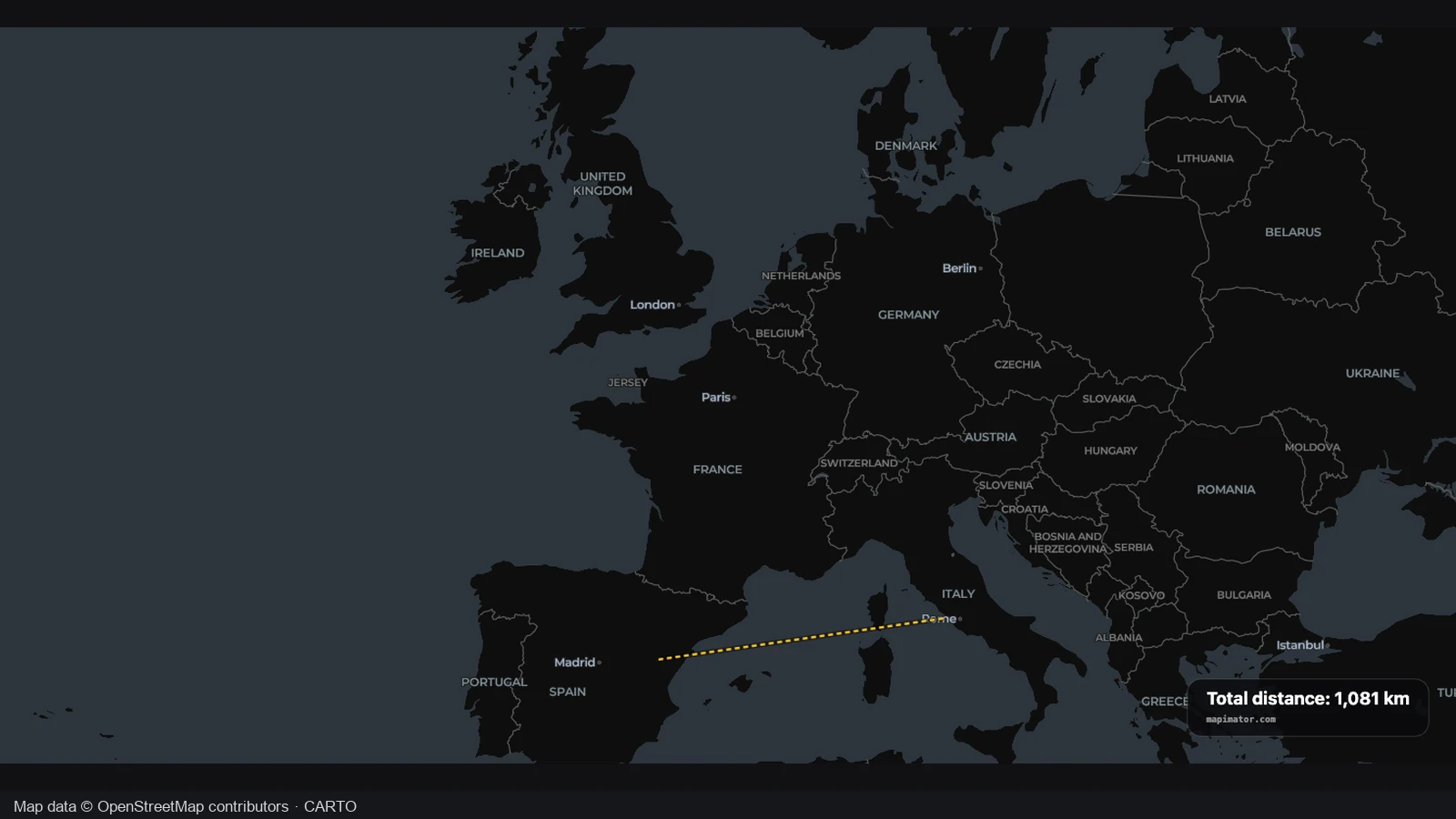
Measure distance on map paths for a presentation or planning note, then export the chosen view. The PNG includes the total and unit alongside the geography, giving your explanation a visual reference without turning the image into an editable project.
Start measuring distanceTo measure distance on map paths, search or click at least two locations. Check their positions and coordinates before interpreting the result.
Add points where the path turns. As you measure distance on map routes, edit coordinates or remove a misplaced point to update the calculation.
Measure distance on map paths in KM, MI or NM. Frame the locations clearly and download the PNG to keep the geography and total together.
When you measure distance on map paths, successive surface distances are added in your chosen order. The calculation connects the points you supply; it does not find a road itinerary or account for traffic, road restrictions, elevation or bends between unmarked points.
Yes. You can measure distance on map routes with up to 50 points. Each addition creates another leg in the total. Add intermediate points where the path turns, so the sequence represents the shape you intend to compare.
Select your starting point, then add the destination and edit its coordinates. For example, put 35.1729687 latitude and −76.3854393 longitude in the matching fields. You supply both endpoints; the tool does not automatically know where your home is.
You can measure distance on map paths in kilometers, miles or nautical miles. Switching units converts the same sequence without moving points or changing the calculation method. Keep the unit consistent when recording or sharing several comparisons.
No. A two point result measures separation across the Earth’s surface, rather than road mileage. Add points to approximate a winding path yourself. Use the separate travel map workflow for an animated driving itinerary, and inspect the route it builds.
Yes. As you measure distance on map routes, edit coordinates, remove a point or undo the latest addition. Other points remain in place while affected legs update, making it easier to correct a click or compare different endpoint locations.
Yes. Once you measure distance on map paths with at least two points, download a PNG containing the current view, total and unit. Frame the relevant locations first. The image preserves the result, rather than an editable coordinate list.
You can measure distance on map routes and export a PNG without using AI credits. The calculation uses your selected points. AI drafting is a separate feature with its own cost; it is not needed to calculate or revise distances here.

Choose your places, measure distance on map paths and keep a geographic answer in the units that make sense to you.
Start measuring distance