Make groups easy to identify
The election map maker pairs each group name with its color. A visible legend helps readers understand the same meaning wherever that color appears across the map.
Make the geographic pattern of a result easier to follow. Use the election map maker to color states or countries, name the groups and export a clear map with its legend.
Compare the same United States view before and after regions receive group colors. The pattern becomes readable once Coalition A and Coalition B have a consistent visual meaning.
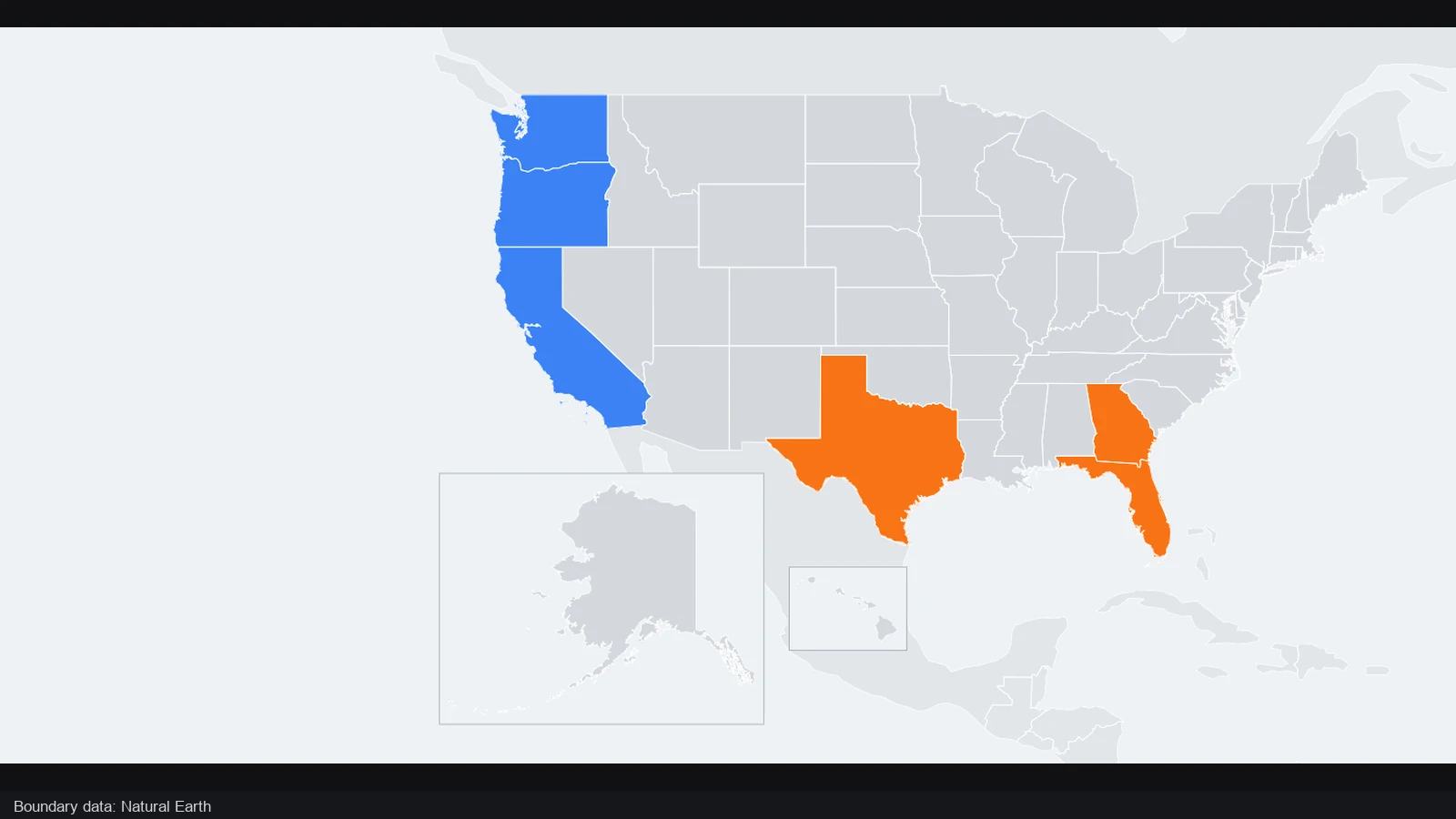
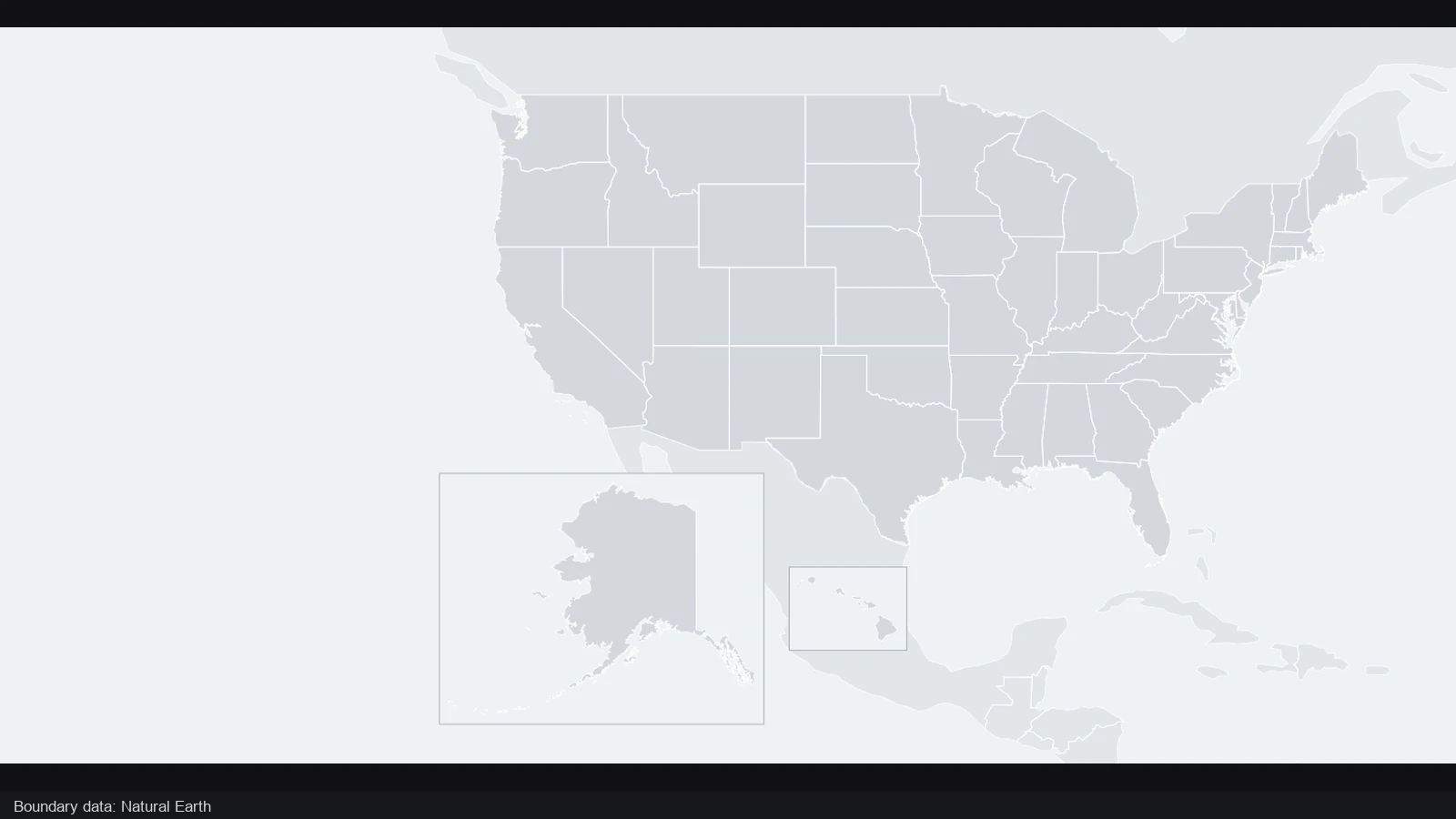
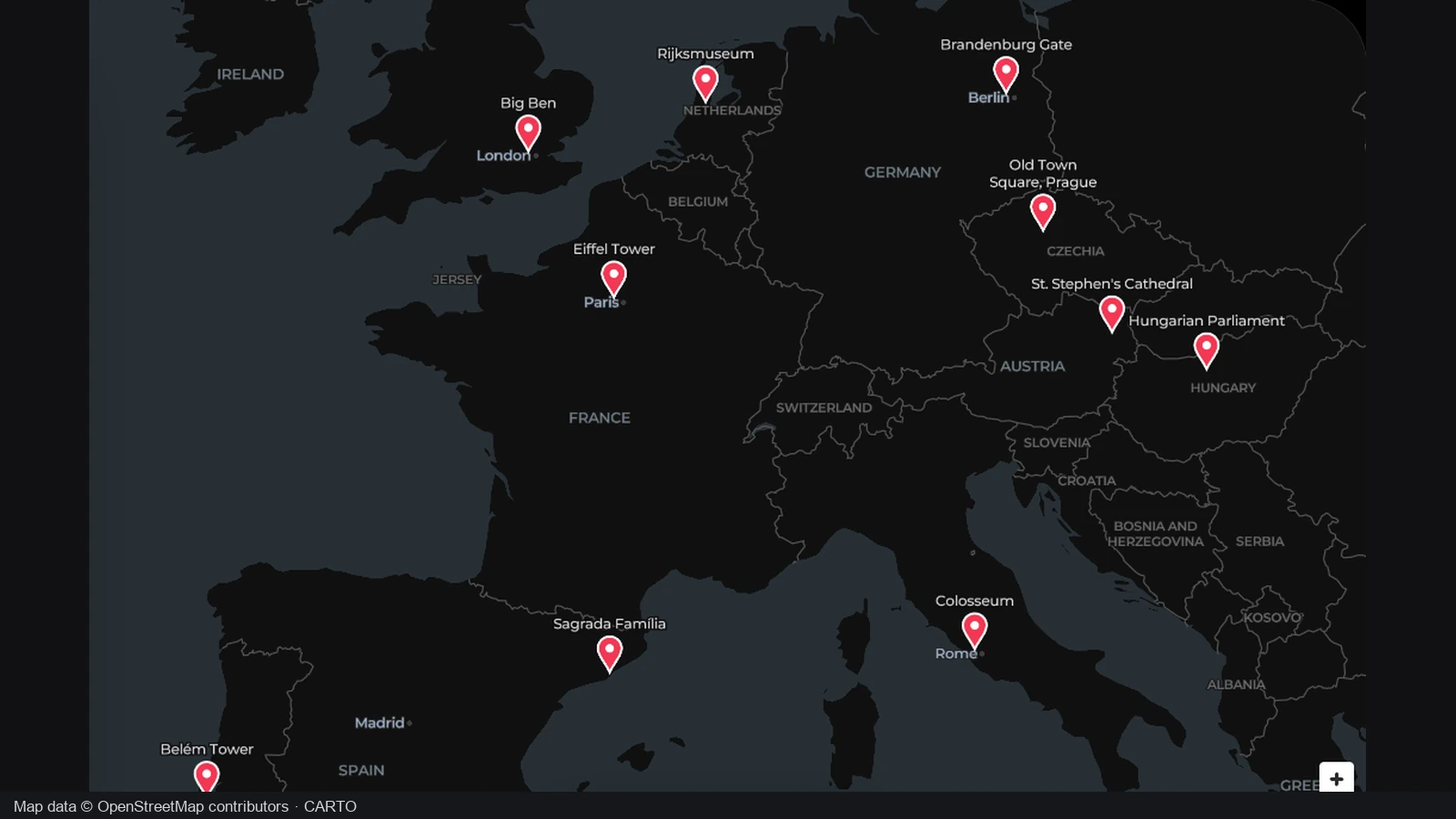
The opening view leaves the US regions unassigned. Define the groups before coloring the map so each selection has a clear meaning. A neutral starting point also makes it easier to see which areas still need an assignment.
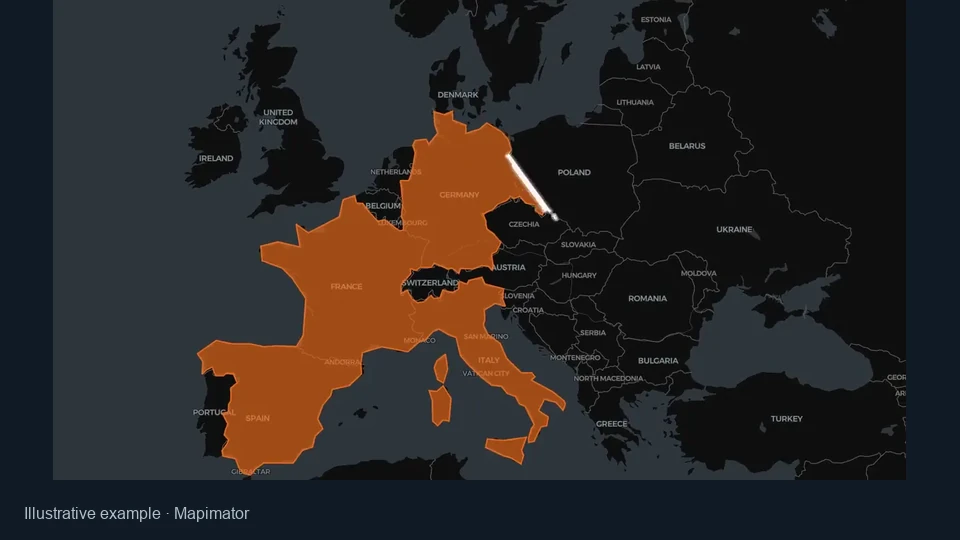
Assigned states reveal a fictional Coalition A and Coalition B scenario. Use the election map maker to pair group colors with clear names, inspect the geographic split and keep a legend that readers can follow alongside the map.
Fictional scenario · 6 assigned states
This comparison illustrates a fictional coalition scenario. The colors show group assignments, while the map helps readers see their distribution across regions rather than infer vote totals from the shaded area.
Keep the focus on how the result is distributed geographically. Set the categories, inspect the assignments and retain the editable version when the numbers or story need to change.
The election map maker pairs each group name with its color. A visible legend helps readers understand the same meaning wherever that color appears across the map.
Create up to eight groups for parties, coalitions or scenario categories. Choose names that explain your data rather than relying on color alone to carry the message.
Use the election map maker canvas for geographic patterns and the region list for individual checks. Search names or IDs when a small area is difficult to select.
Download the scenario as JSON or save it privately to your account. Keep an editable version when you expect to revise assignments, group names or colors later.
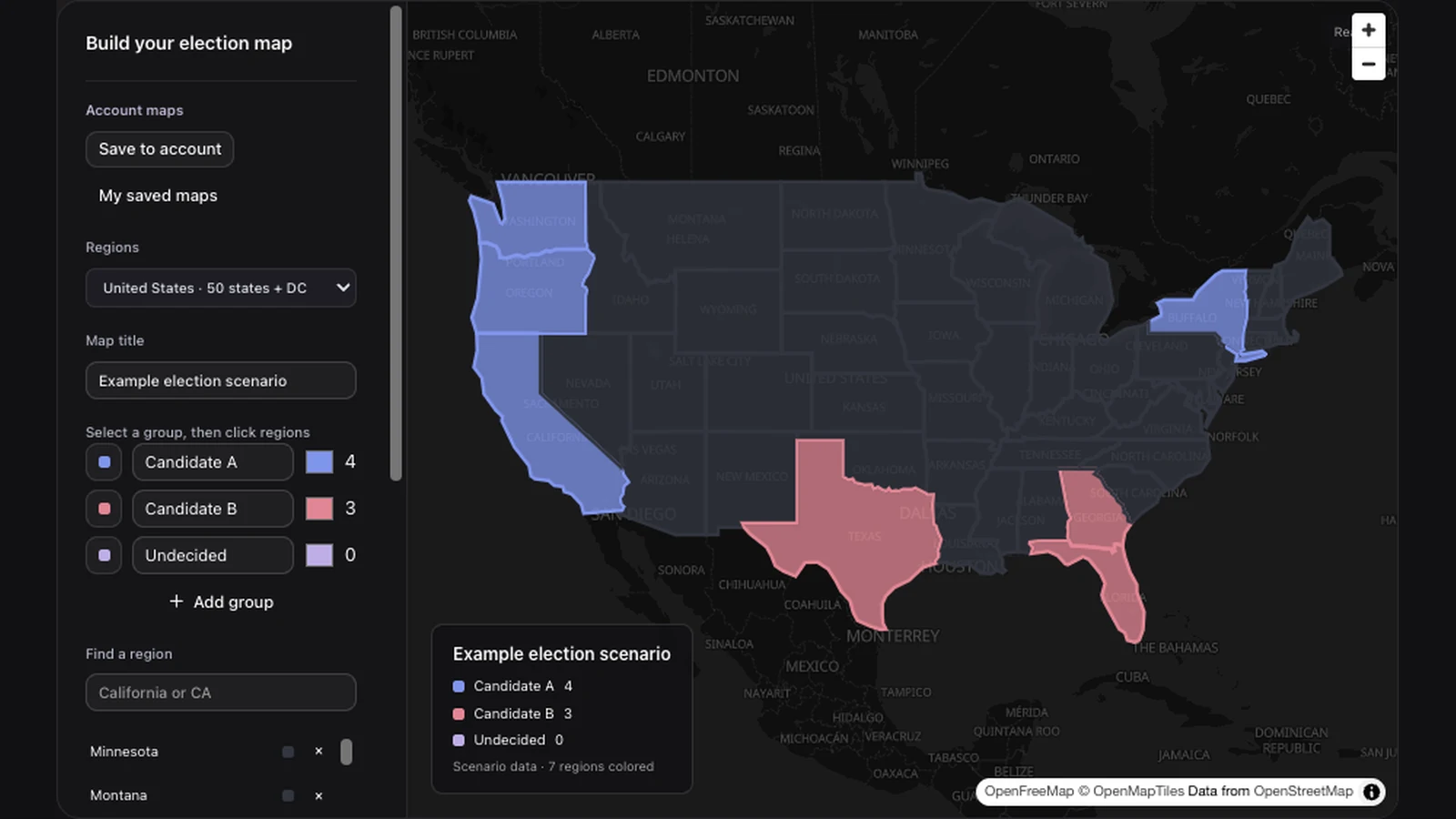
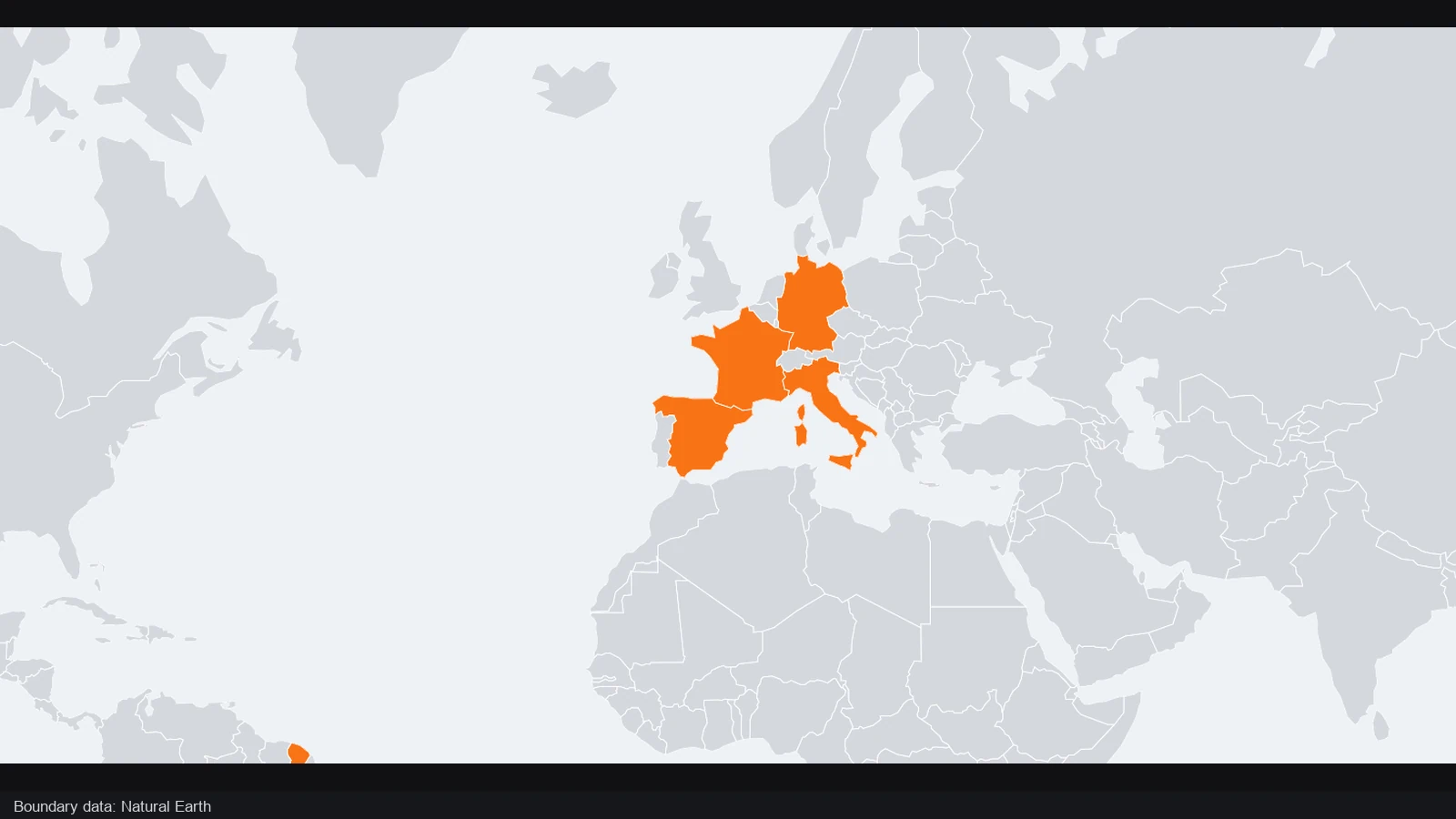
Work with all 50 US states and Washington, DC, or switch to a world country map. The election map maker uses these defined region sets, letting you focus on assignments rather than drawing each boundary before the comparison begins.
Create your election map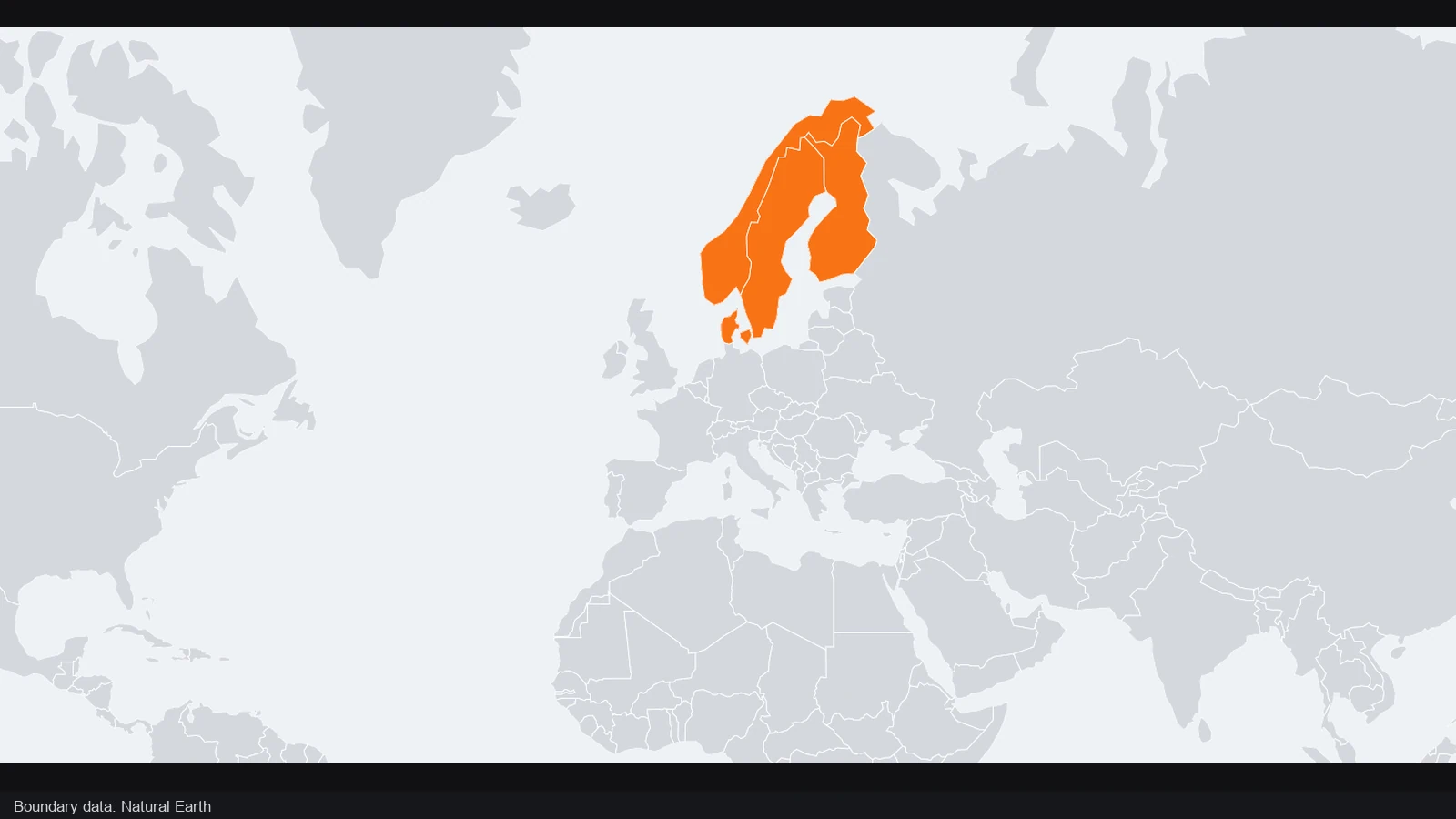
Name your parties or categories and choose their colors before filling the map. In the election map maker, the same group definition drives every assigned region and the legend, helping you keep the presentation consistent as the scenario develops.
Create your election map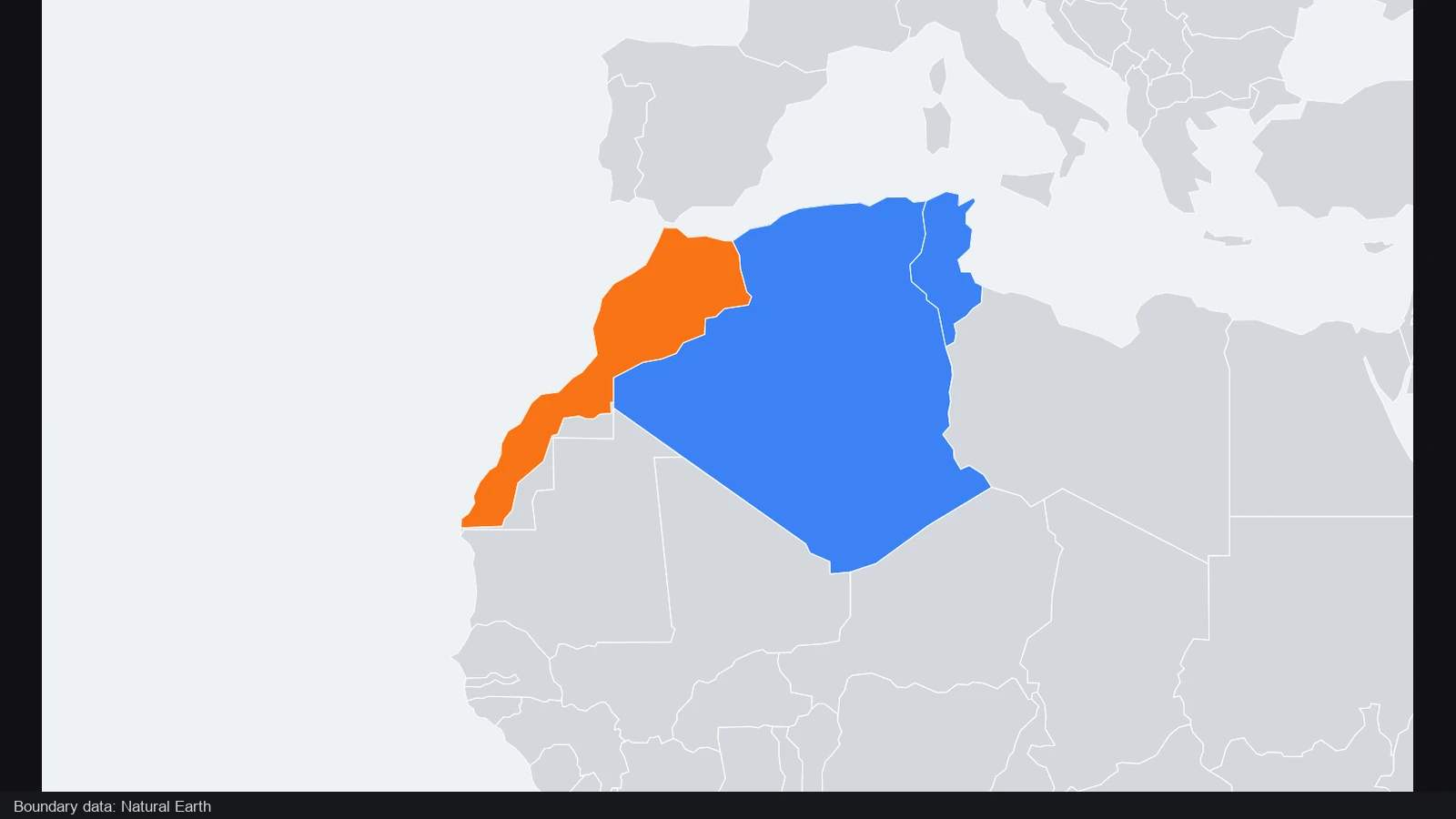
Bring a compatible CSV into the election map maker instead of clicking every region individually. Match the region and group identifiers to the selected dataset, inspect the result and correct the source file when an assignment cannot be recognized.
Create your election map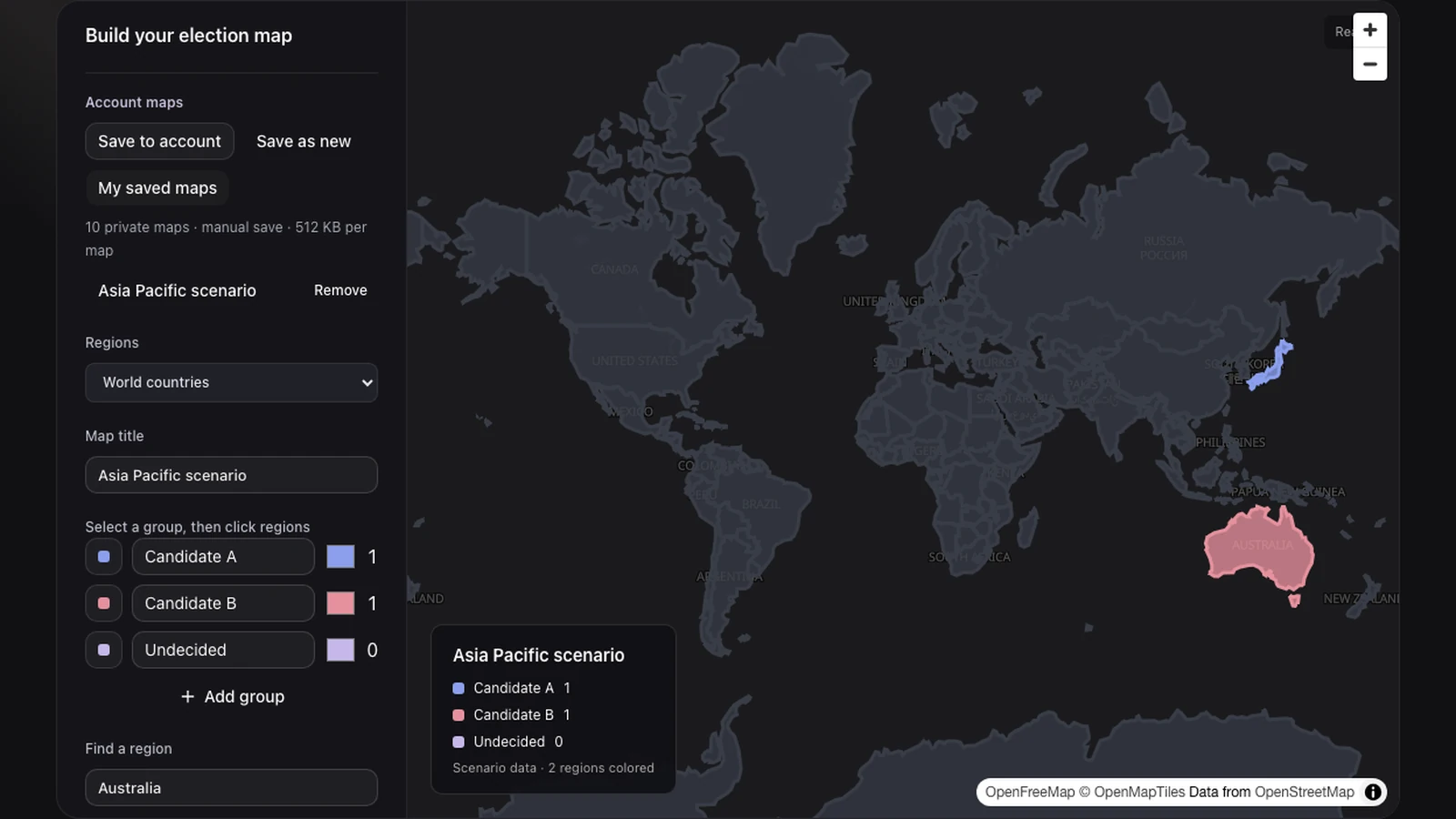
Download a PNG for the current explanation and a JSON file for the editable scenario. The election map maker also supports private account saves, so you can reopen the assignments and revise the result without recreating the group definitions.
Create your election mapOpen the election map maker, choose US states or world countries, and name the groups. Set colors that remain distinguishable at your intended presentation size.
Click regions or import compatible CSV assignments. Review the election map maker list and legend to confirm that each region belongs to the group you intended.
Give the result a descriptive title and download a PNG. Keep the election map maker JSON or an account save when you want to revisit the scenario later.
The election map maker colors regions according to groups you define. Illustrate a result, compare a scenario or explain a geographic split. You provide the assignments and interpretation; the tool turns them into a titled map with a group legend.
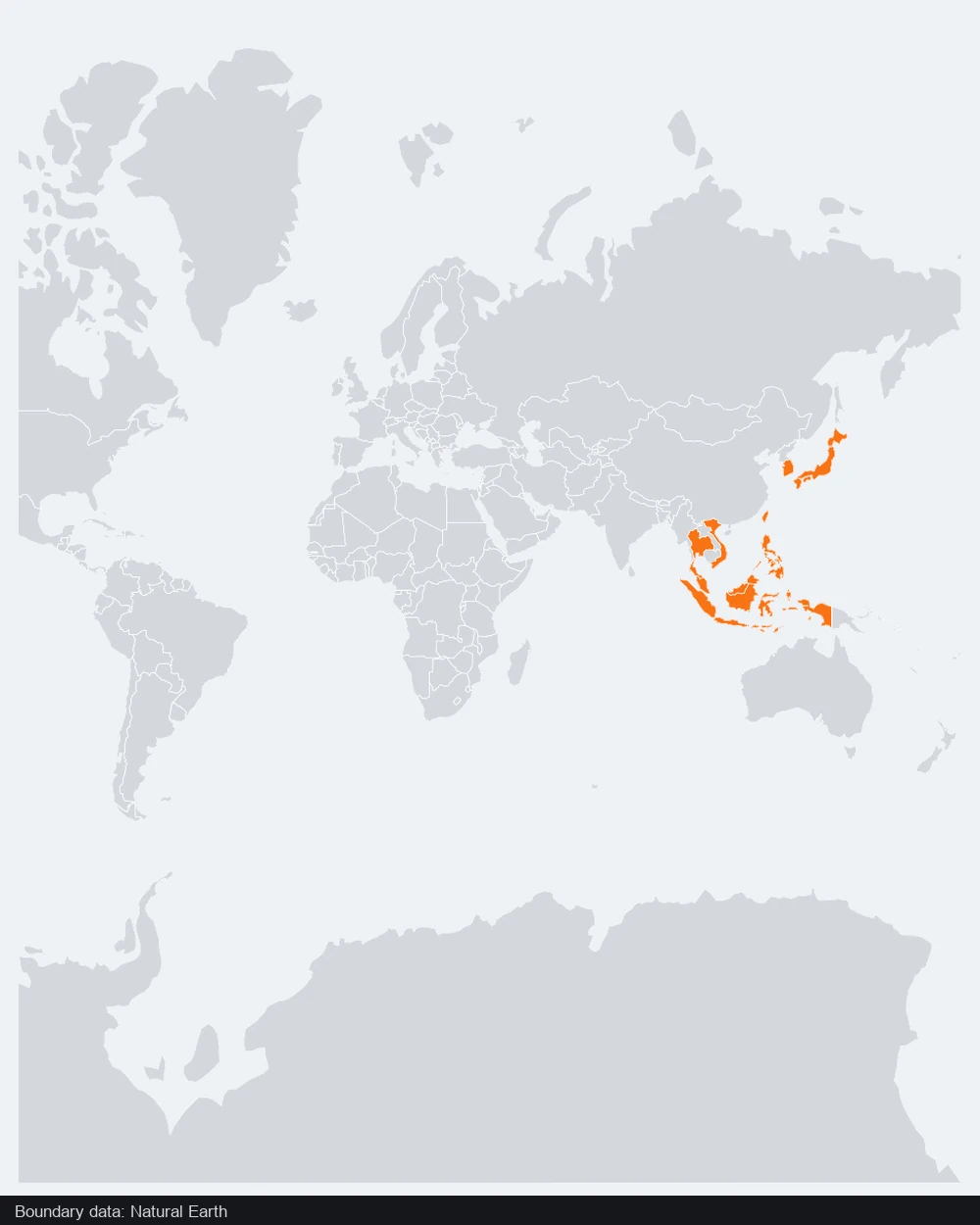
Choose 50 US states plus Washington, DC, or world countries. The election map maker initially frames the continental states; use the region list or move the view for Alaska and Hawaii. It does not include custom electoral district boundaries.
Yes. Define up to eight groups and choose a color for each. The election map maker uses those names in the legend, whether they represent parties, coalitions or other categories. Give labels clear meanings and make neighboring group colors distinguishable.
Yes. The election map maker accepts CSV assignments matching the selected dataset’s regions and your defined groups. Unrecognized assignments are reported. Inspect the result before export, especially when a file uses abbreviations or labels from a different data system.
The legend counts regions assigned to each group, not votes, population or electoral college weights. Use the election map maker to show the geographic distribution, and put additional election calculations in a clearly labeled source or accompanying explanation.
The election map maker uses data you supply. It does not retrieve live counts, verify official results or predict winners. Use checked sources and identify the election and date when presenting real results; label hypothetical assignments as a scenario.
Download the JSON scenario to keep group definitions and assignments together. The election map maker can reopen it, while private account saves retain maps after sign in. Keep a PNG for display and the editable version for future changes.
Manual coloring, compatible import and PNG or JSON export in the election map maker do not consume AI credits. Create the scenario directly on this page. Private account saving requires sign in; AI drafting is a separate optional workflow.

Open the election map maker, define the groups and turn your regional assignments into a map readers can follow.
Create your election map