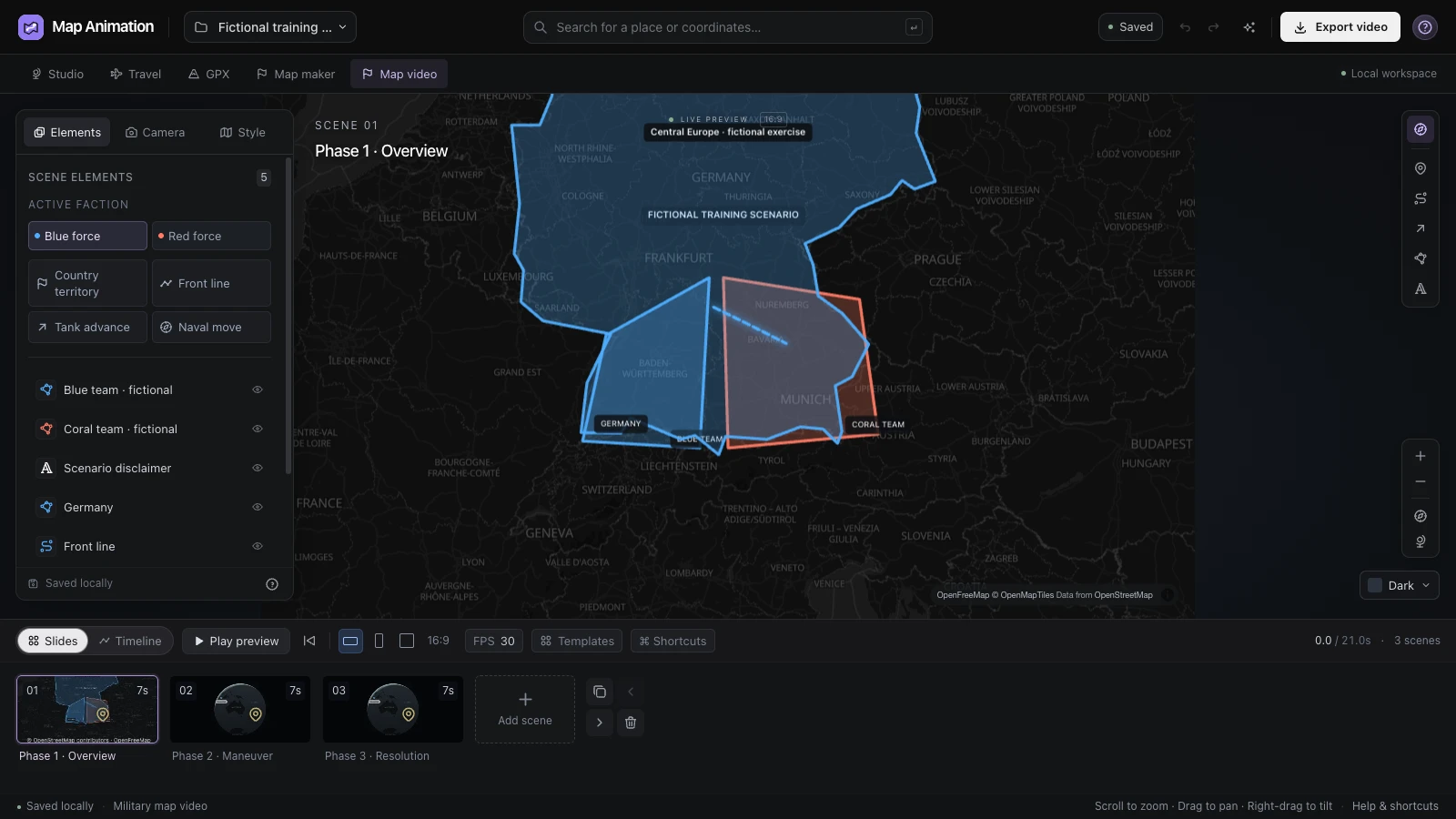
Explain One Phase at a Time
Use the war animation maker to separate the starting situation from later changes. Introduce the sides clearly before asking viewers to follow movement across the map.
Build a geographic sequence with the war animation maker. Arrange regions, fronts, unit routes and camera scenes around your explanation, then export a project and a clip for your narration.
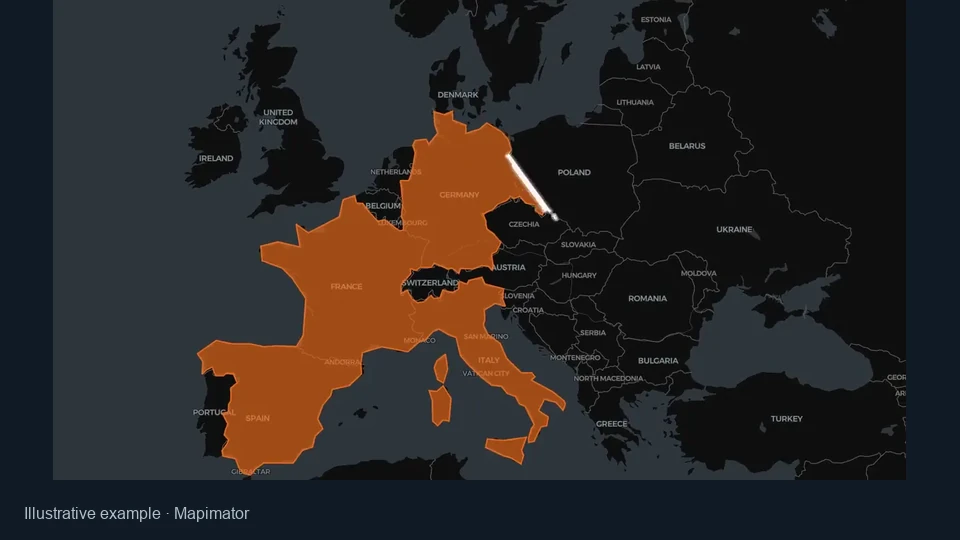
Watch a red arrow connect a labeled starting place with the next part of the map. Use the war animation maker to organize similar geographic changes into scenes that support your own explanation.
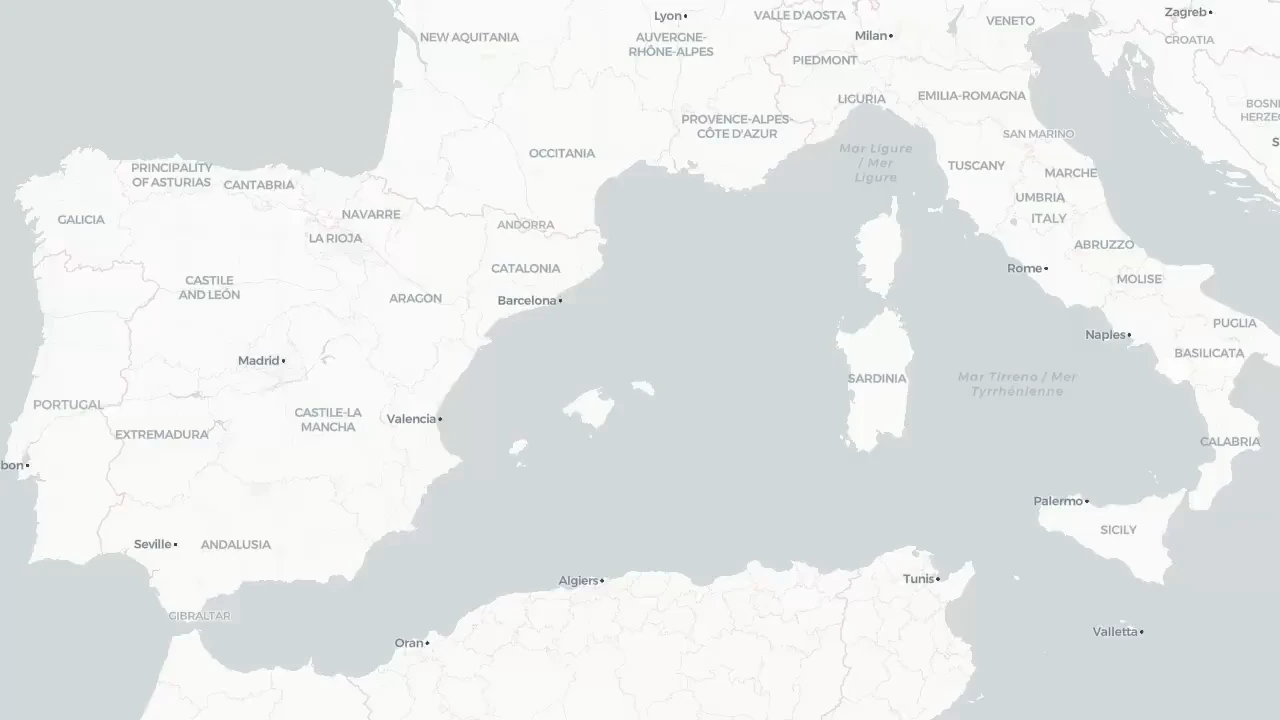
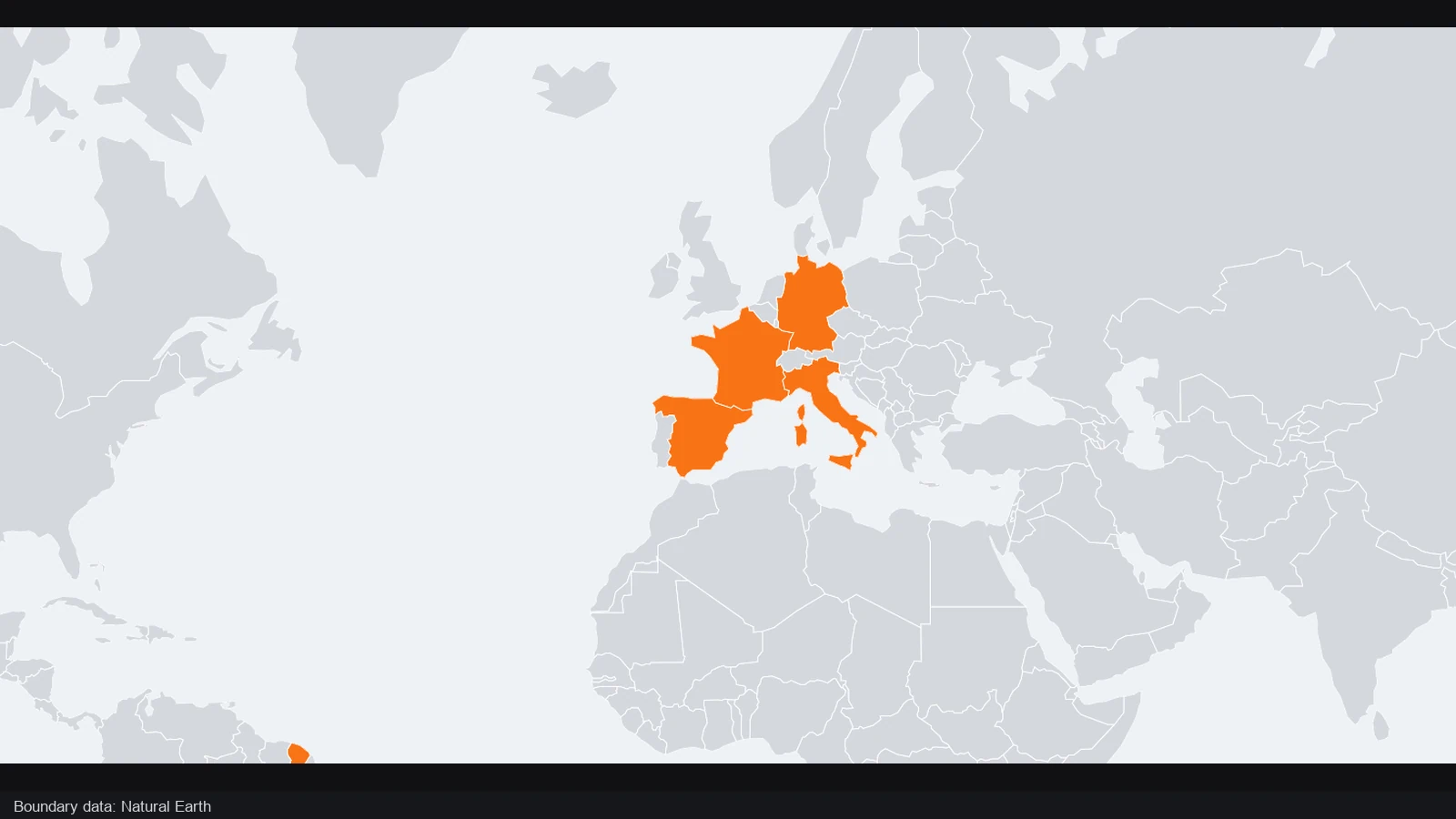
The opening view establishes the western Mediterranean and southern Europe. Geographic labels provide orientation before the arrow appears, helping viewers place the coming movement within the wider setting.
A red arrow moves from Cartagena toward the Alps. Place labels connect the direction with recognizable geography; use the war animation maker to introduce your own locations clearly before asking viewers to follow a change.
One arrow sequence · Cartagena to the Alps
The opening still and playback follow the same arrow sequence. Watch its direction relative to the labeled places, then choose a useful pace and geographic context for your own scenario.
Build the visual around your script, with each scene answering one part of the geographic story. Keep the sequence editable as narration, checked sources or interpretation change.
Use the war animation maker to separate the starting situation from later changes. Introduce the sides clearly before asking viewers to follow movement across the map.
Use arrows, unit routes and front lines to explain direction or position. A readable war map effect connects the motion with the change your audience needs to understand.
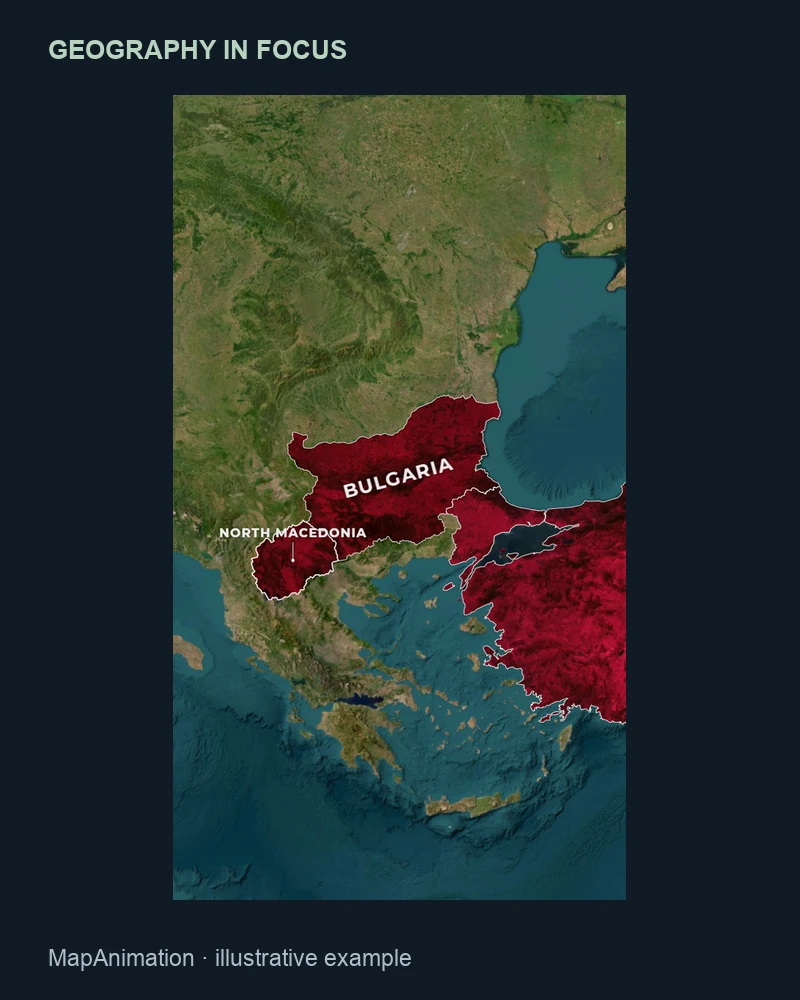
Hold a view while introducing an unfamiliar place, then shorten a familiar transition. Preview the war animation maker sequence after timing changes to keep the explanation understandable.
Save the war animation maker project alongside the clip. Revisit camera positions, annotations and scene timing when the narration changes or your checked source material needs an update.
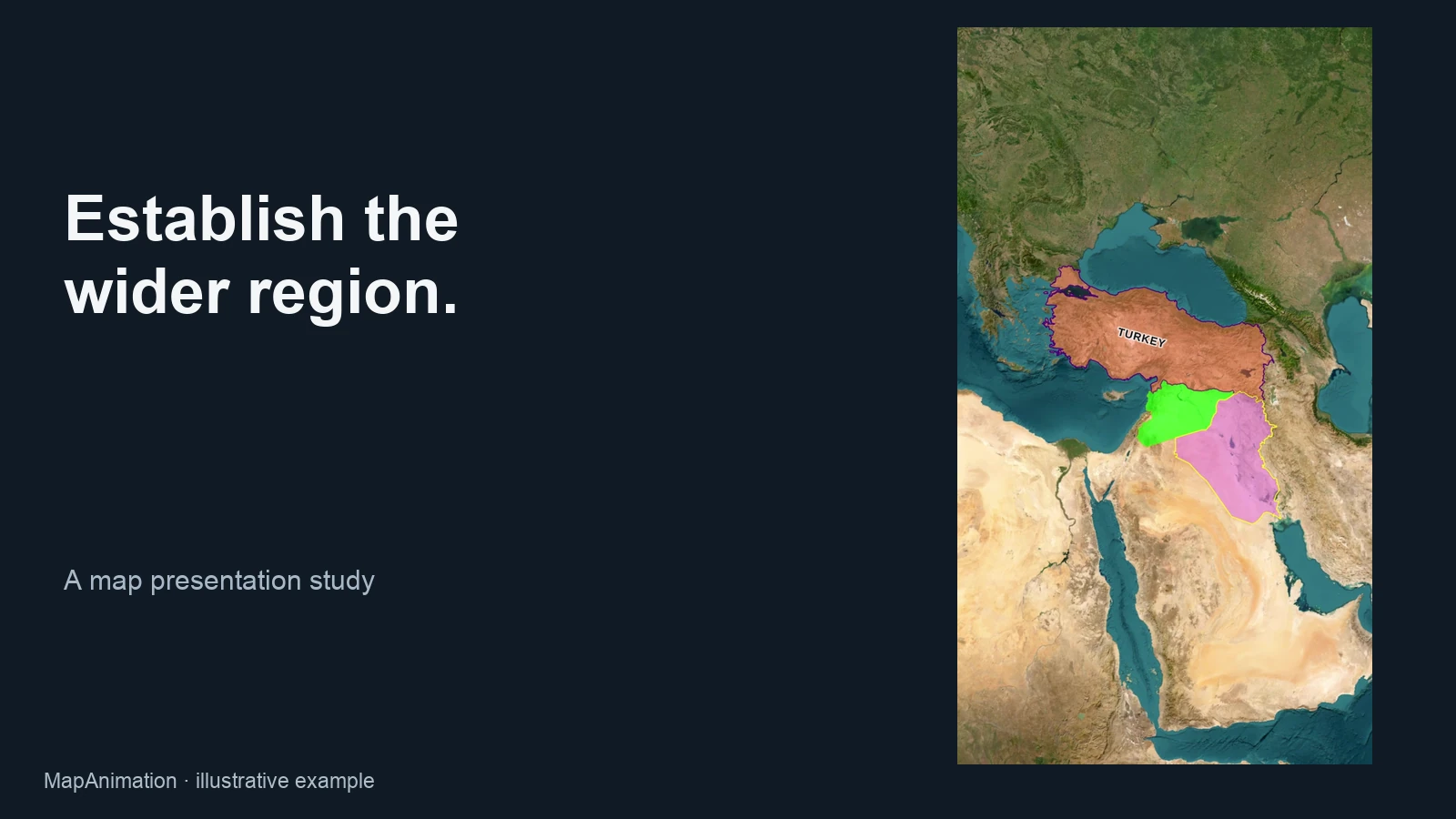
Begin in the war animation maker with a regional overview, then introduce the relevant places and sides. A labeled starting view gives your audience a geographic reference before front lines, arrows or unit movement explain the next phase.
Open the editor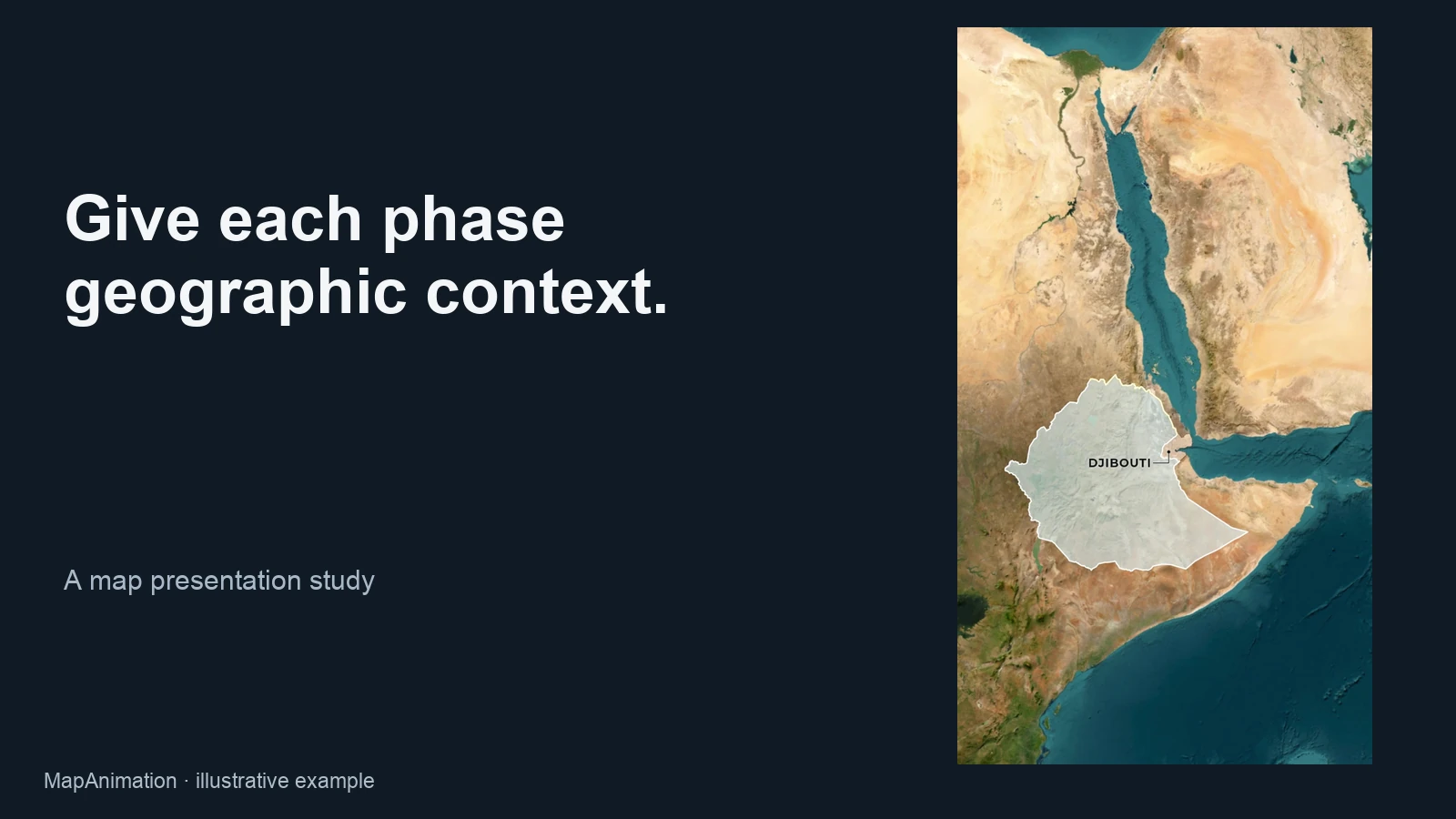
Choose the geographic area that matters to each phase before adding movement. Use the war animation maker to keep the camera focused, then add fronts or unit routes where they explain direction, rather than crowding the whole region with competing changes.
Open the editor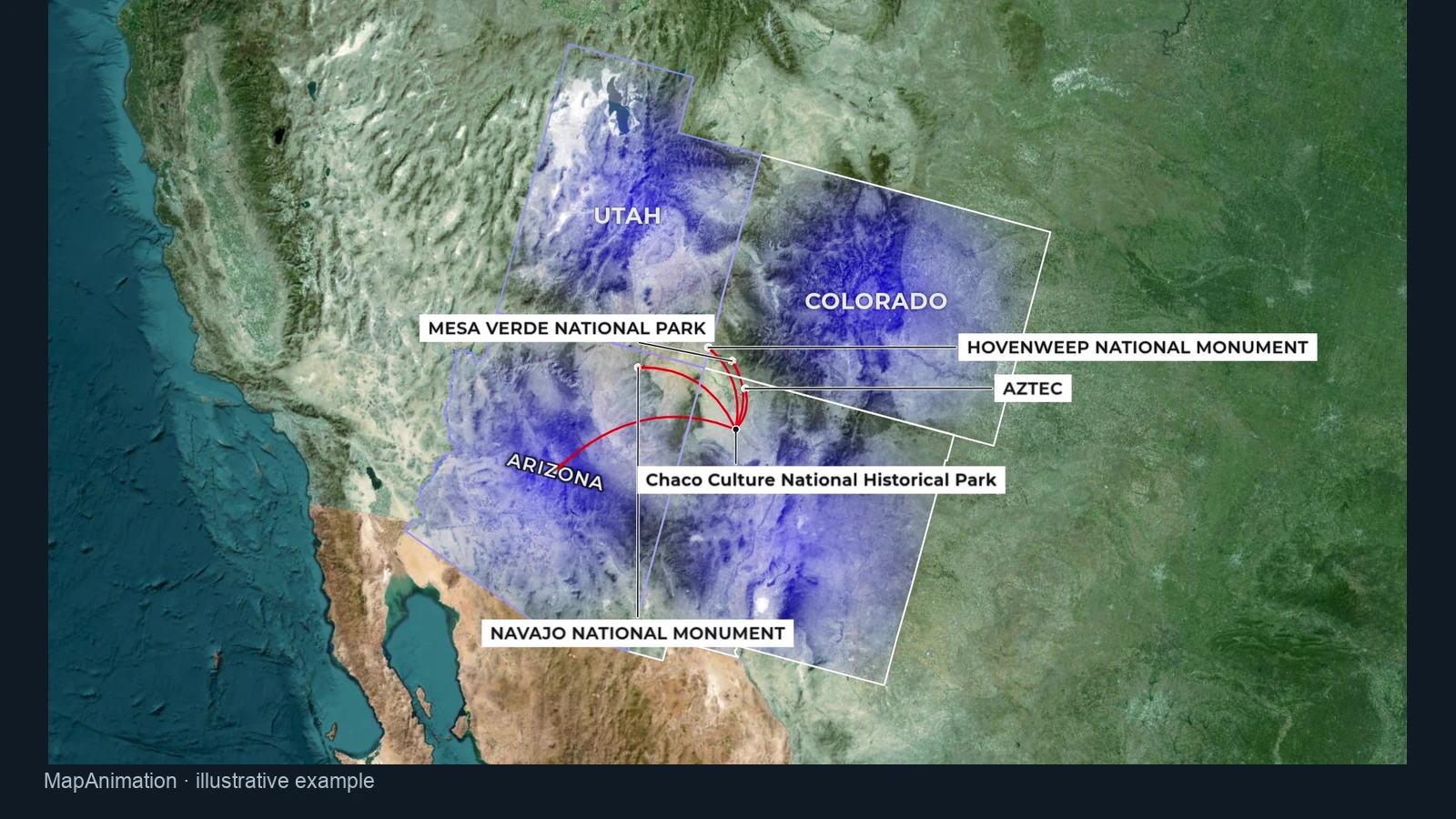
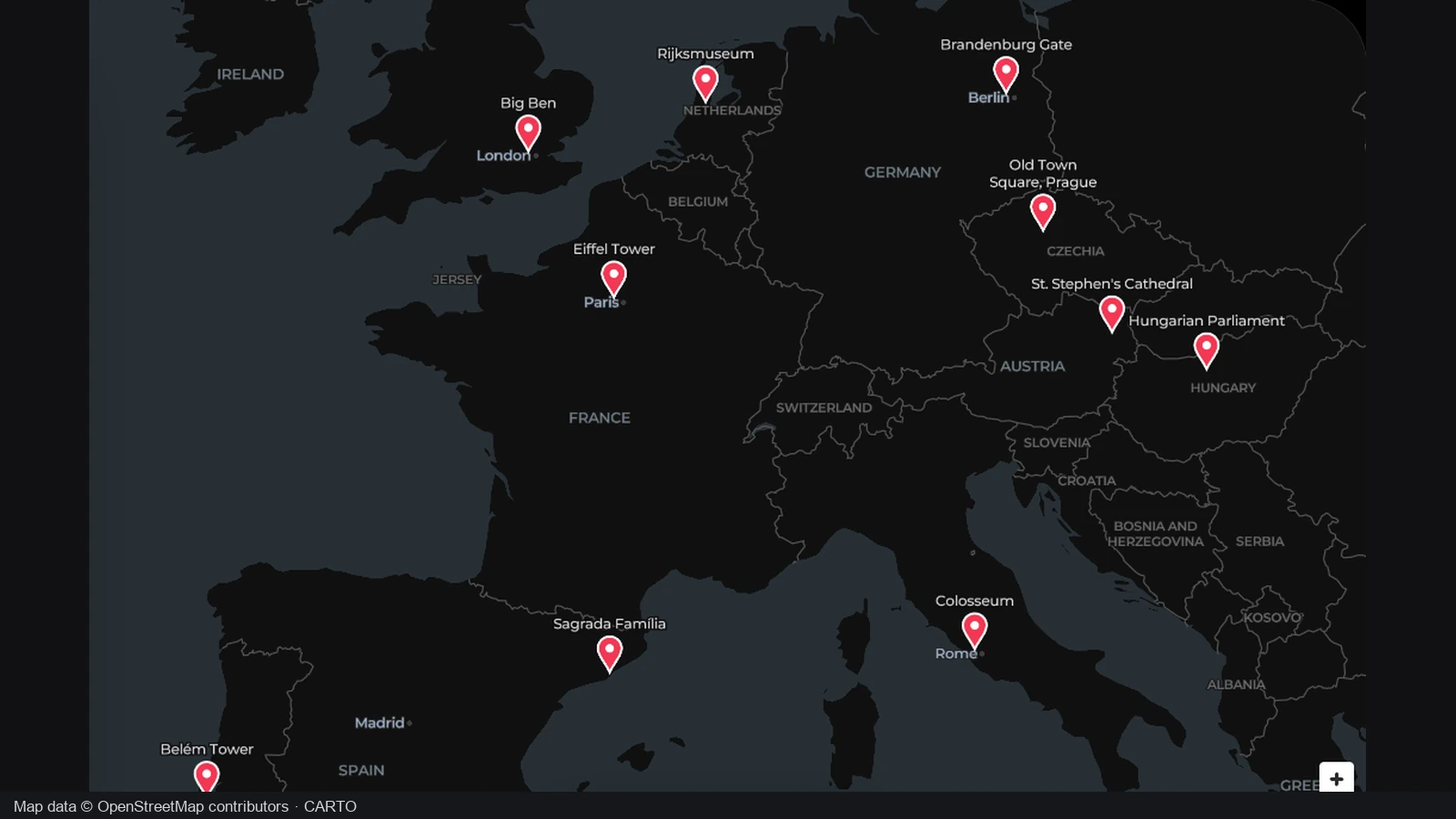
Add labels for locations that the audience needs to recognize in your script. The war animation maker keeps these elements editable, so you can adjust names and camera framing while giving each important place enough time to become readable.
Open the editor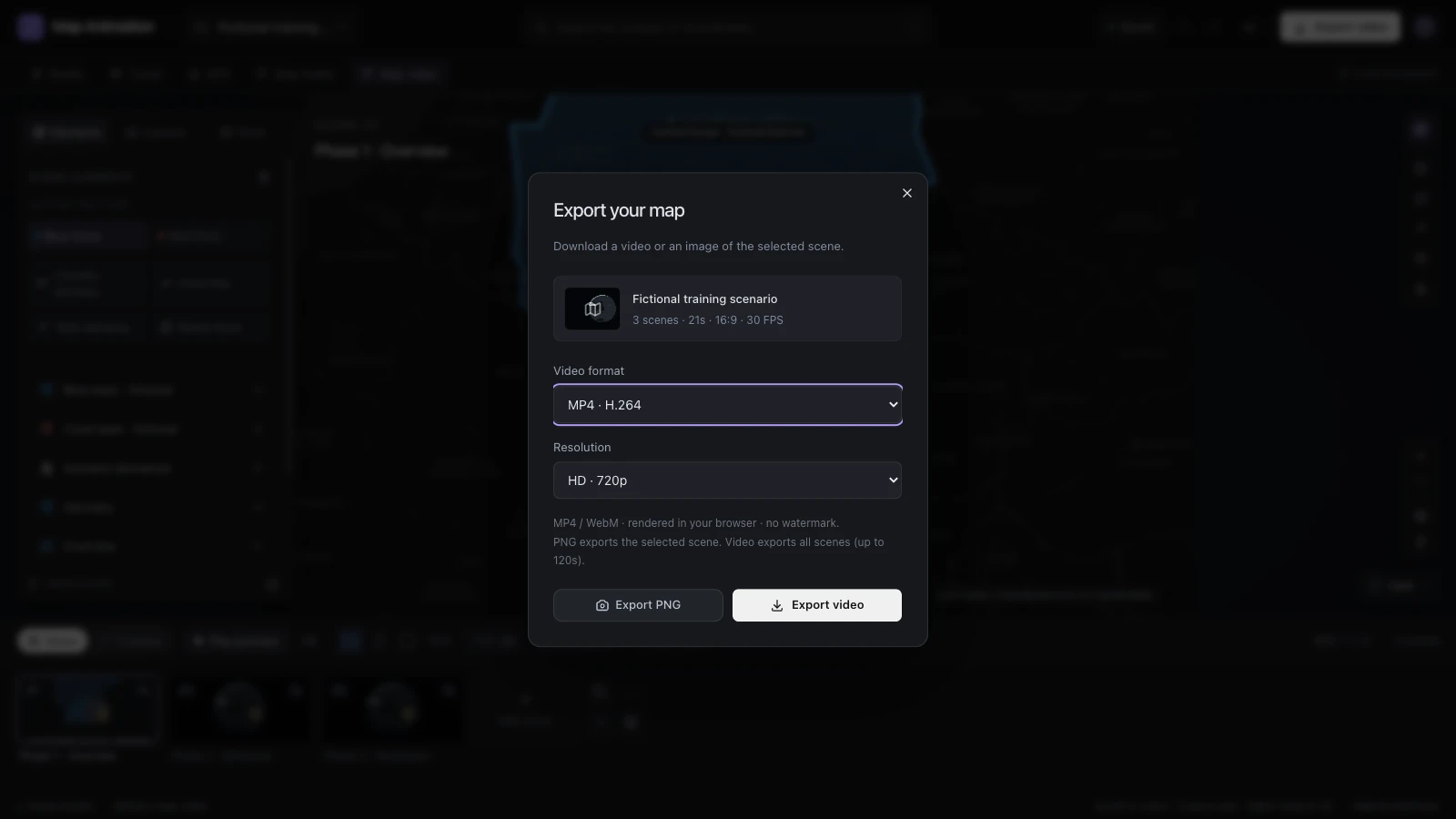
Choose the shape, resolution and frame rate for your clip in the war animation maker. Download the sequence, combine it with narration or music in your preferred editor, and keep the project so later timing changes remain practical.
Open the editorOpen the war animation maker and divide the explanation into phases. Add the regions, labels and starting positions needed to establish the situation in the first scene.
Use the war animation maker to arrange fronts, unit routes and camera views. Preview transitions and scene timing so viewers can follow the changes in the intended order.
Choose the video shape, resolution and frame rate, then export the video. Add narration in your main editor and retain the JSON project for revisions.
The war animation maker gives you editable scenes for geography, movement and timing. Begin with a short outline, add the markings needed for each phase and preview the sequence. You can revise a front line or camera view without rebuilding the whole graphic from an exported image.
The assistant can propose editable scenes from a written description. Review places, sequence and timing before applying a draft, then refine the military markings yourself. A complete war animation maker draft costs one credit after sign-in. AI planning does not verify historical events or current conflict information.
Establish a starting situation, then introduce changes with regions, arrows, front lines or unit paths. Use the war animation maker to give each phase a clear view and duration. A war map effect works when its visual choices explain your material, rather than using motion without geographic context.
Yes. Add tank or ship routes, arrows and front lines to clarify direction and position. Separate changes into scenes in the war animation maker, then preview the sequence. Check annotations at the intended viewing size so labels and movement remain distinguishable within the surrounding geography.
Export at 720p or 1080p with 24, 30 or 60 frames per second. Choose landscape, portrait or square framing. Individual exports cover up to 120 seconds; war animation maker projects can organize up to 30 scenes and 600 seconds when preparing a longer sequence.
Export the map sequence, then combine it with narration or music in your preferred video editor. Set war animation maker scene durations with the script in mind. Keep the project so a hold or transition can be adjusted when a recorded voiceover needs a different amount of time.
Yes. Use checked sources and identify the date for history; label invented scenarios clearly. These geographic scenes present your material. The tool does not provide a verified live conflict feed or simulate battle outcomes, so you determine the meaning of the positions and changes you draw.
Yes. Export the JSON project with the finished clip and reopen it to revise scenes, annotations or camera settings. Video rendering happens in your browser, with explicit private account saves available. Retain a downloaded project as a portable editable copy when preparing another version.

Choose the geography, plan the phases and turn your explanation into a war map effect with editable scenes and a useful video export.
Create your map video