Follow the mapped railway
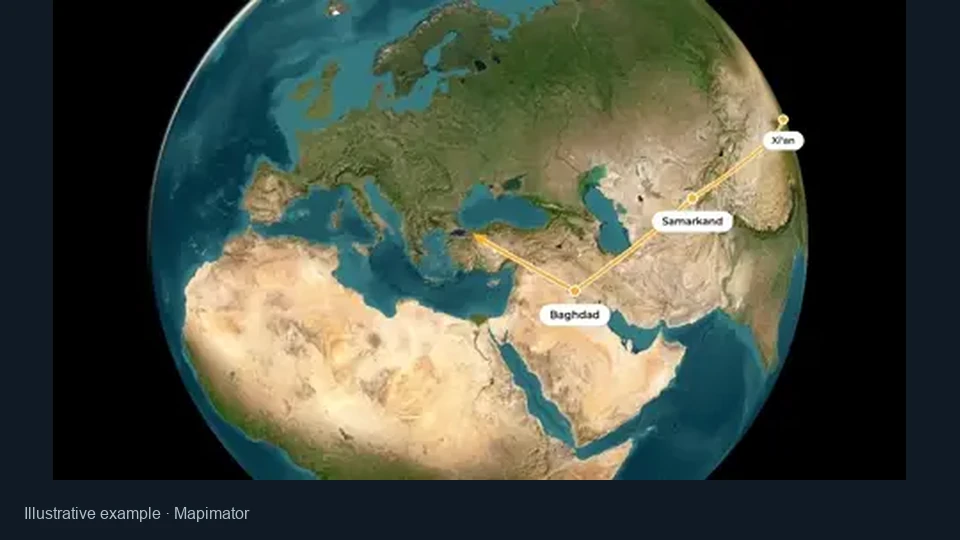
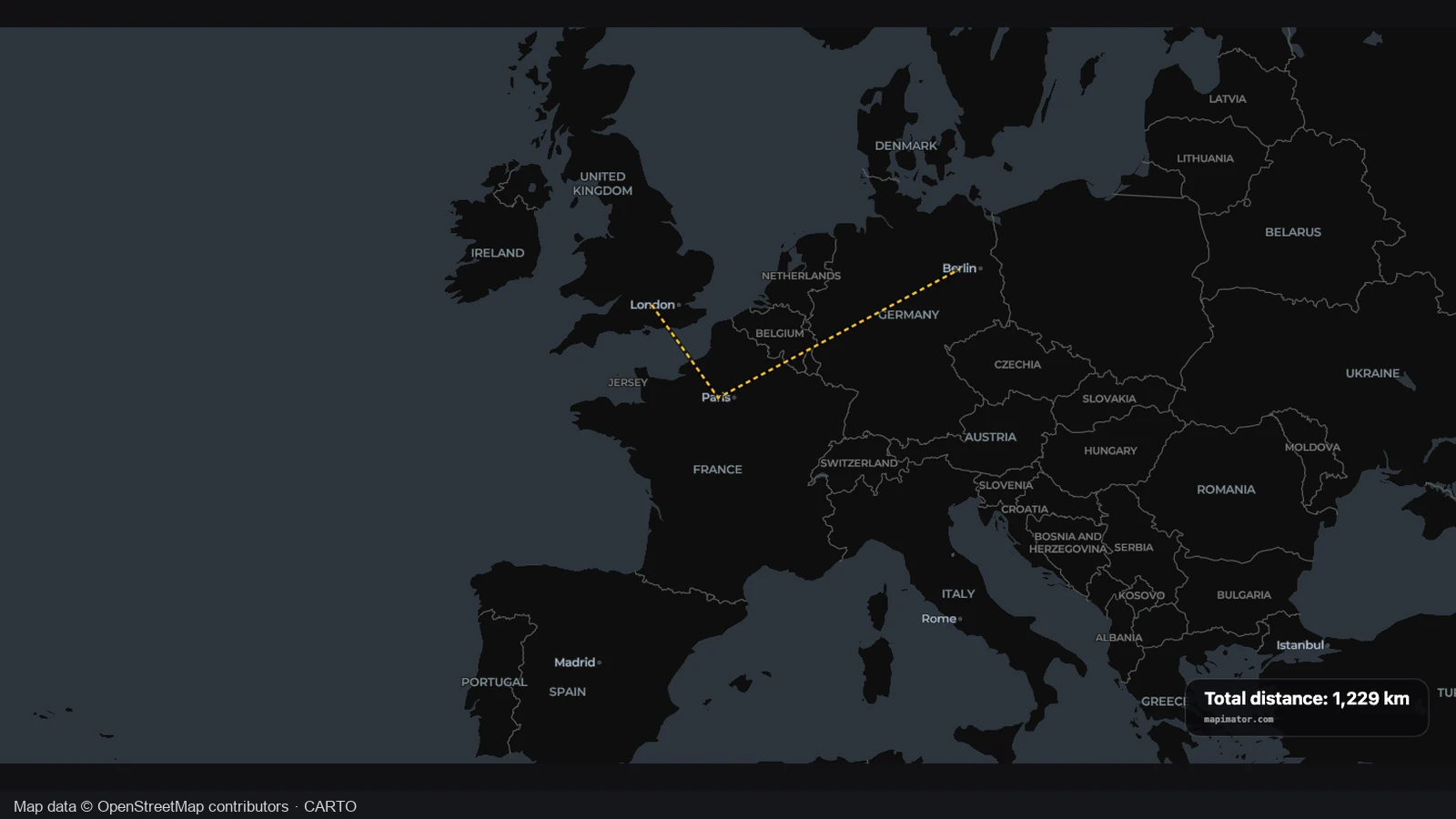
The train map maker uses loaded rail geometry rather than drawing a straight line between cities. The resulting path keeps the bends and connections that give the corridor its shape.
Show where the journey goes, with a route grounded in mapped rails. Use the train map maker to connect your stops, export a geographic map or continue into an editable animation.
Compare the same Glacier Express rail route on clean and dark map treatments. The path stays in place while the surrounding geography changes its contrast and visual prominence.
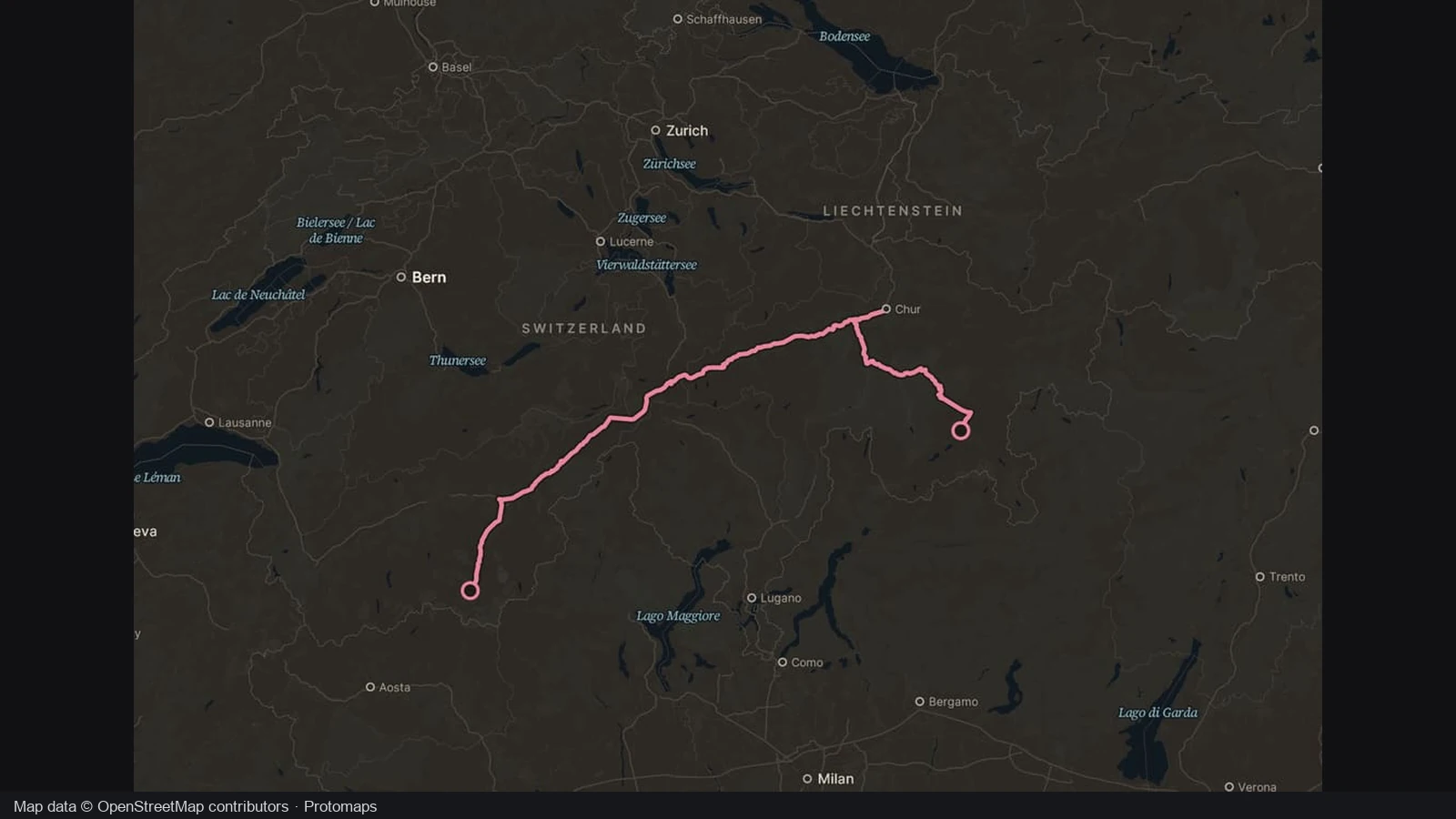
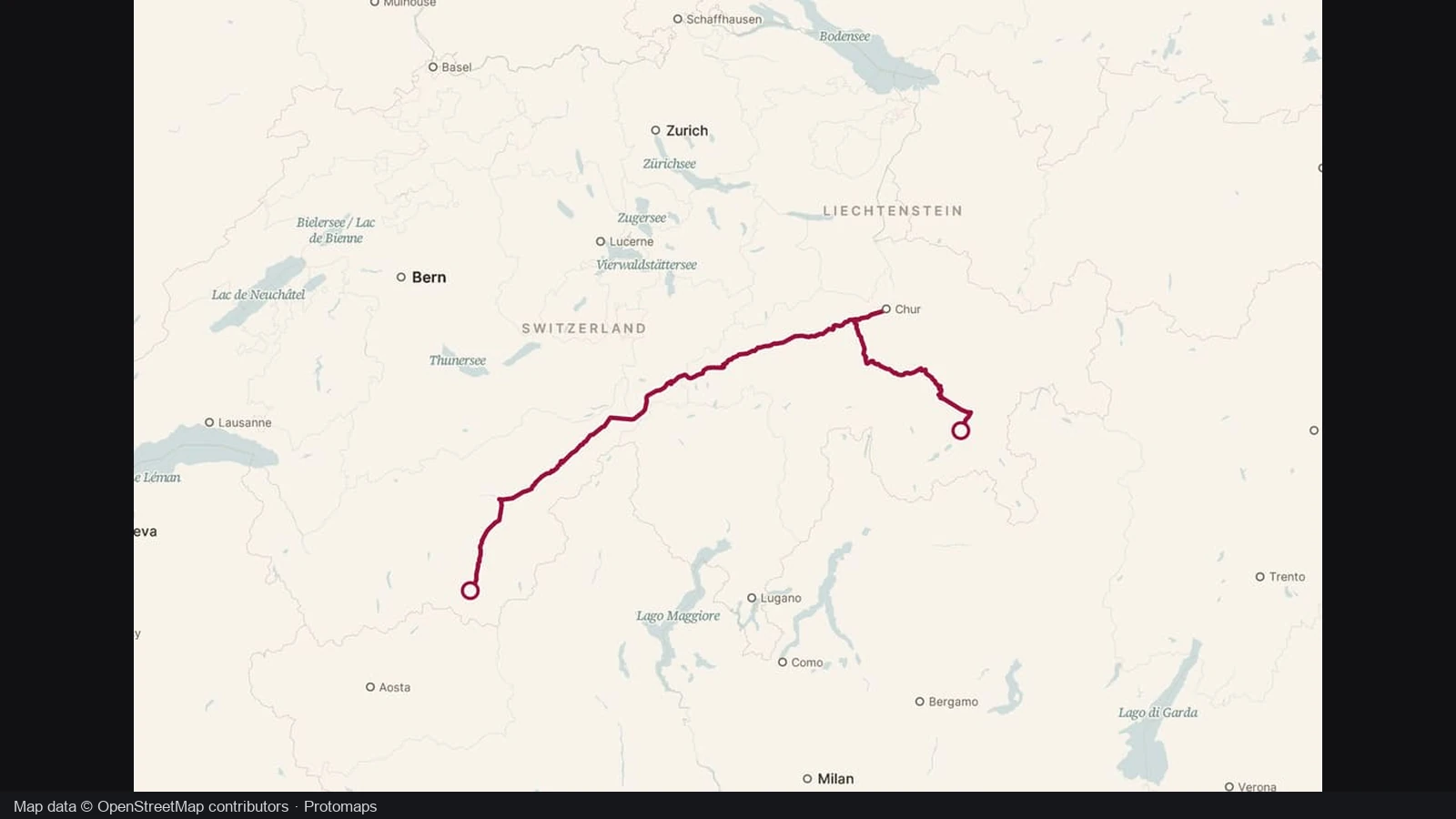
The clean view places the Glacier Express route within its surrounding landscape and settlements. A geographic rail path can show how the journey bends through the region, giving viewers more context than a list of stops alone.
The dark view keeps the same rail path while increasing its separation from the background. In the train map maker, review the route geometry first, then choose a presentation that makes the journey easy for your audience to follow.
Glacier Express · same railway
The route and framing stay the same across these views. Compare how much attention goes to the path and surrounding places before choosing the visual treatment for your own journey.
Bring the order of your stops and the shape of the rails into the same picture. Make a map for a trip recap, travel plan or explanation of a rail corridor.
The train map maker uses loaded rail geometry rather than drawing a straight line between cities. The resulting path keeps the bends and connections that give the corridor its shape.
Arrange two to eight stops in journey order. Add the intermediate places that help your audience understand a change of direction, a connection or another part of the trip.
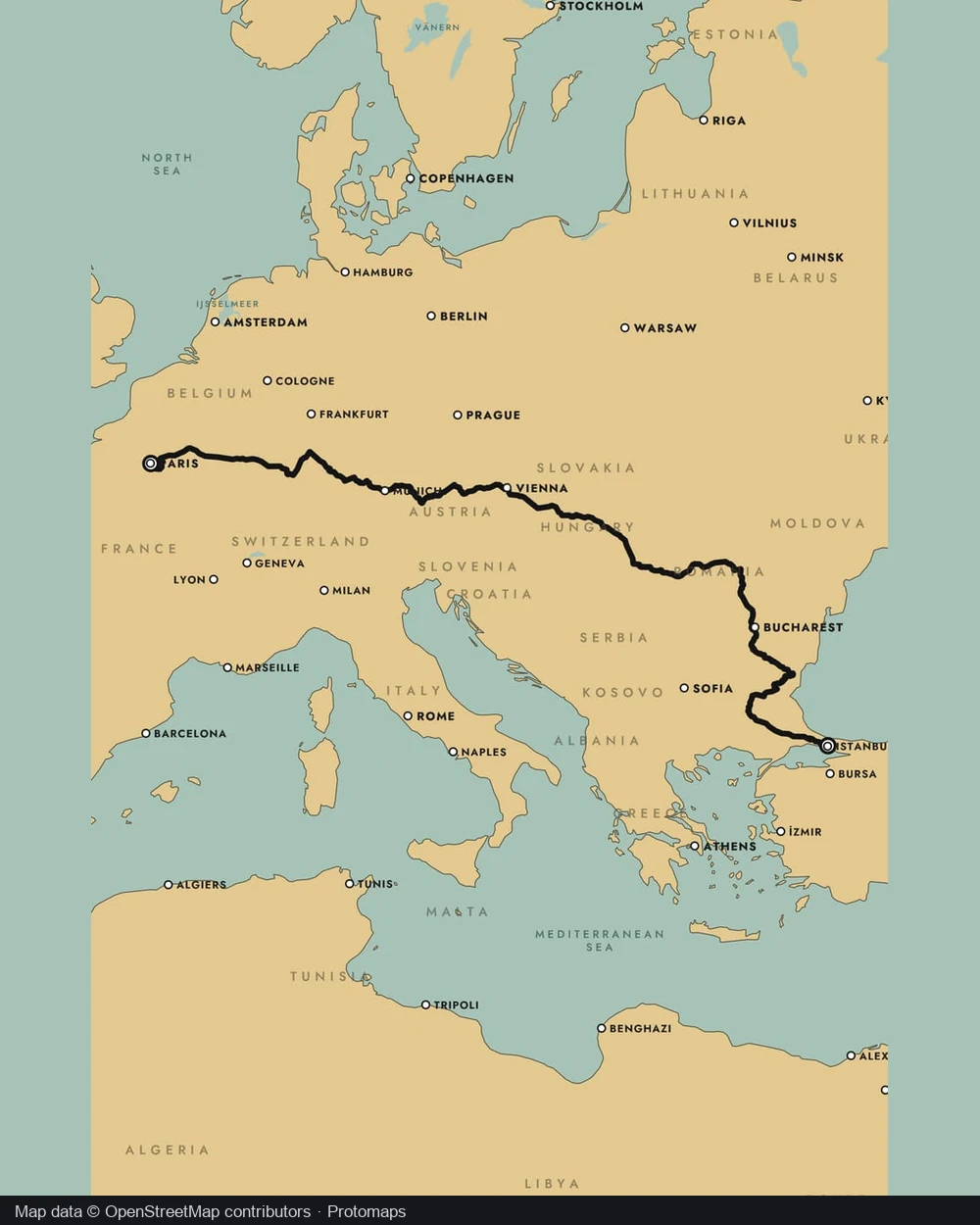
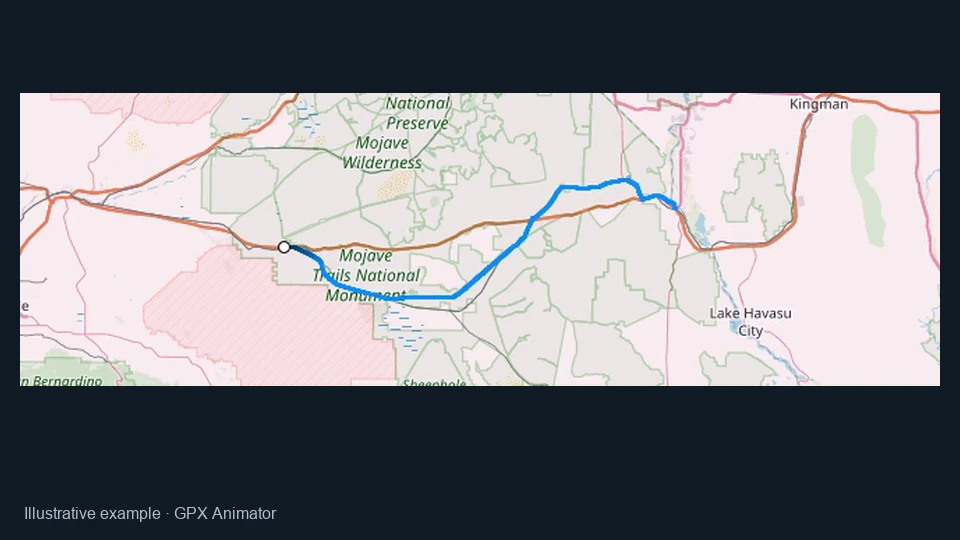
Import a compatible GPX or KML when you already have the journey geometry. Keep the route you recorded or prepared instead of recreating its shape from individual clicks.
Download a still from the train map maker, or continue into Studio. The same geographic route can support a compact trip image or a sequence with train movement.
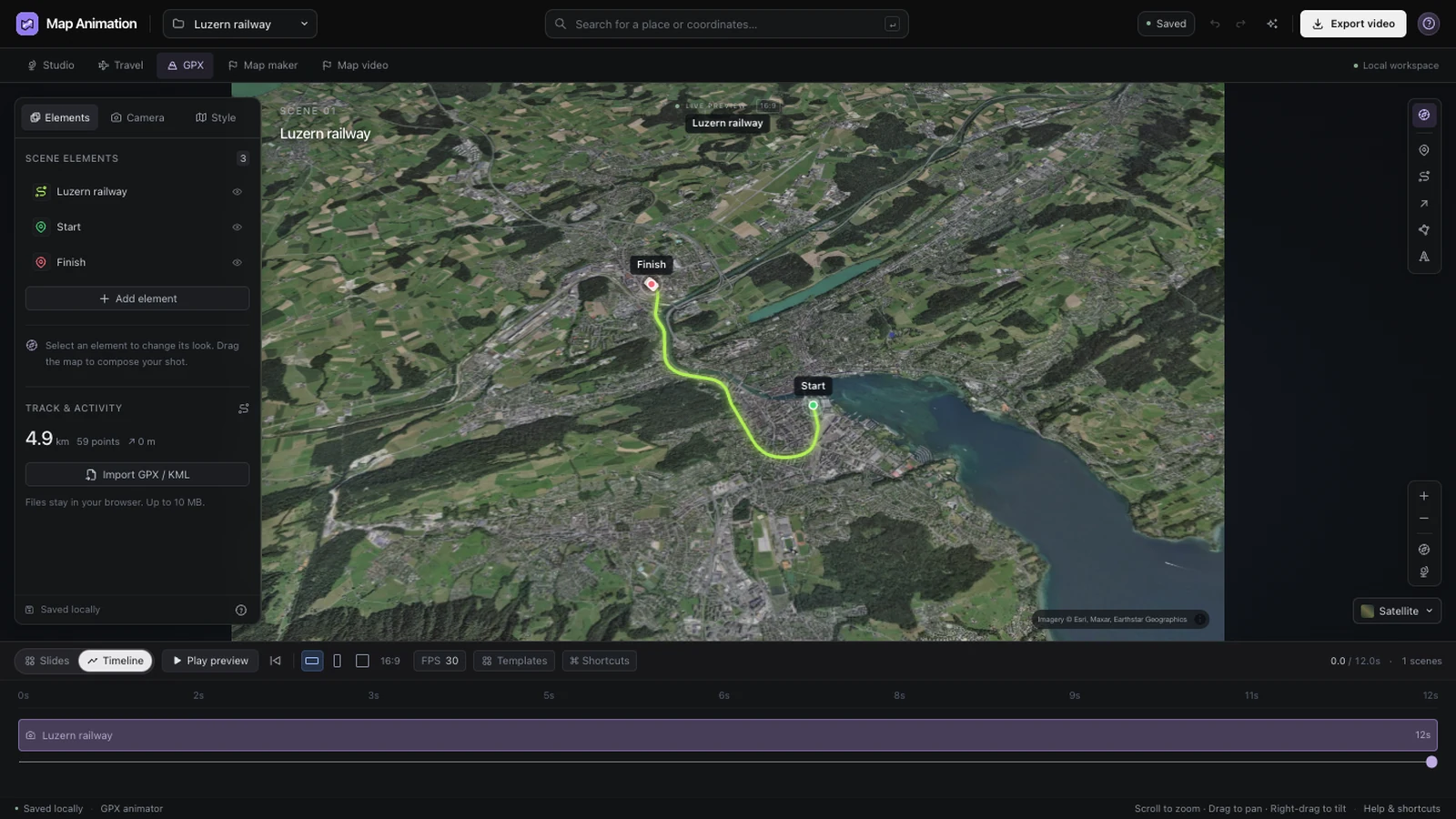
Bring a connected journey or compatible track into Studio and inspect its shape with the editing controls beside it. The train map maker keeps the geographic route available while you review the scene, camera and preview before export.
Build your train map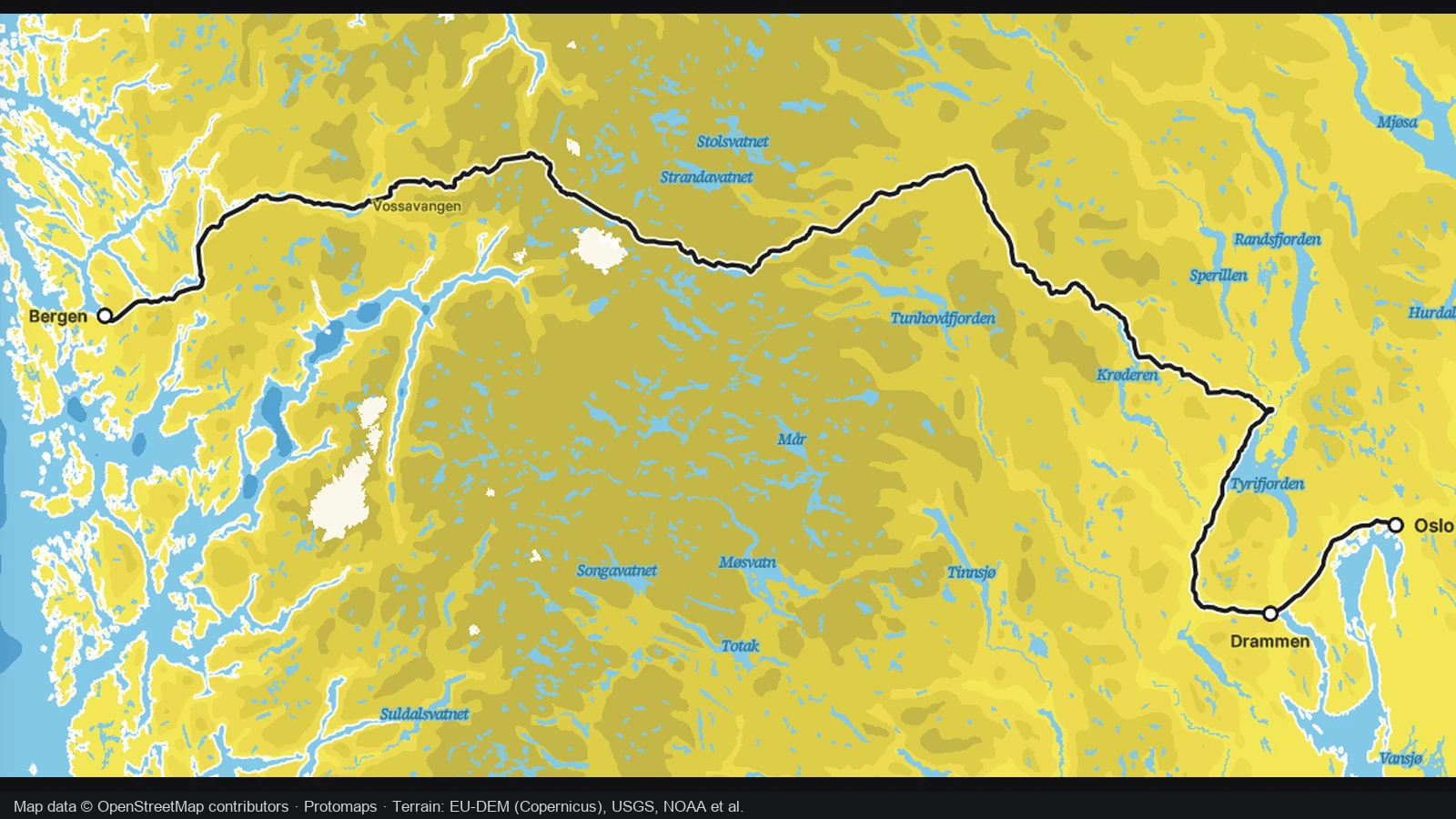
Add the stops that help a reader follow the rail corridor. The train map maker retains their order and separate legs when you continue into Studio, so intermediate places remain part of the journey rather than disappearing between its endpoints.
Build your train map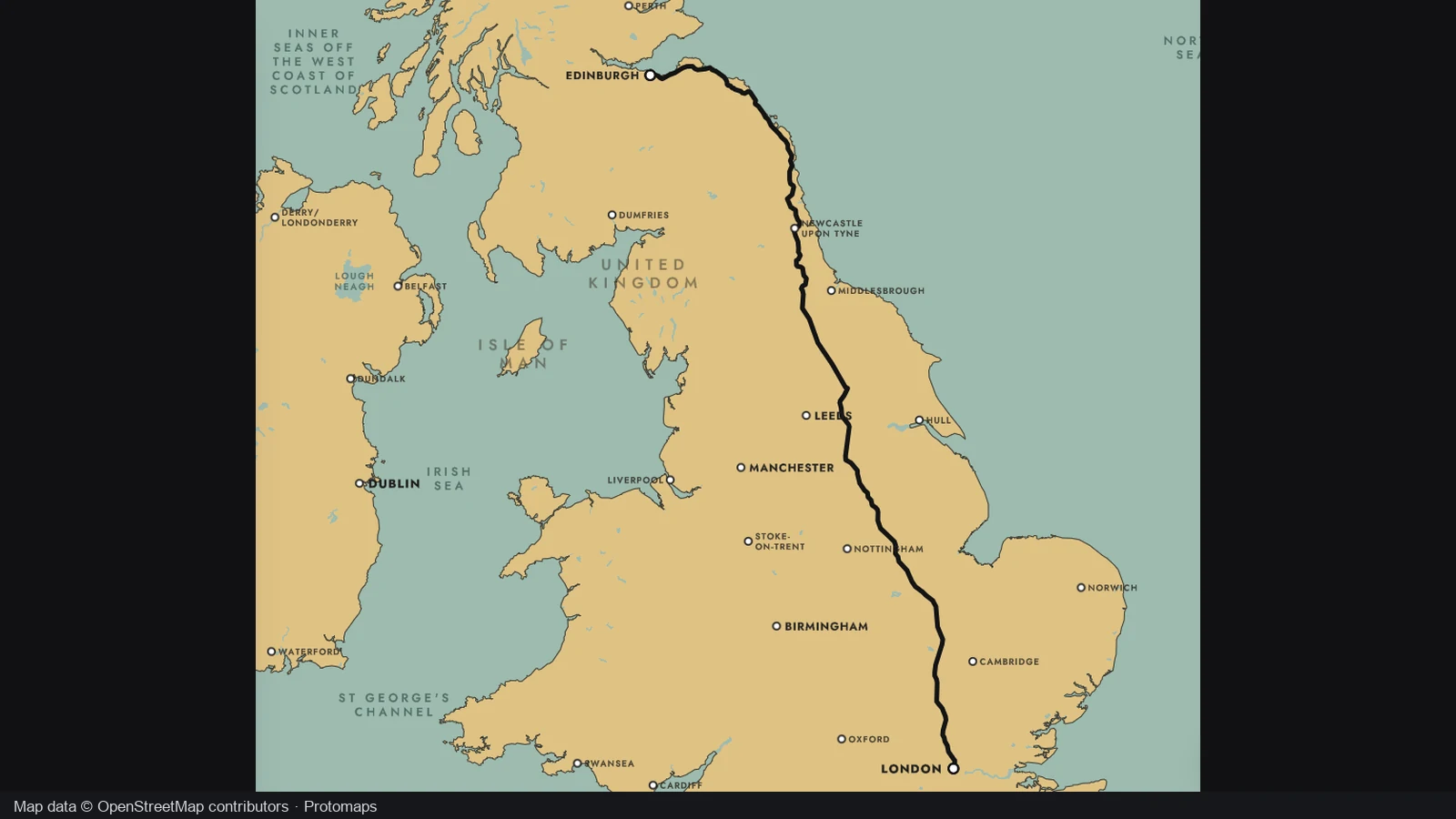
Use a GPX or KML track for a longer corridor or a journey you already have. The train map maker passes that geometry into the track workflow, where you can inspect the route and prepare its presentation independently of the visible railway tiles.
Build your train map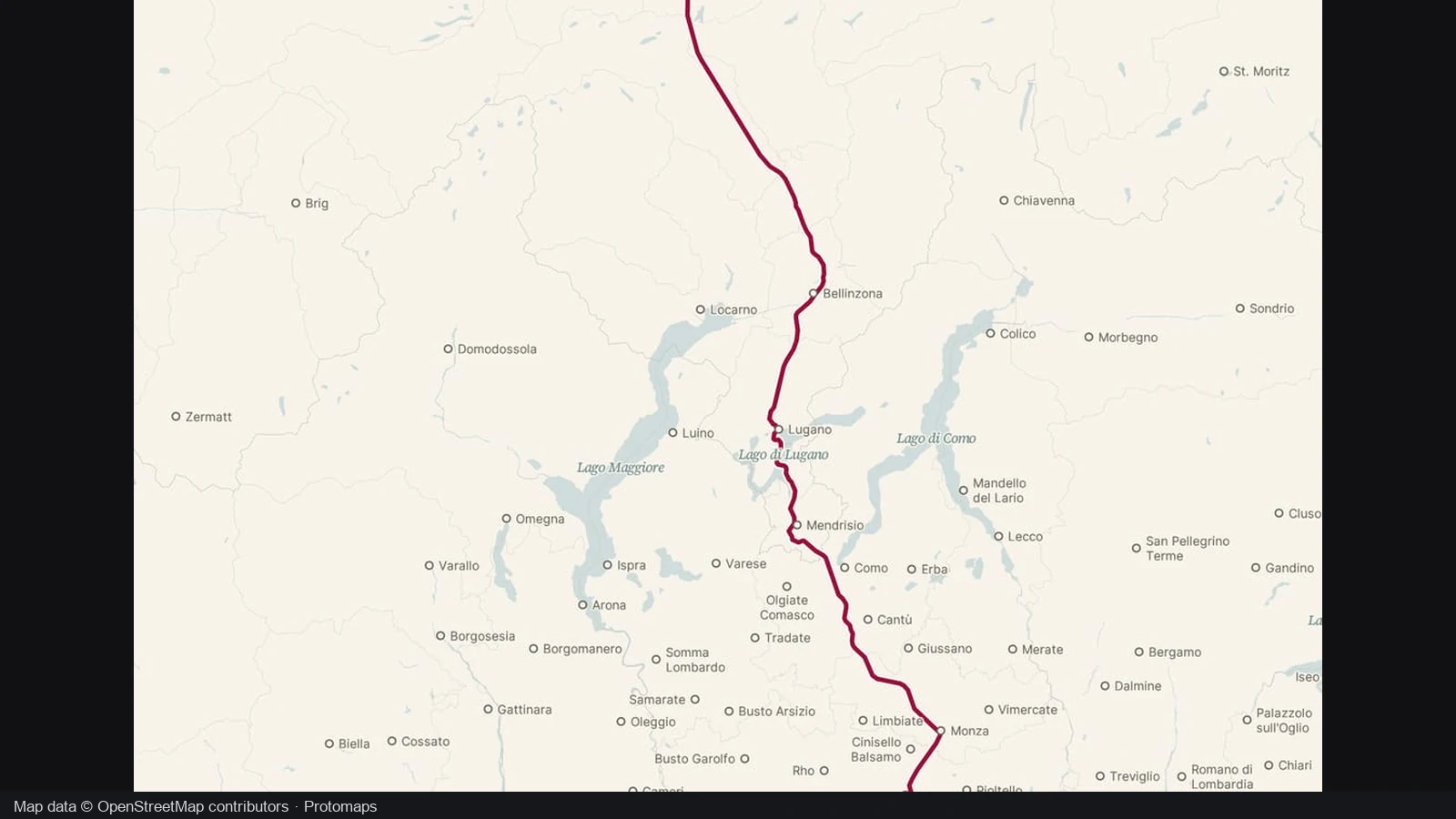
Send the connected route to Studio when a still map cannot show the progression you want. The train map maker handoff retains ordered stops and route legs; adjust scene timing, camera views and labels before exporting the finished journey video.
Build your train mapOpen the train map maker, search for the area and zoom to city level. Let the visible railway detail load before placing stops close to the tracks.
Choose two to eight stops in order and inspect the connected path. Use the train map maker to name the stops and check each leg before continuing.
Download a PNG from the train map maker, or open the route in Studio. Adjust the camera and timing there when your journey needs an animated result.
The train map maker connects stops near mapped rails into a geographic journey. Download a PNG or continue to Studio for train movement and scene editing. This is a journey illustration, rather than a schematic metro diagram or operating railway system.
The train map maker finds a connected path through loaded railway geometry near your stops. It does not consult timetables or choose passenger services. Compare the path with your itinerary around junctions, parallel lines and large station areas.
Track geometry comes from loaded map detail. Zoom to city level, let the view settle and place stops near the rails. The train map maker cannot use unloaded tracks, so a close view helps when preparing each route leg.
Yes. The train map maker accepts two to eight ordered stops and retains each leg for Studio. Name meaningful intermediate places so viewers can follow the progression, rather than seeing only the first and last locations of your journey.
The train map maker reports the missing connection instead of drawing a straight gap. Check the stop positions and loaded area. Import a compatible track when a longer journey or corridor extends beyond the tracks visible in your current view.
Yes. Import a compatible GPX or KML track and continue from the train map maker into Studio. Supported files contain one continuous track, up to 10 MB. Inspect the shape before adding labels, camera views or train movement.
Yes. Continue from the train map maker to Studio for editable train scenes. Review stop names, timing and camera framing, then preview before exporting at the offered video settings. The route supplies geometry, not historical timings or a real timetable.
No. The train map maker connects mapped rails that may fall outside your intended passenger service. It provides no fares, availability or operating information. Use an operator for booking, and this tool to present a journey you have checked.

Use the train map maker to connect the stops, check the rail path and choose a still map or an animated journey.
Build your train map