Emphasize the right geography
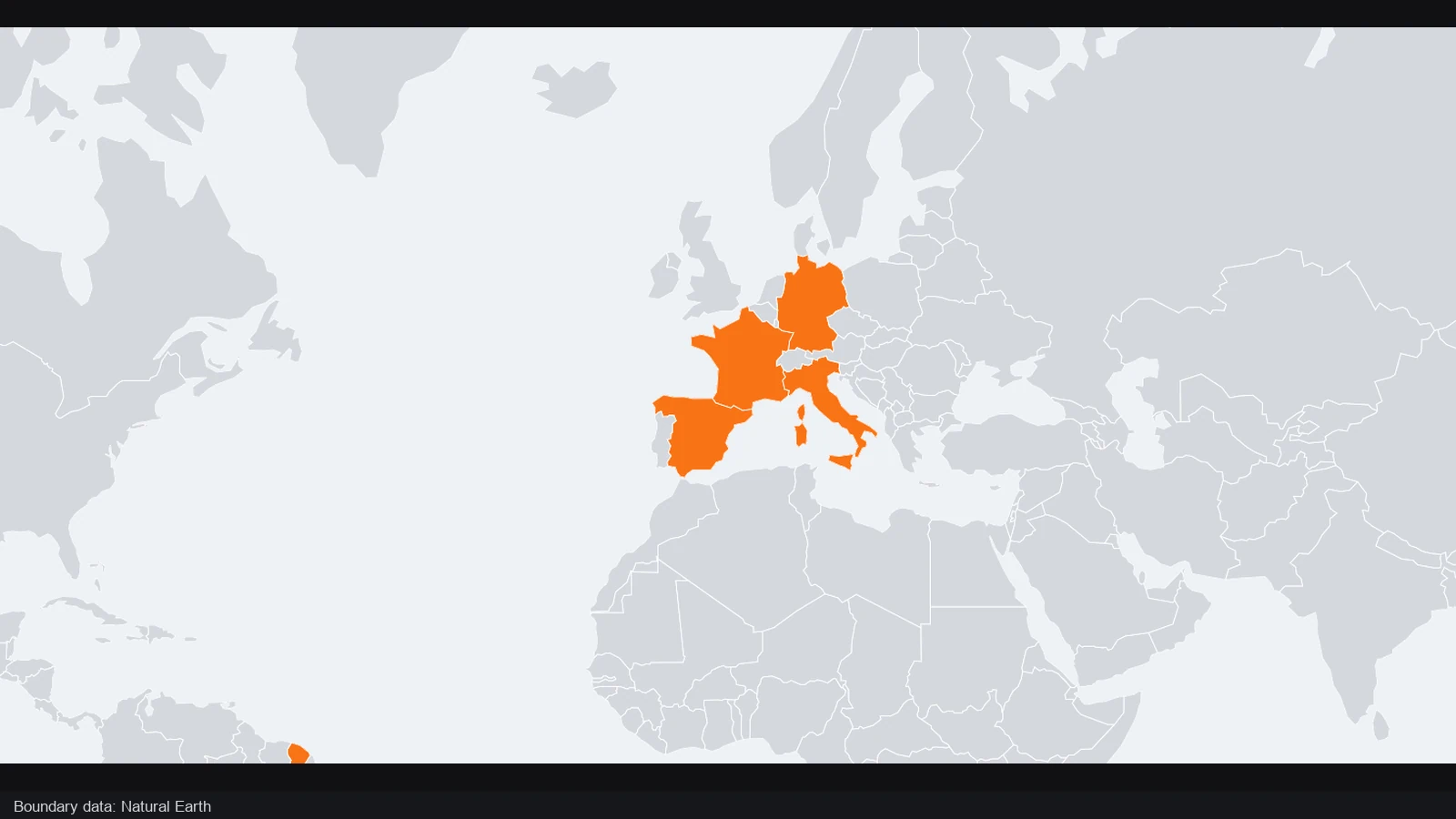
Use the map editor to highlight a country or draw an area around the part you are explaining. Keep nearby geography visible when it helps a reader orient themselves.
Give your geography a clear point of view. Open the map editor to arrange places, highlight regions and add labels, then export an image or keep the project for later changes.
Compare the same ten landmark pins before and after their names are shown. Positions and framing stay fixed, so the added labels supply meaning without changing the underlying geography.
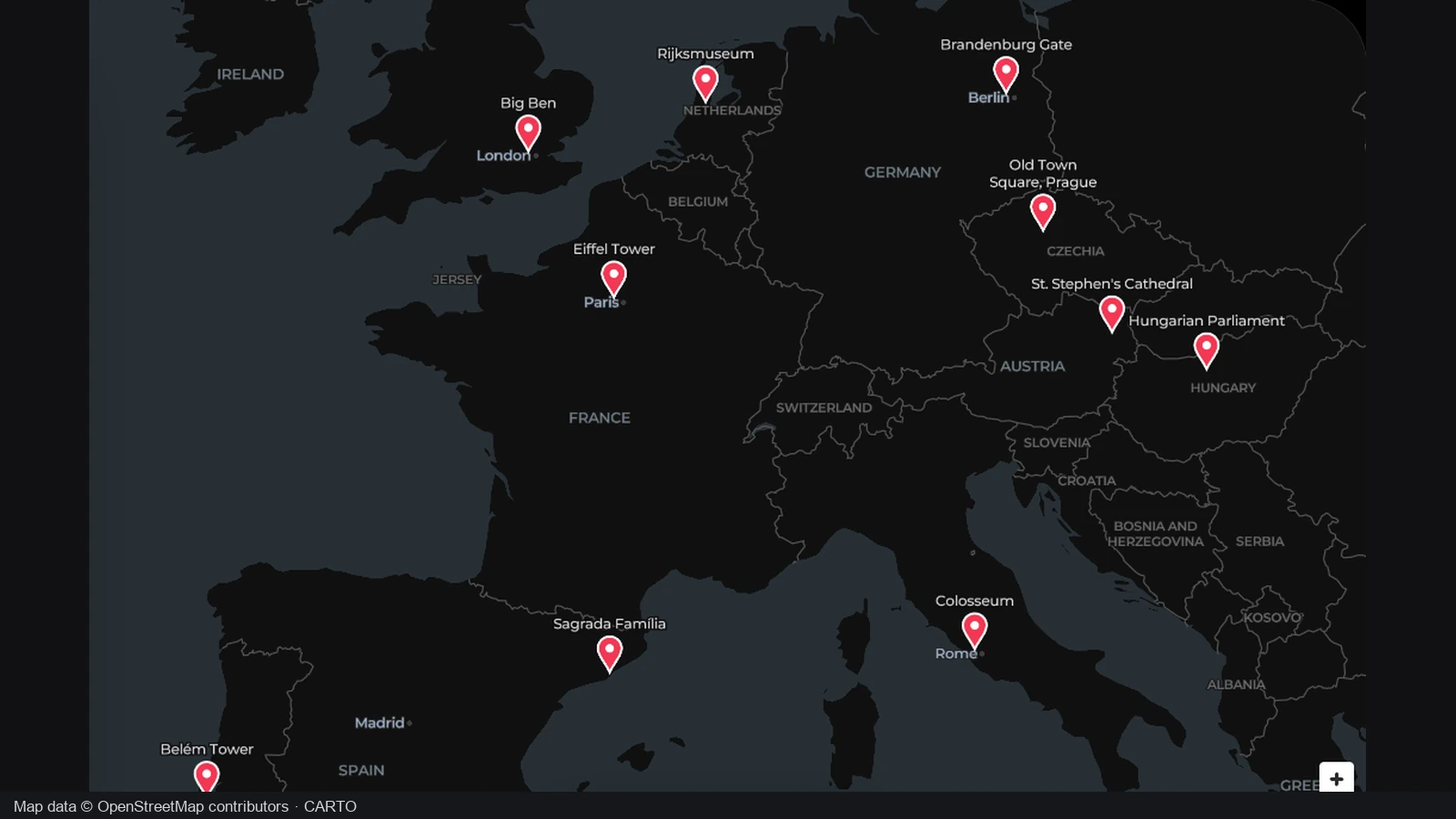
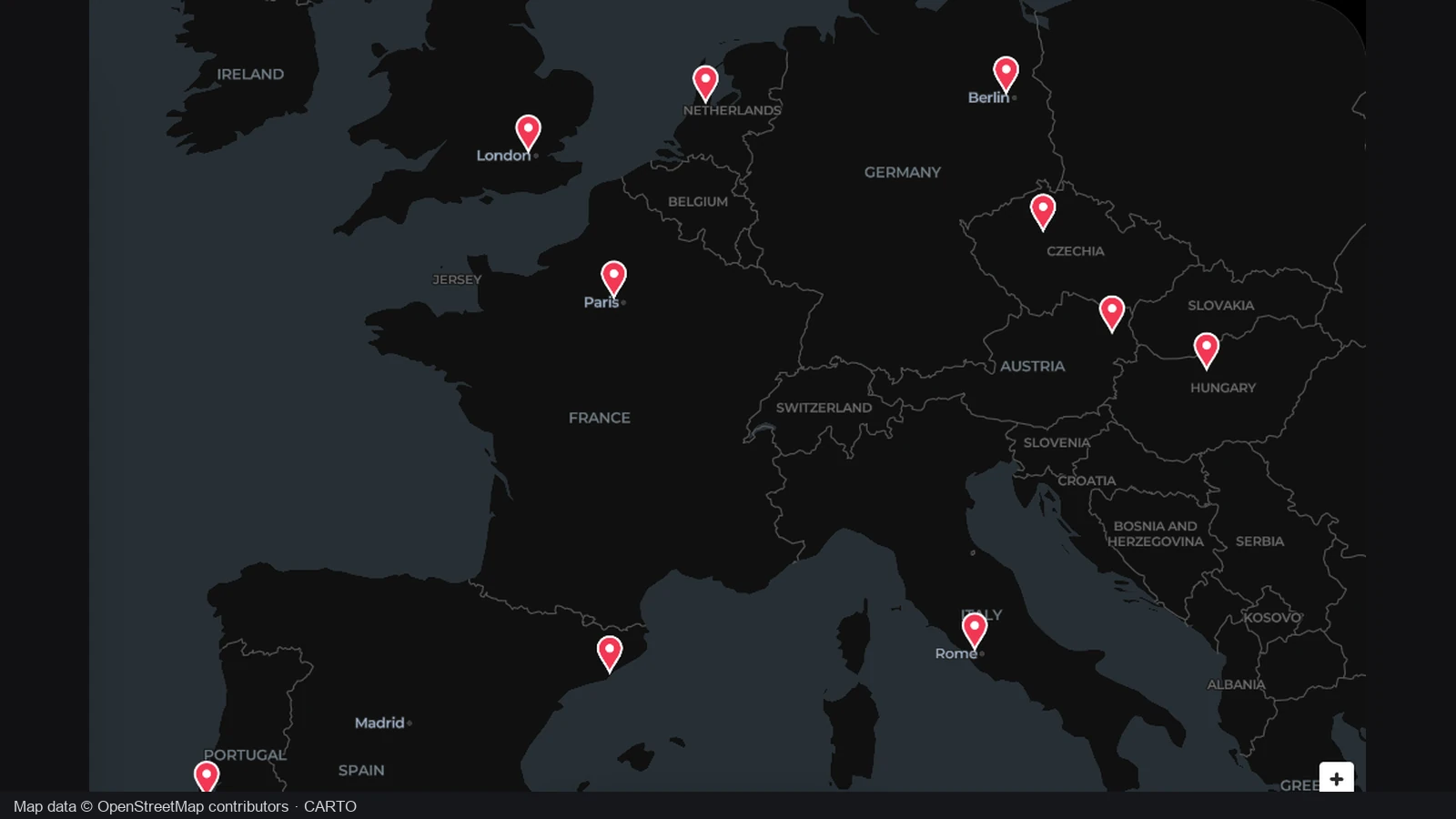
The starting view already contains ten landmark pins in their geographic positions, with the names hidden. Readers can see where the places are distributed, but a pin alone does not identify which landmark belongs at that location.
Showing the names identifies the same landmarks while leaving their positions and the view unchanged. Use the map editor to give selected places readable labels, then check that the words and markers remain distinguishable within the surrounding geography.
European landmarks
The change is label visibility, not a new set of places. Compare how names help readers identify the existing pins while the geographic composition stays the same.
Make a map that answers one question clearly, then keep control of its parts. The workflow suits people who need to revise the explanation after the first image is finished.
Use the map editor to highlight a country or draw an area around the part you are explaining. Keep nearby geography visible when it helps a reader orient themselves.
Add labels and annotations beside the places they describe. Explain a route, region or event without forcing your audience to match the map to a separate list.
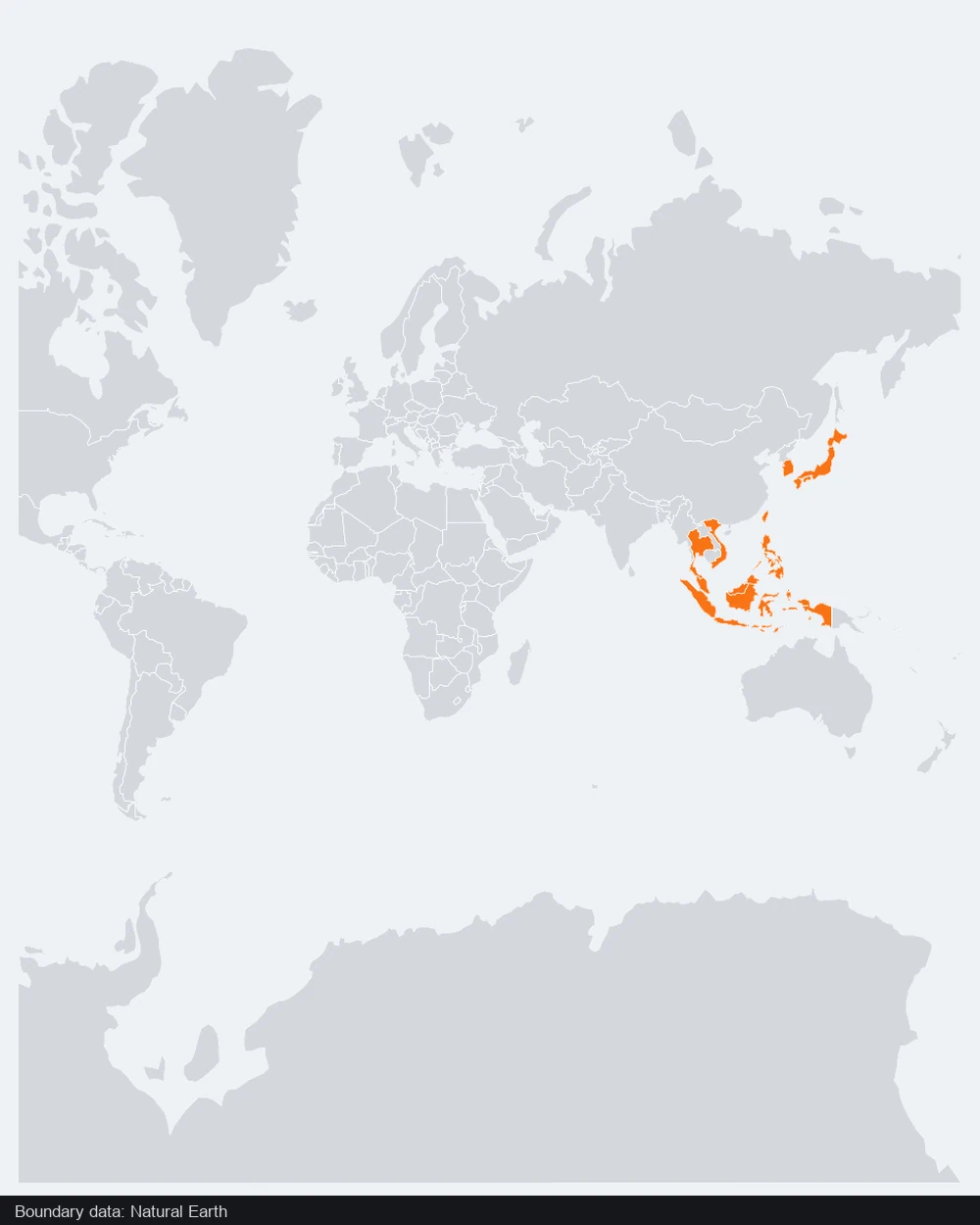
Select and change an element without flattening the project. Refine a label, marking or route as the surrounding explanation takes shape, while keeping the rest of the composition.
Export a project file as well as an image. Reopen the editable map when you need another version, so a small correction does not require drawing everything again.
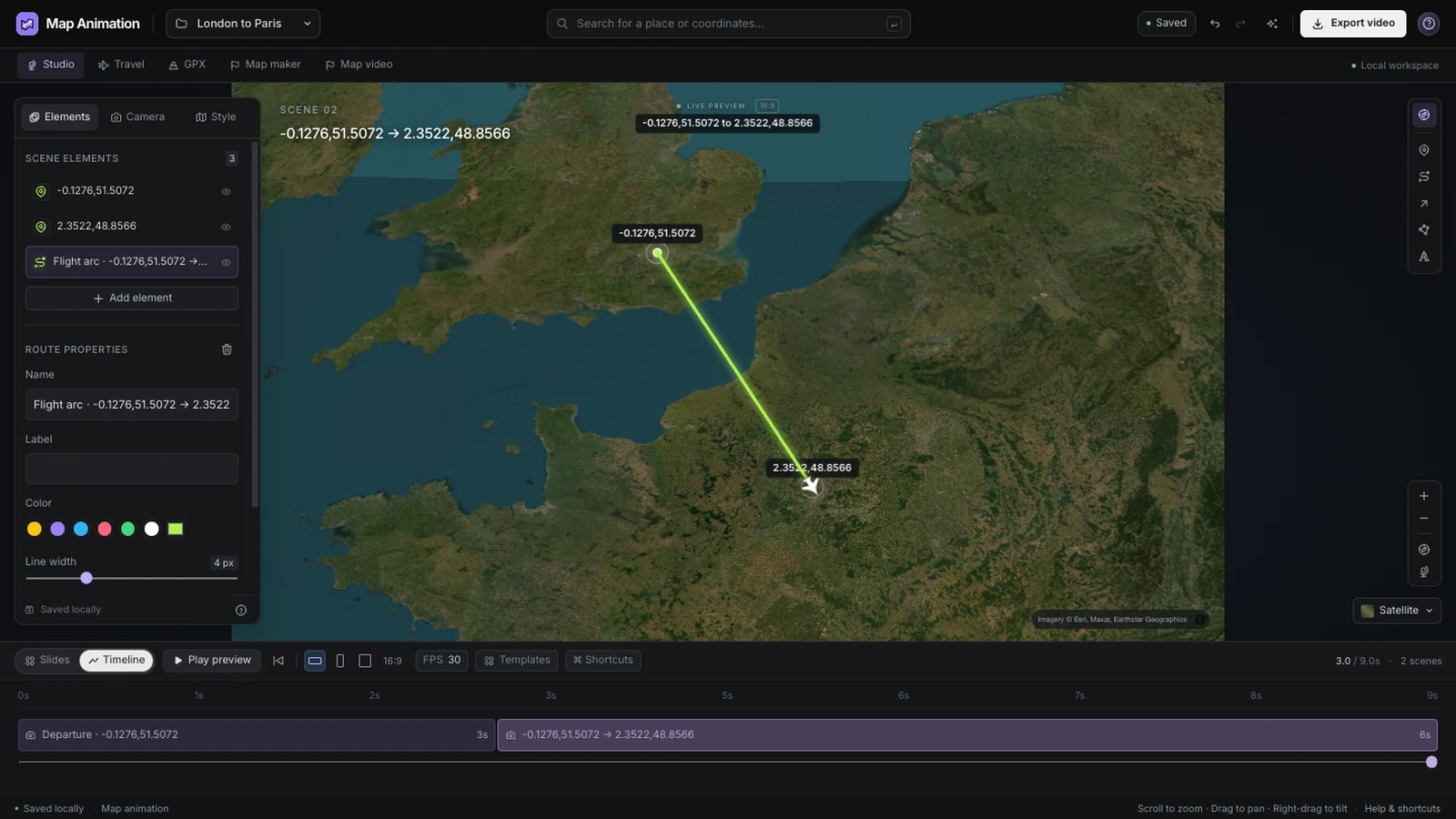
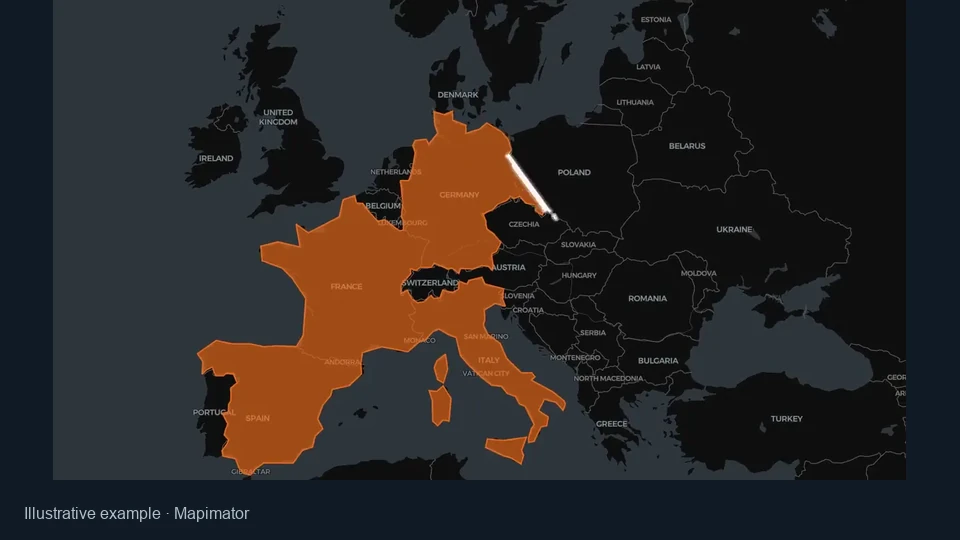
Select a route to adjust its name, color, line width and movement settings. The map editor keeps these choices attached to the selected object, so you can refine one connection while retaining the rest of the geographic composition.
Open the map editor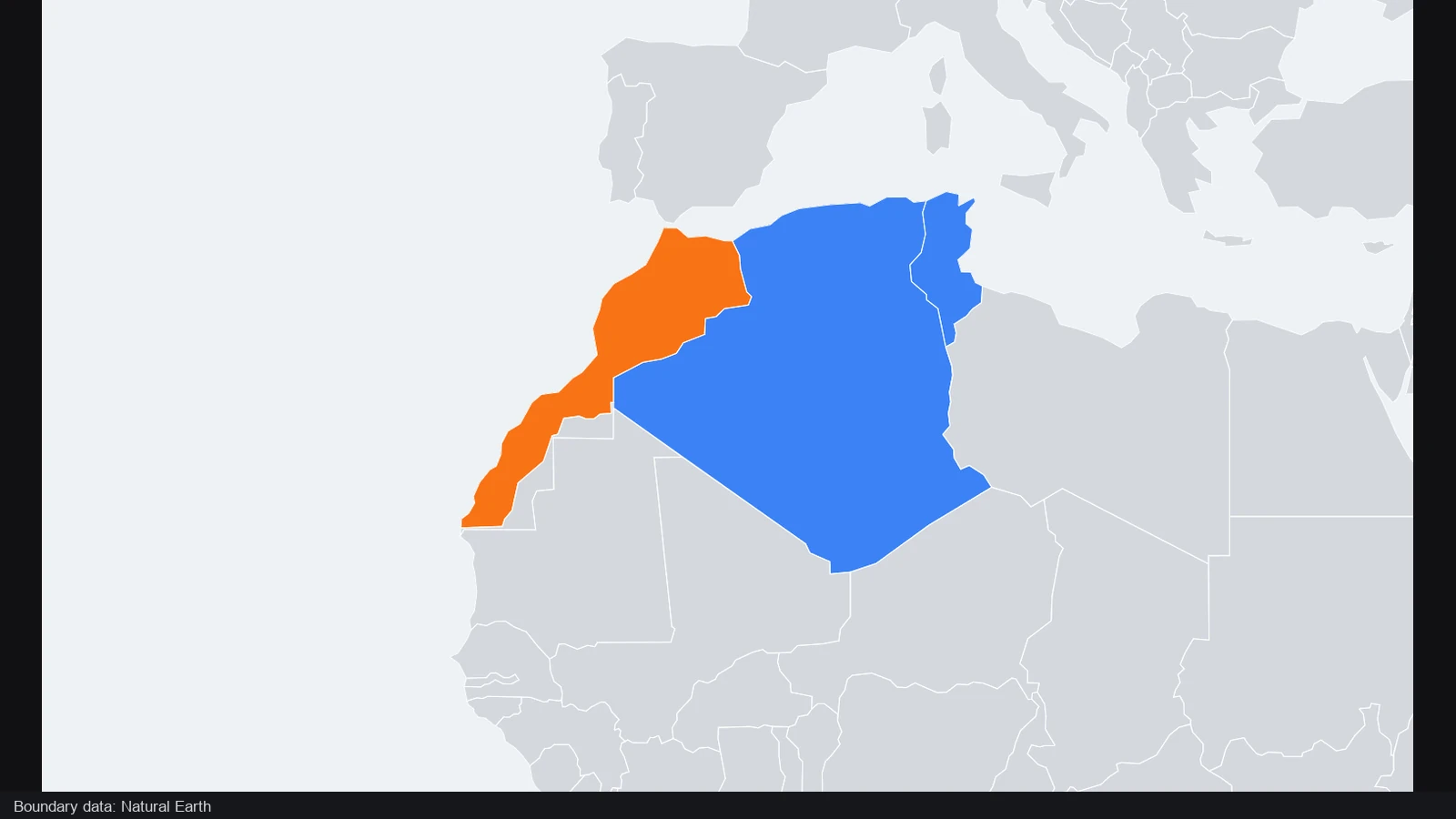
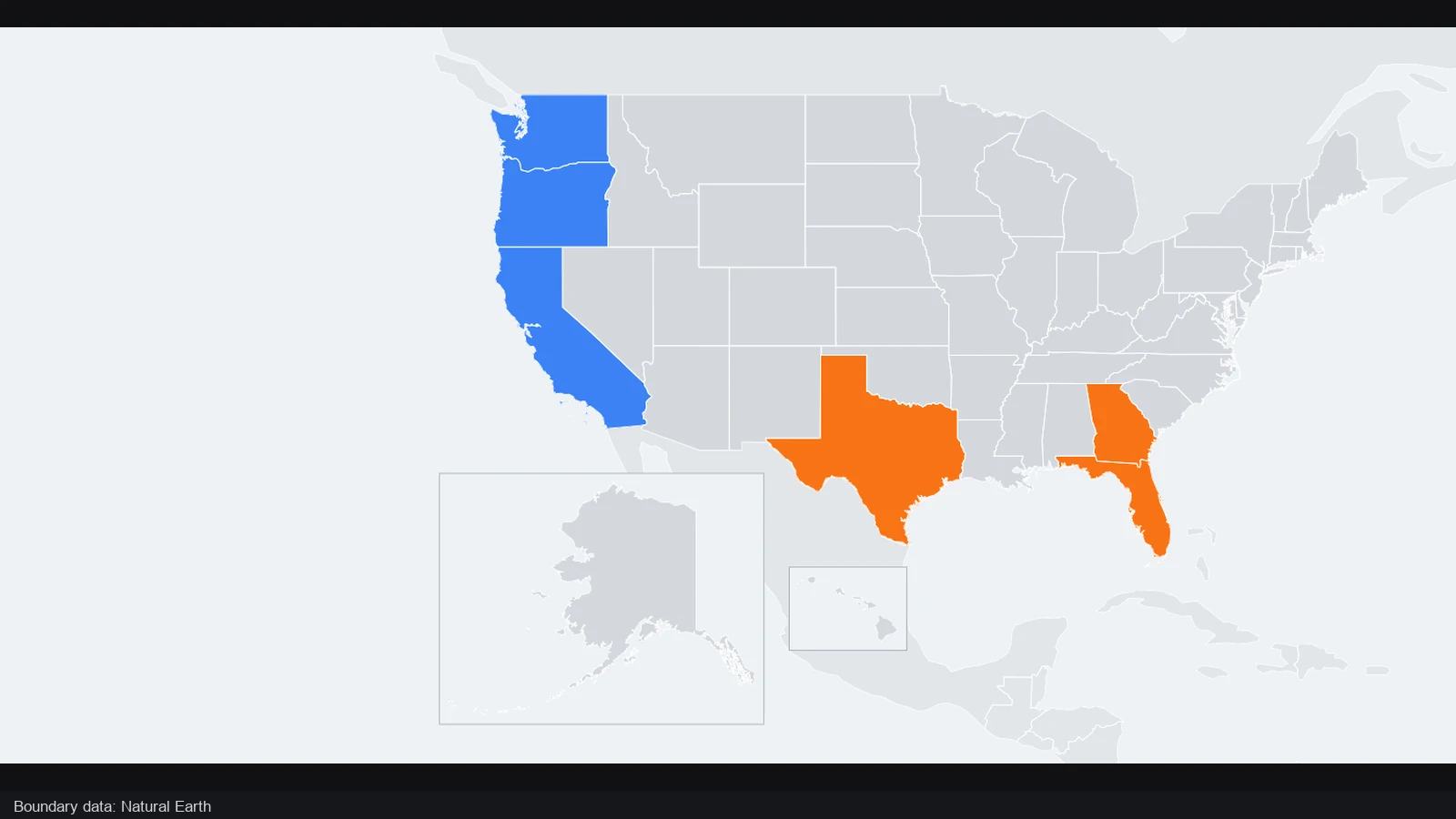
Highlight countries, draw polygon areas or add lines and arrows to explain a relationship. In the map editor, each marking remains an object you can revise, helping you separate the information you add from the underlying geographic reference.
Open the map editor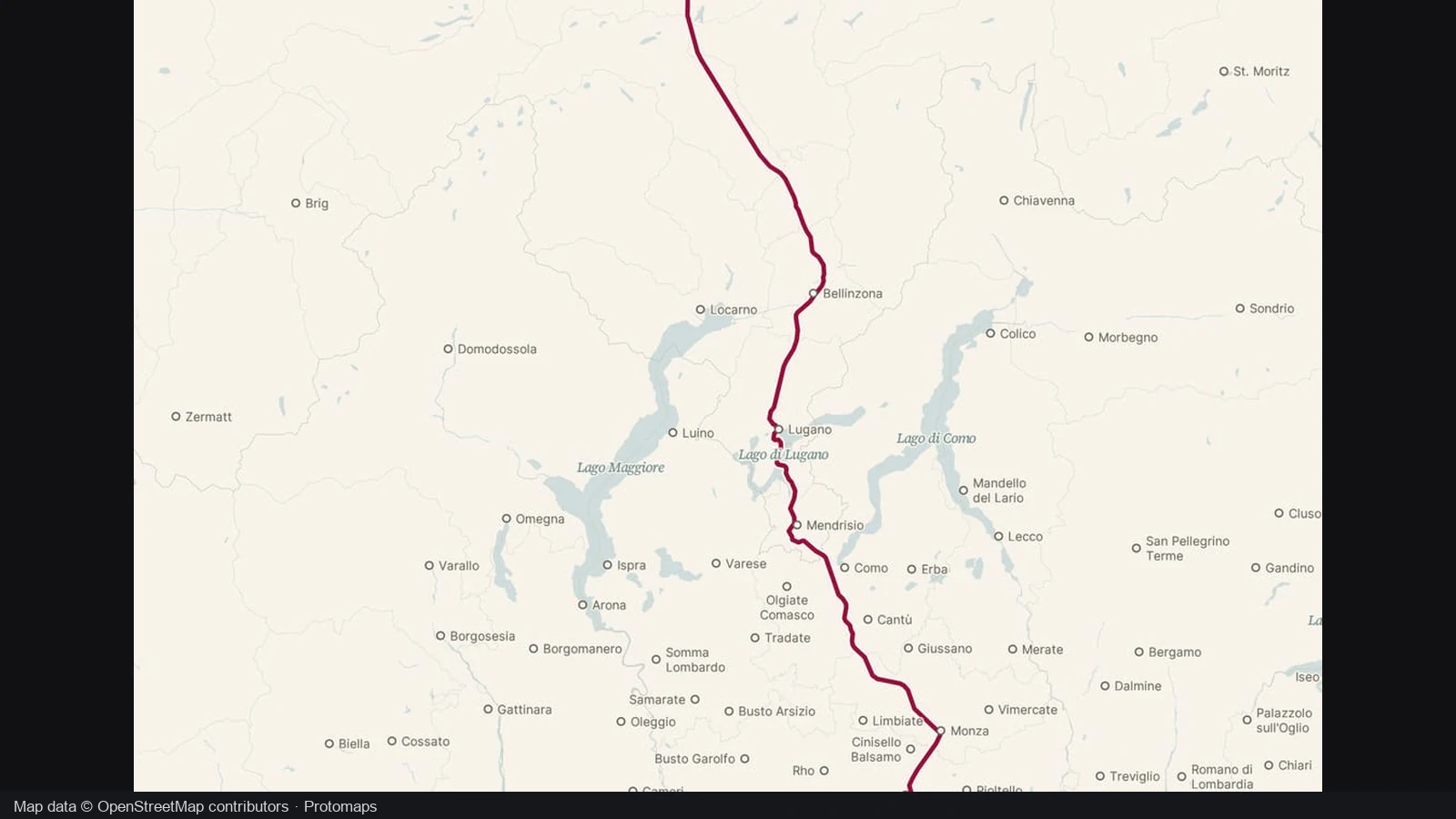
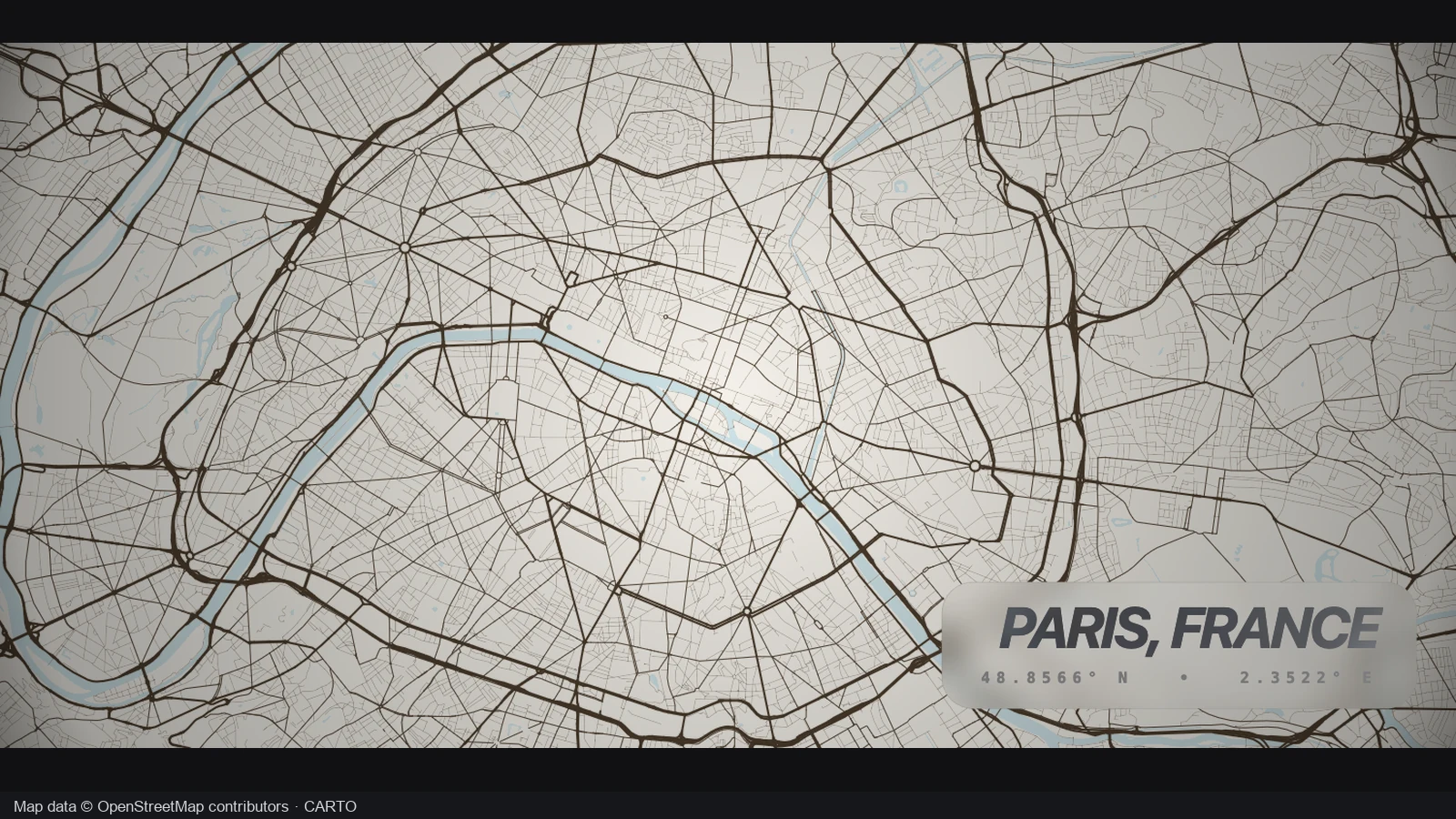
Adjust the camera and map style until the important area is easy to locate. Use the map editor to balance wider context with readable markings, then check whether the composition still works at the size of your intended slide or image.
Open the map editor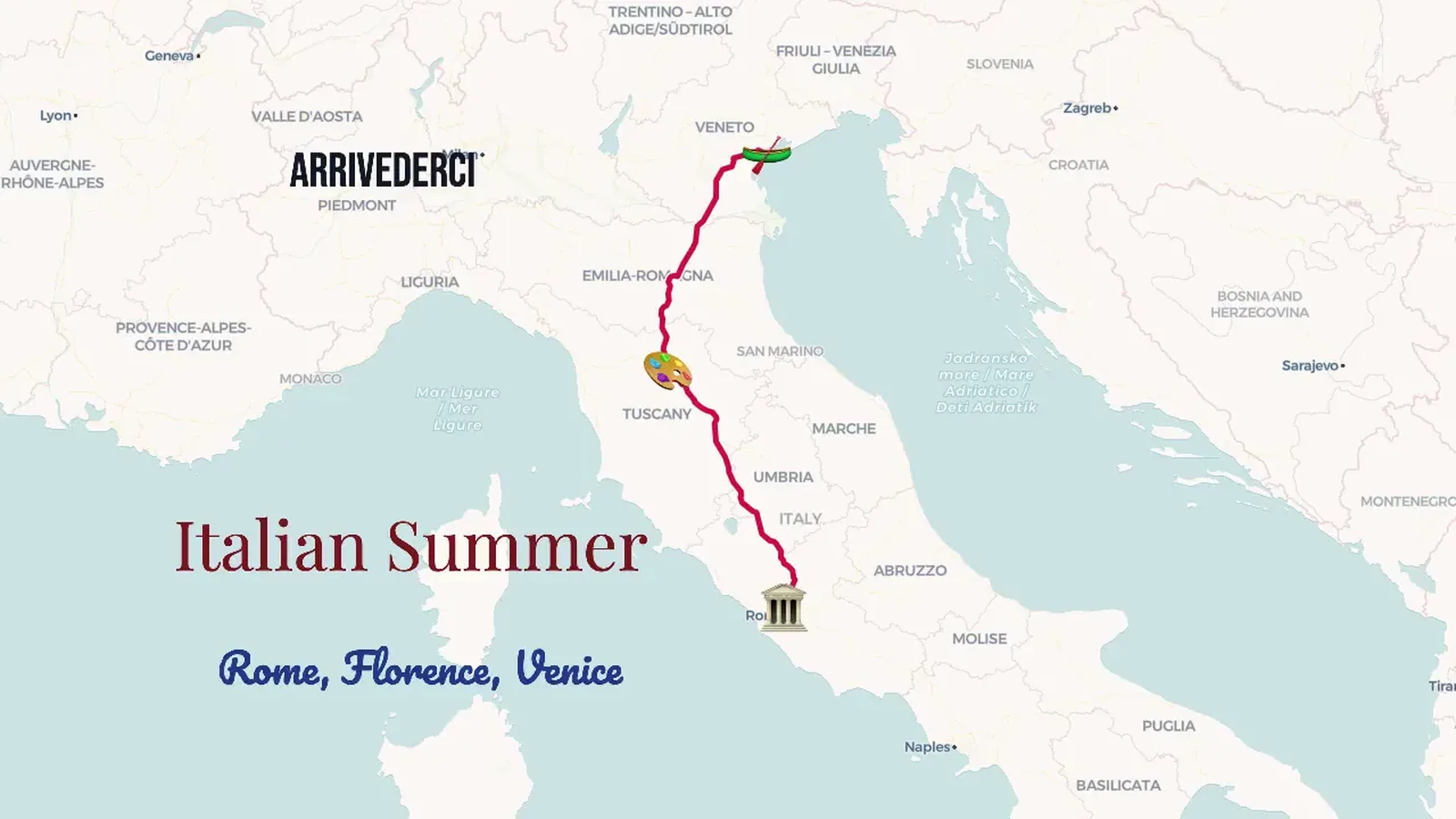
Bring a route, place markers and annotations into the same view. Use the map editor to make their relationship understandable, then choose a framing that keeps the key places visible without letting the supporting text compete with the geography.
Open the map editorEnter the map editor and find the place or region you want to explain. Start with a view that gives your planned labels and markings enough space.
Add places, regions, routes and annotations to your geographic view. Select objects to adjust their appearance, then refine the camera around the most important part.
Check the finished scene, export a PNG and save the editable project. Reopen that copy when you need to correct a label or create another version.
Create geographic illustrations for lessons, explanatory slides, trip overviews and visual stories. Add the places, regions and markings that communicate your subject, arrange the view and export a still image. Retain the editable project when you expect to revise the explanation.
Yes. Open the full canvas workspace from this page, with the map, object controls and camera settings together. A wider screen provides more composition space, while the same project and supported tools remain available through the responsive interface.
Yes. Use country areas or drawn polygons, then add text and markings to explain them. The elements remain editable. Review names, positions and colors yourself, especially when the map represents a historical situation or a place with disputed or changing boundaries.
Yes. Add route and drawing elements to connect places or show direction, then inspect their shape. A line may communicate a relationship; present it as a verified journey or boundary only when your own source supports that meaning. Choose markings that fit the explanation.
Yes. This page opens a static geographic map preset, and you can export the current scene as a PNG. The broader workspace also supports animation, but making a clear still map does not require building a video sequence.
Download a JSON project for a portable editable copy, or use explicit private account saves after sign in. Your account supports up to ten documents. A PNG is a finished image, so keep the project when you want to revise objects or camera settings.
Manual work in the map editor, project backups and local image or video export do not consume AI credits. A complete AI draft is a separate one credit action. Editing an object or exporting your work does not start another AI request.
The map editor focuses on geographic illustrations with places, regions, routes and annotations. It is not a full GIS analysis suite, terrain modeling application or game world editor. Choose it when you need an editable visual map that you can frame, explain and export.

Open the map editor, choose the geography and turn the details that matter into a clear, editable illustration.
Open the map editor