Recognize the place in its roads
The city road map generator uses real street geometry. Follow the river crossings, grids and winding neighborhoods that give a familiar city its own visual identity.
Turn a familiar street pattern into a map worth keeping. Use the city road map generator to find your city, choose the view and palette, then download a personalized road poster.
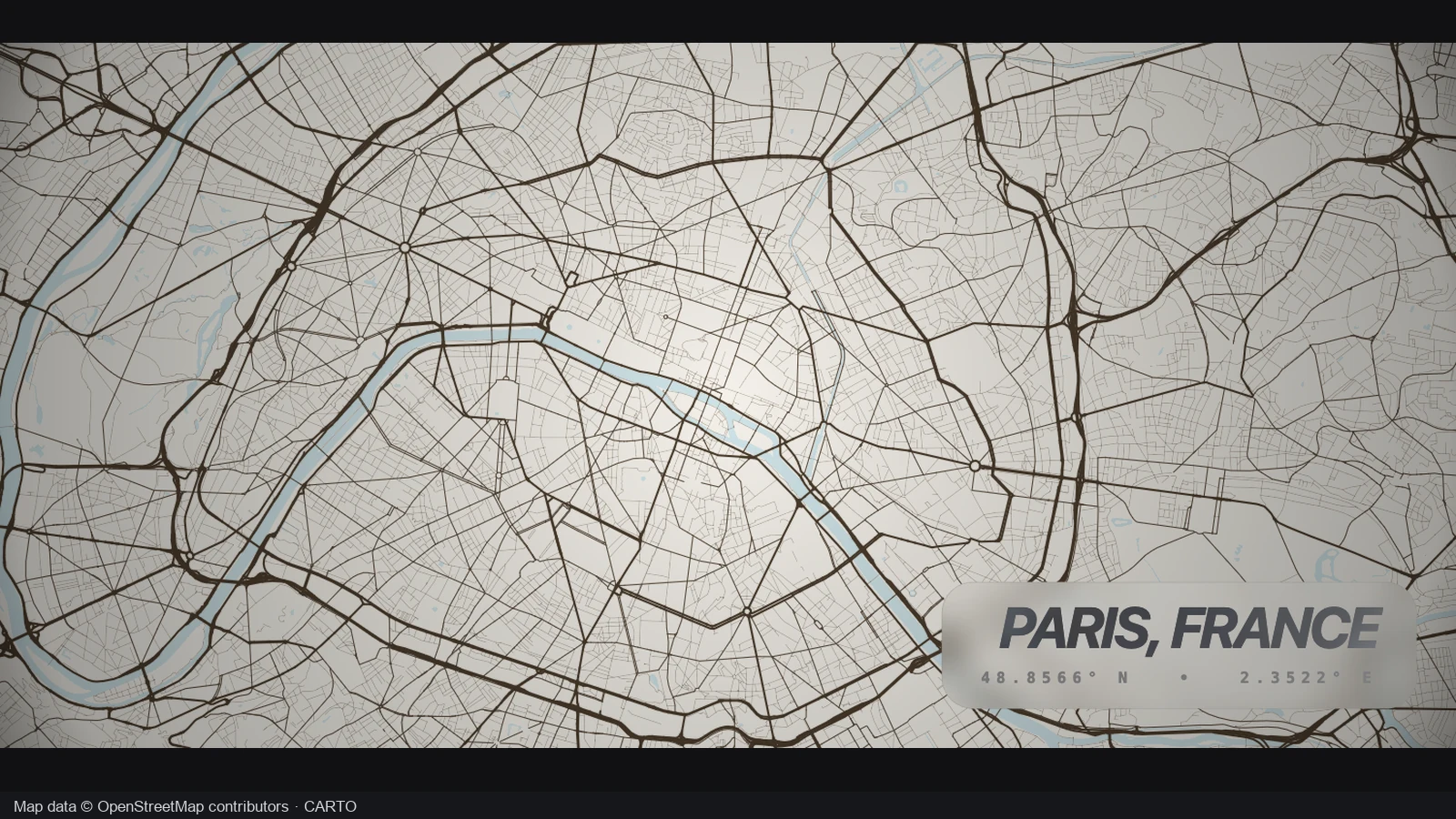
Compare the same Paris street pattern in two coordinated palettes. Keeping the location and framing fixed makes it easier to see how the background and road colors change the design.
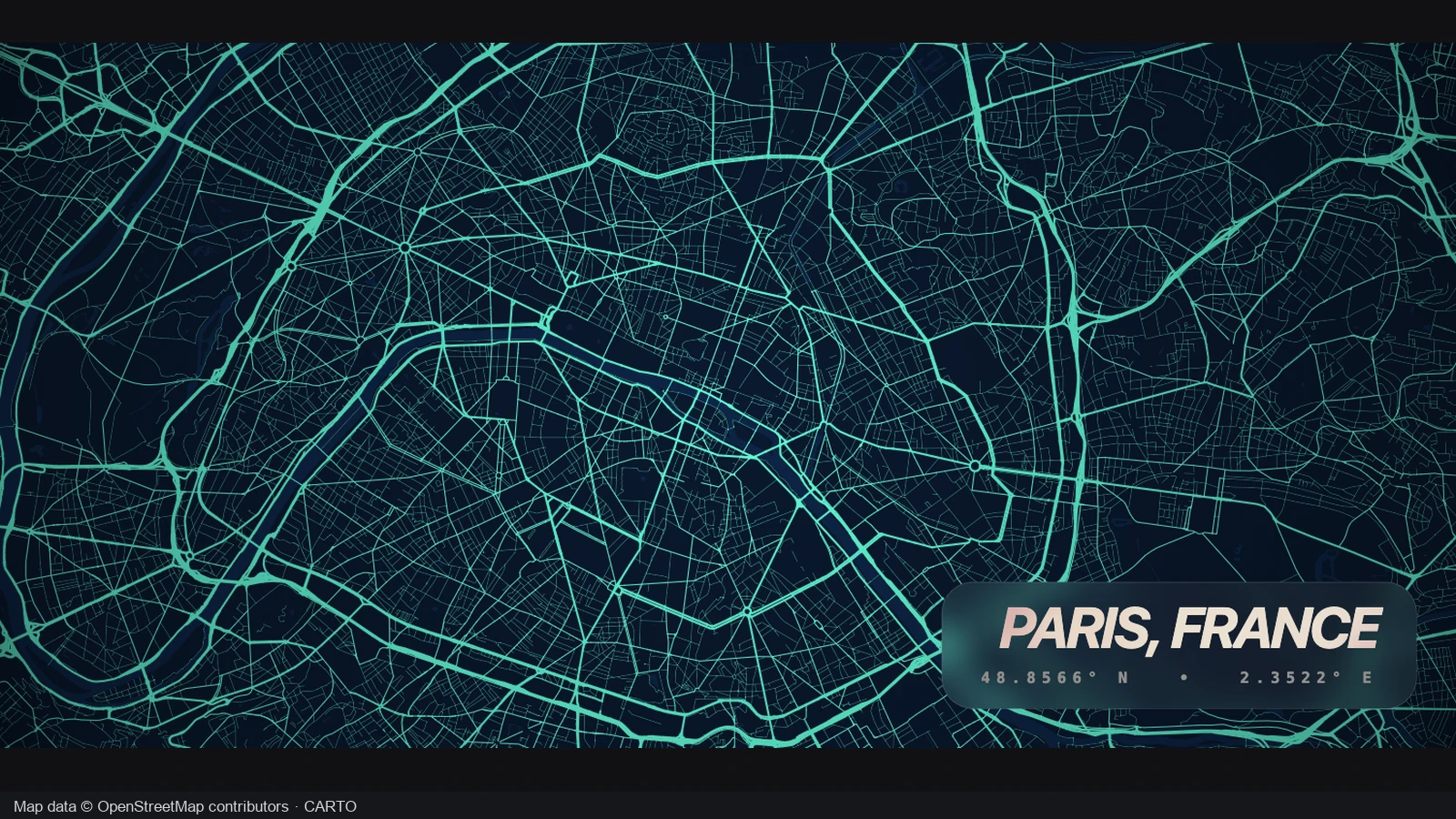
The opening view shows the Paris road network against a deep blue background. Its pale street lines reveal dense central patterns and wider connections, giving the city a blueprint treatment while keeping the geographic composition focused on the roads.
The same Paris view shifts to a light paper background with darker roads. In the city road map generator, compare a palette against the street density and intended display before choosing the treatment for your own poster.
Paris · same road network
Only the palette changes in this comparison. The familiar roads keep their positions, so you can judge contrast and atmosphere without confusing a new color scheme with a different crop.
Make the location and visual choices yours. This workflow keeps the useful decisions together, so the finished map reflects a particular place rather than a generic decorative pattern.
The city road map generator uses real street geometry. Follow the river crossings, grids and winding neighborhoods that give a familiar city its own visual identity.
Pan and zoom to balance dense central streets with surrounding space. Keep the area that means something to you instead of accepting a fixed city boundary.
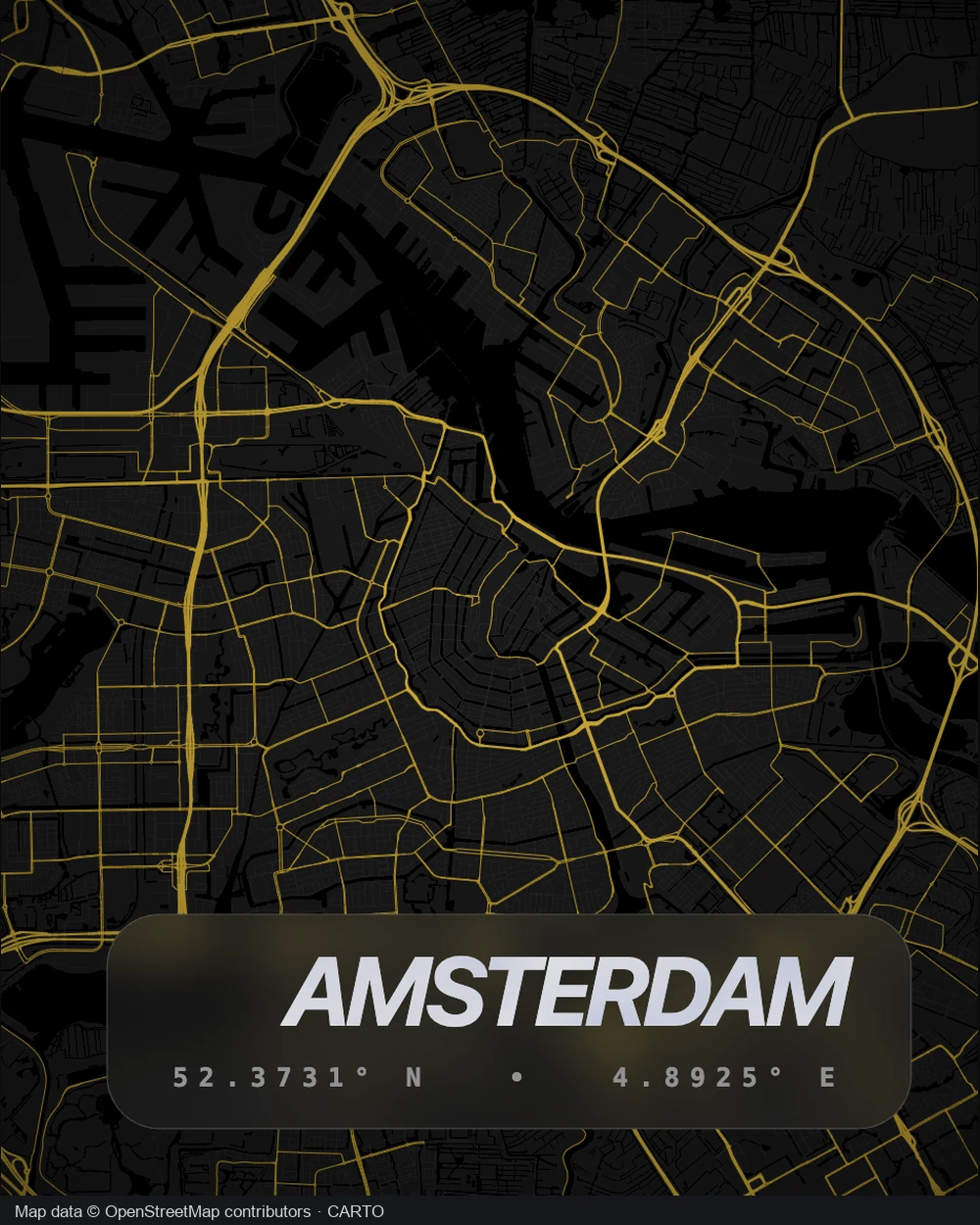
Compare four coordinated palettes in the city road map generator. Choose a light, dark or blueprint treatment that suits the slide, room or collection you have in mind.
Use the city name, a neighborhood or a short dedication. A clear title connects the road pattern to the memory or occasion behind the design.
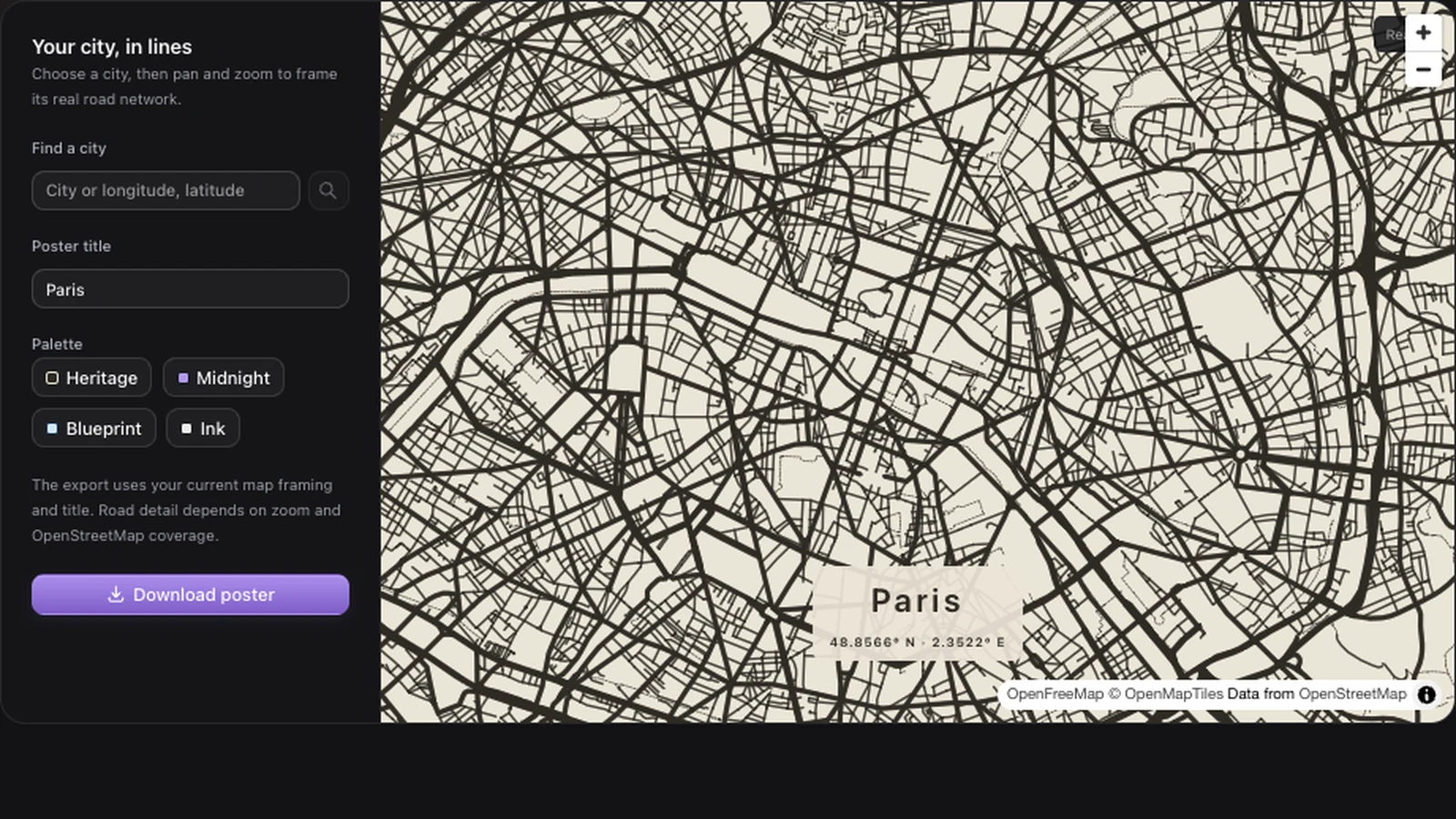
Search for a city to bring its streets into view. The city road map generator lets you move beyond the search result, so nearby districts and important connections can become part of the same composition.
Create your road poster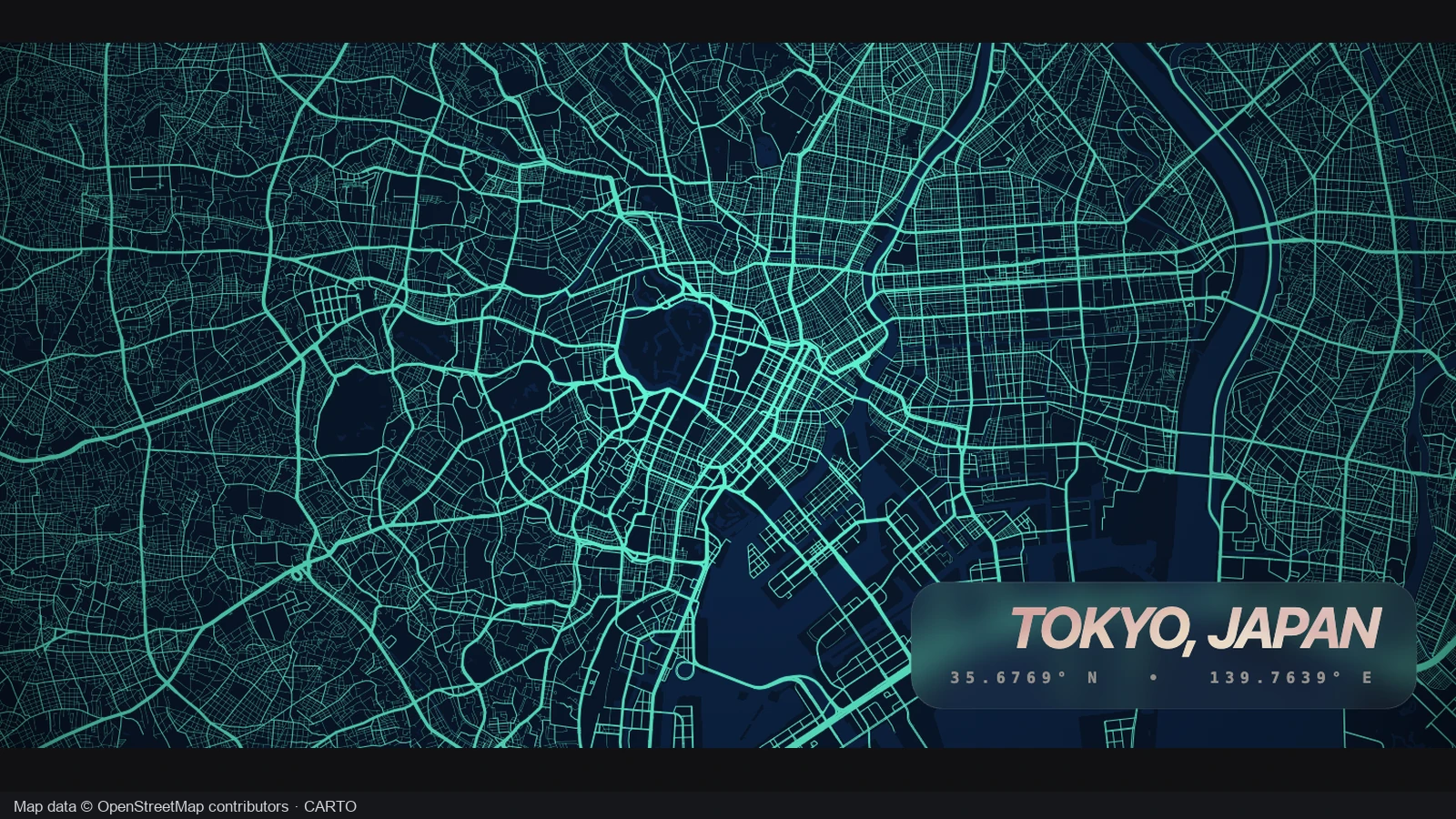
Frame a compact neighborhood or a wider urban network. Use the city road map generator to compare those views before export; the spacing between roads changes noticeably as you zoom, giving each crop a different character.
Create your road poster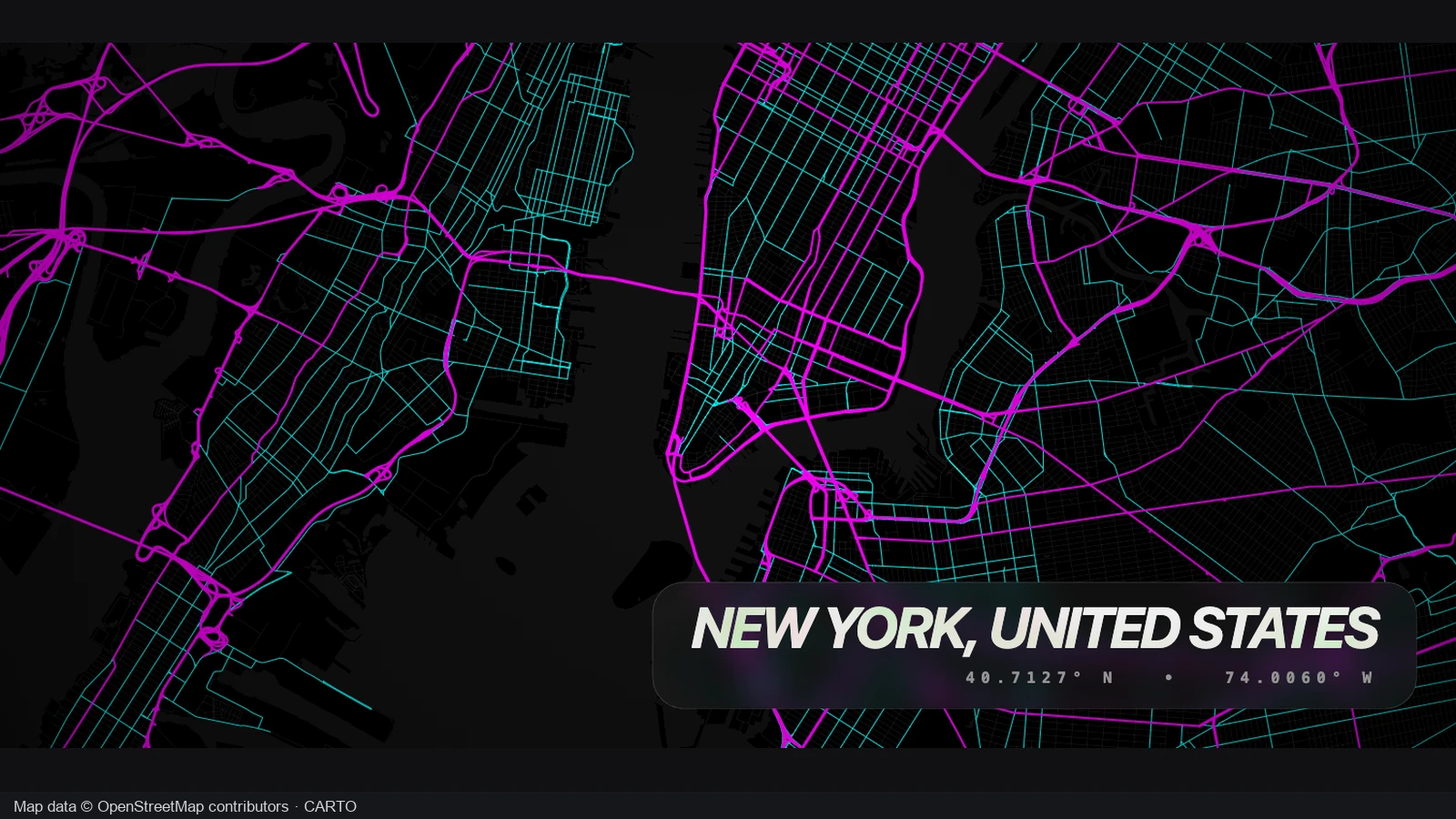
A dense grid can carry a vivid dark treatment, while another street pattern may read better on paper. In the city road map generator, compare the four available palettes against your own city before settling on the contrast.
Create your road poster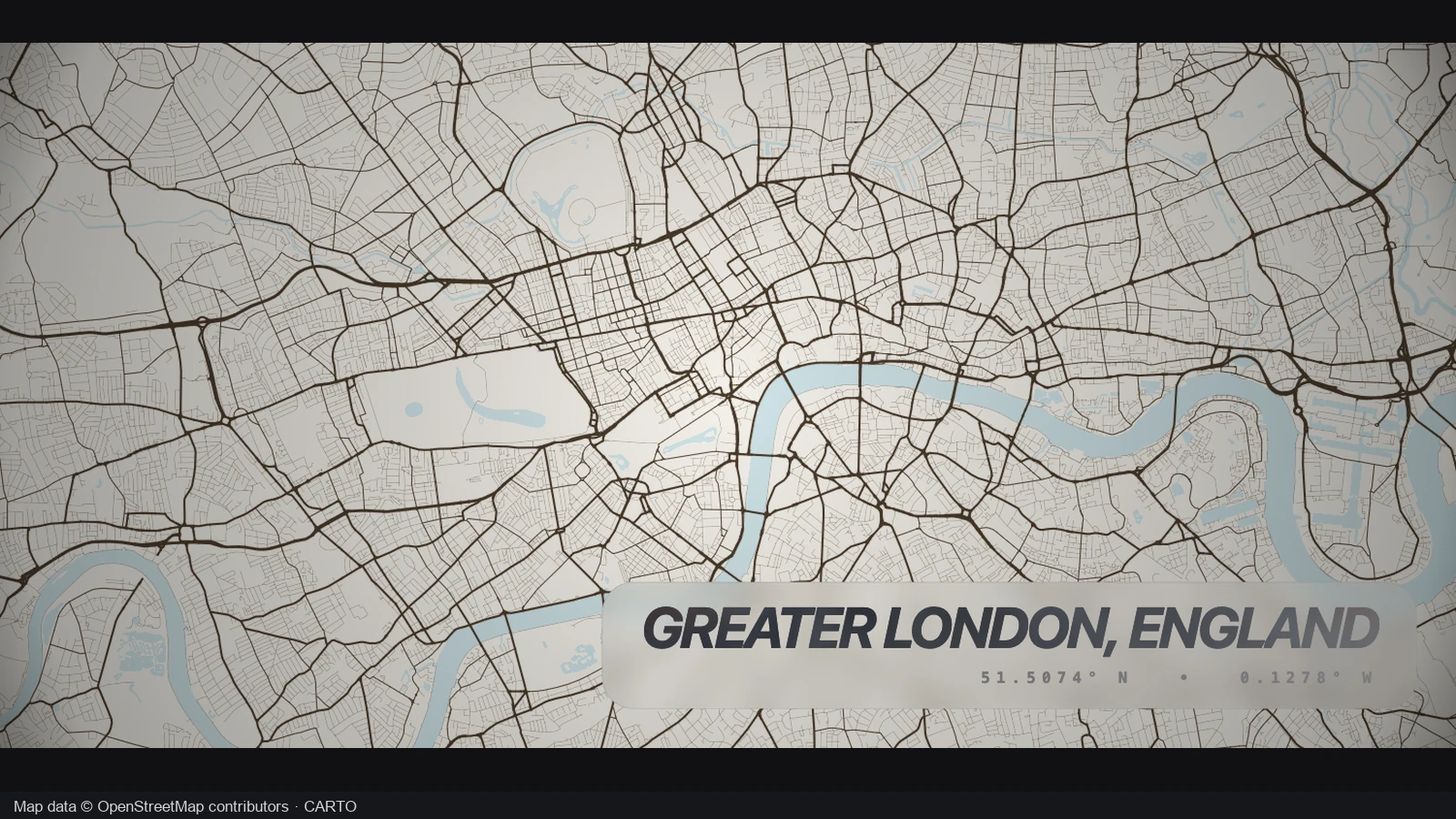
Set the poster title and check the final framing before downloading. The city road map generator exports the current map view with your title, so the file carries the same location and composition you chose on screen.
Create your road posterOpen the city road map generator and search for a city. Pan to include the districts, rivers and road connections that make the place recognizable.
Choose one of four palettes and write the poster title. Adjust the city road map generator framing until the street pattern feels balanced at your chosen scale.
Use the city road map generator download button to save a PNG. Review it at the intended display size before adding it to a design or printing.
The city road map generator creates a road network poster for a location you choose. Make a hometown keepsake, trip recap or city illustration by controlling the visible area, palette and title. Download the result as a PNG for your next design step.
The roads come from existing mapped geometry, so you do not need to trace each street by hand. Search for the city, then pan and zoom to the area you want. The result reflects that location’s mapped network and your chosen view.
Yes. Search for the nearest city, then move and zoom to the neighborhood. The city road map generator exports your current view, letting you emphasize a local grid, riverside district or several connected areas. Road detail depends on the zoom level and available coverage.
Choose Heritage, Midnight, Blueprint or Ink. Each palette changes road and background colors together. Compare them against your chosen street pattern: a treatment that looks balanced around a dense center may create a different effect when the view includes quieter surrounding neighborhoods.
Yes. Edit the poster title before exporting. The city road map generator accepts a city name, neighborhood or short personal title. Keep it concise enough to read alongside the street pattern, then check the downloaded file to see the title and composition together.
Yes. Your PNG uses the current framing, palette and title. Finish panning and zooming and allow the map detail to load before exporting. The download preserves your composition rather than replacing the crop with an administrative outline of the whole city.
Manual creation and PNG export in the city road map generator do not consume AI credits. Find a place, adjust the design and download it directly. The separate AI drafting feature elsewhere on the site uses credits; choosing a palette or moving this map does not.
Inspect the PNG at the size you plan to use. Check road visibility, title readability and image dimensions before ordering a print. This is a raster export of your selected view; the tool does not promise vector output or a particular professional print size.

Find your city in the city road map generator, choose its best view and turn the streets into a personal design.
Create your road poster