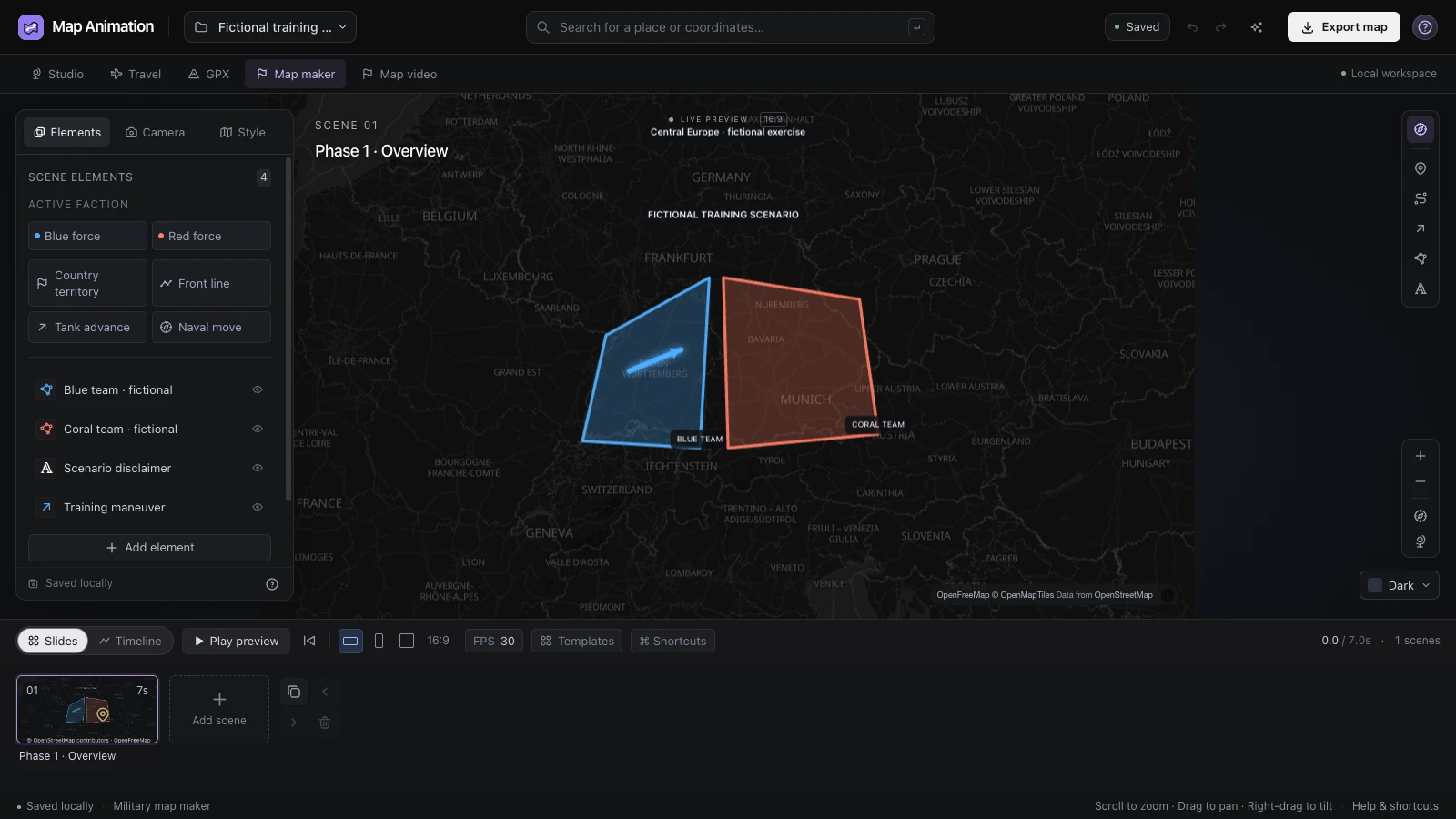
Make the sides distinguishable
Give regions and forces a consistent visual treatment. The military map maker helps establish the meaning of the colors before viewers need to follow individual movements.
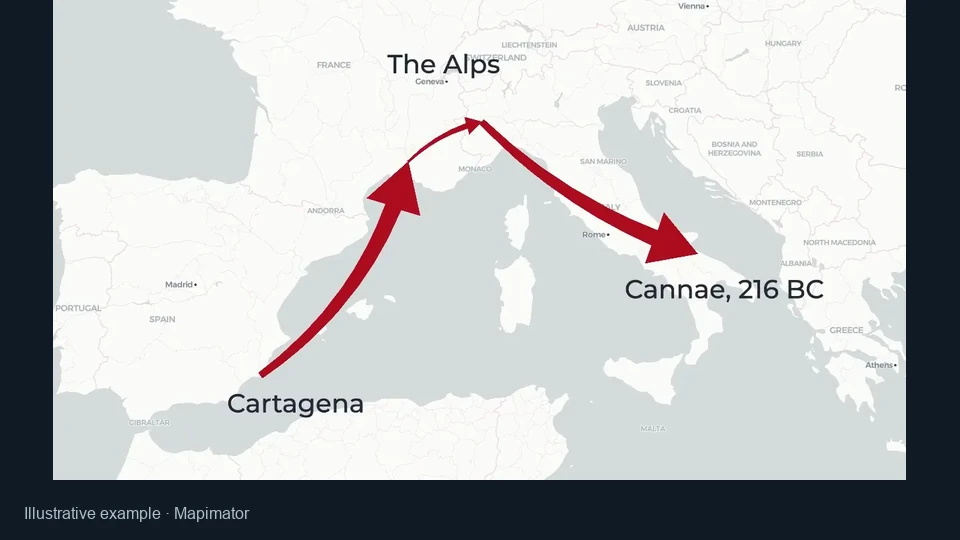
Build an explanatory situation map with the military map maker. Mark regions, draw front lines and add movement or annotations, then keep the editable project for your next lesson or story.
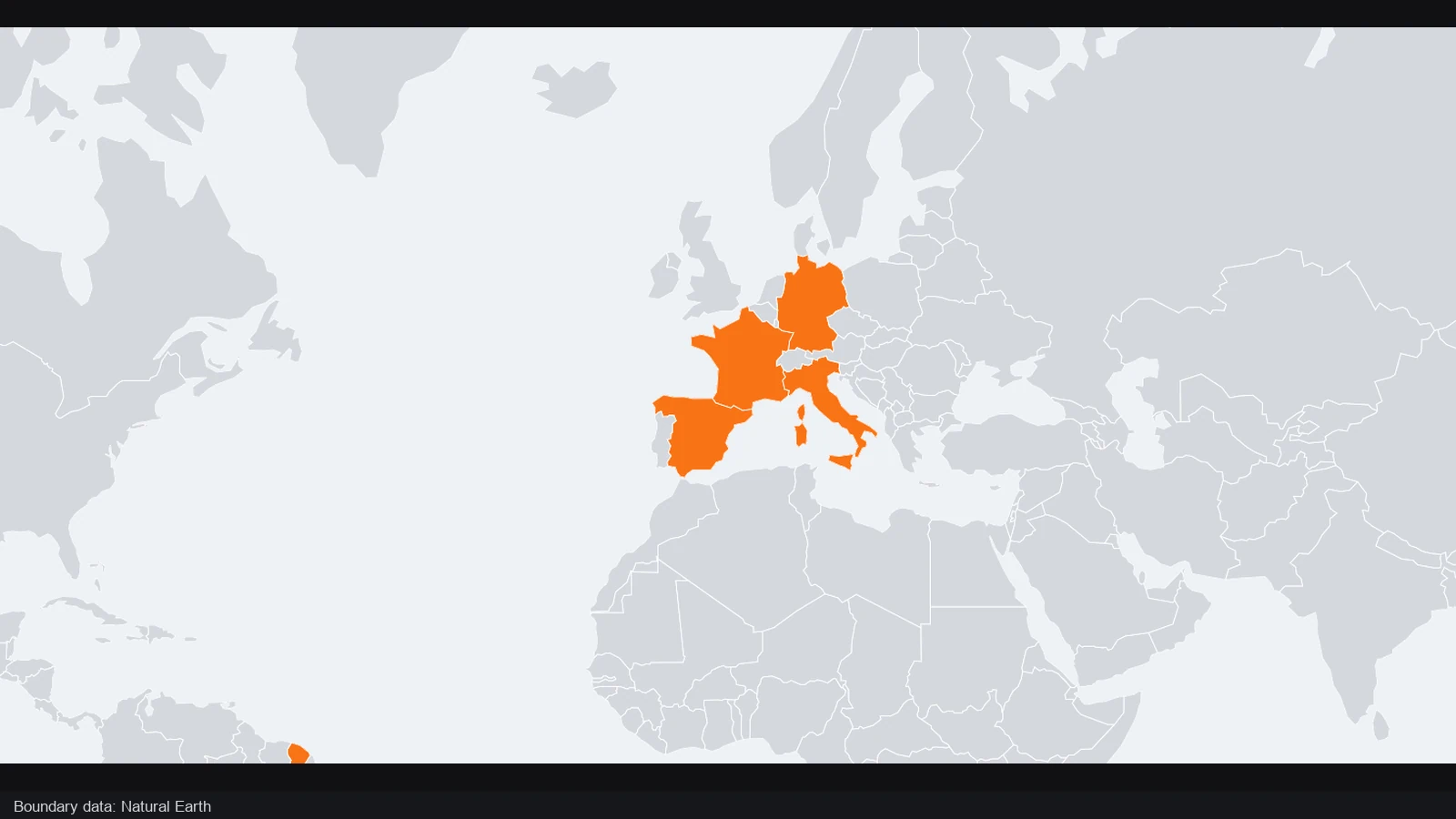
Changing region colors can make a sequence of geographic states easy to follow. Watch how the sequence moves from a neutral regional overview toward a clearly highlighted area.
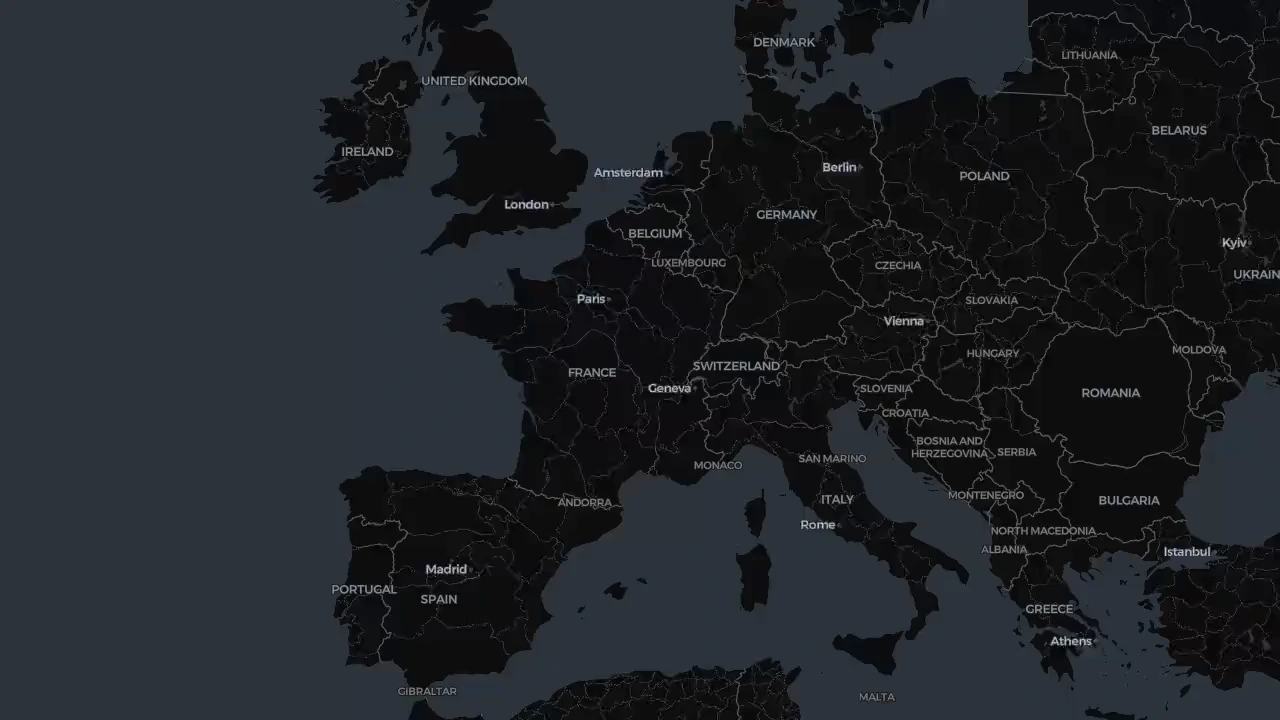
The opening map establishes western and central Europe with country boundaries and place labels. Before any area is emphasized, viewers can locate the region and see the surrounding geography that gives later changes their context.
The sequence introduces orange highlighted regions across the map. This makes the changed state visible against its surroundings; use military map maker scenes to separate the phases of your own explanation rather than showing every state at once.
One regional sequence · changing country highlights
The opening still establishes the regional setting before the highlighted areas appear. Use a clear date or fictional setting for your own scenario, and separate geographic changes into readable phases when preparing a sequence.
Choose the symbols and geographic detail that help your audience understand the scenario. Keep the project editable as your lesson, script or fictional setting takes shape.
Give regions and forces a consistent visual treatment. The military map maker helps establish the meaning of the colors before viewers need to follow individual movements.
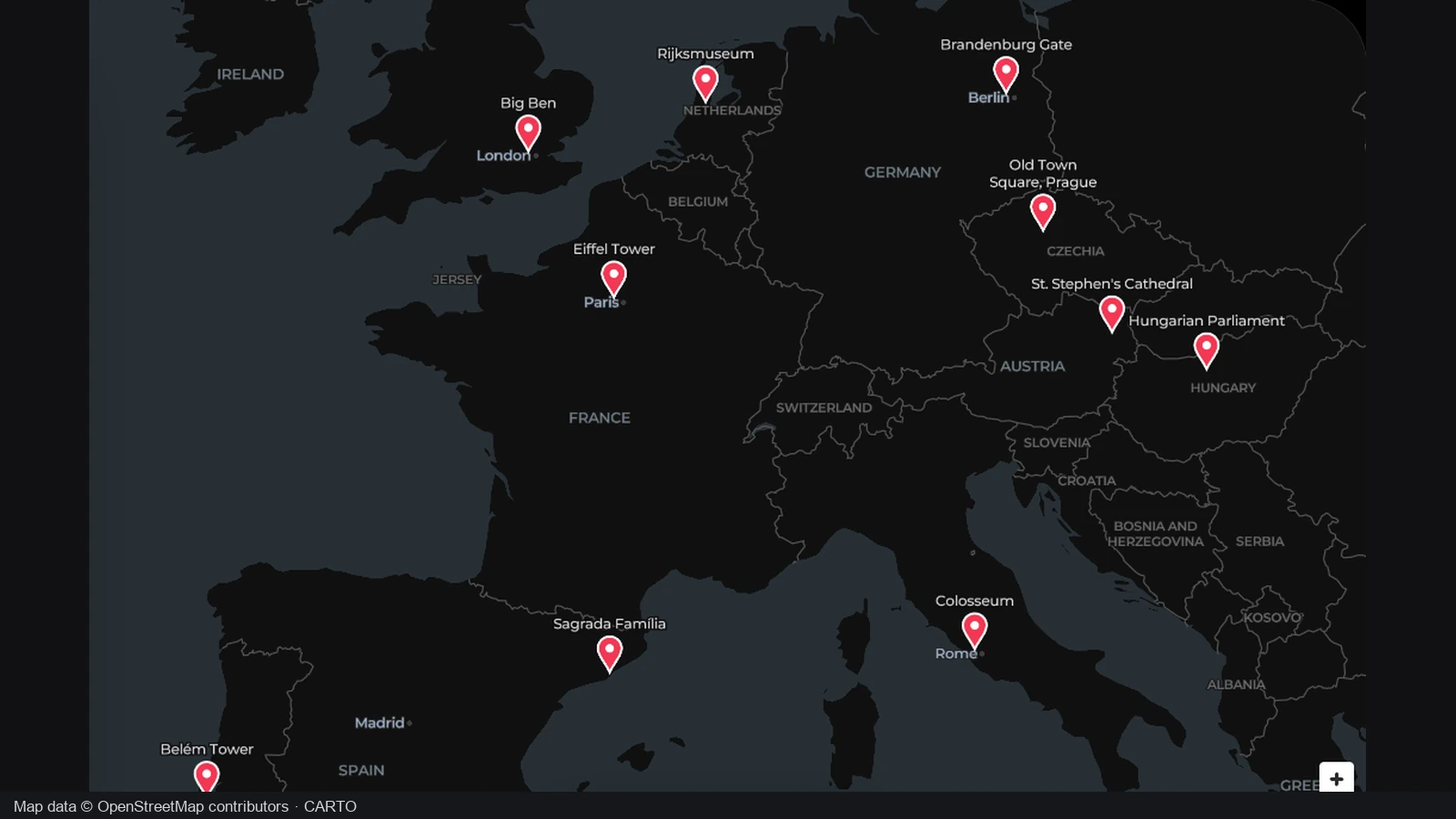
Keep the map focused on the question you are explaining. Add labels or arrows where they clarify the scenario, rather than marking every available place.
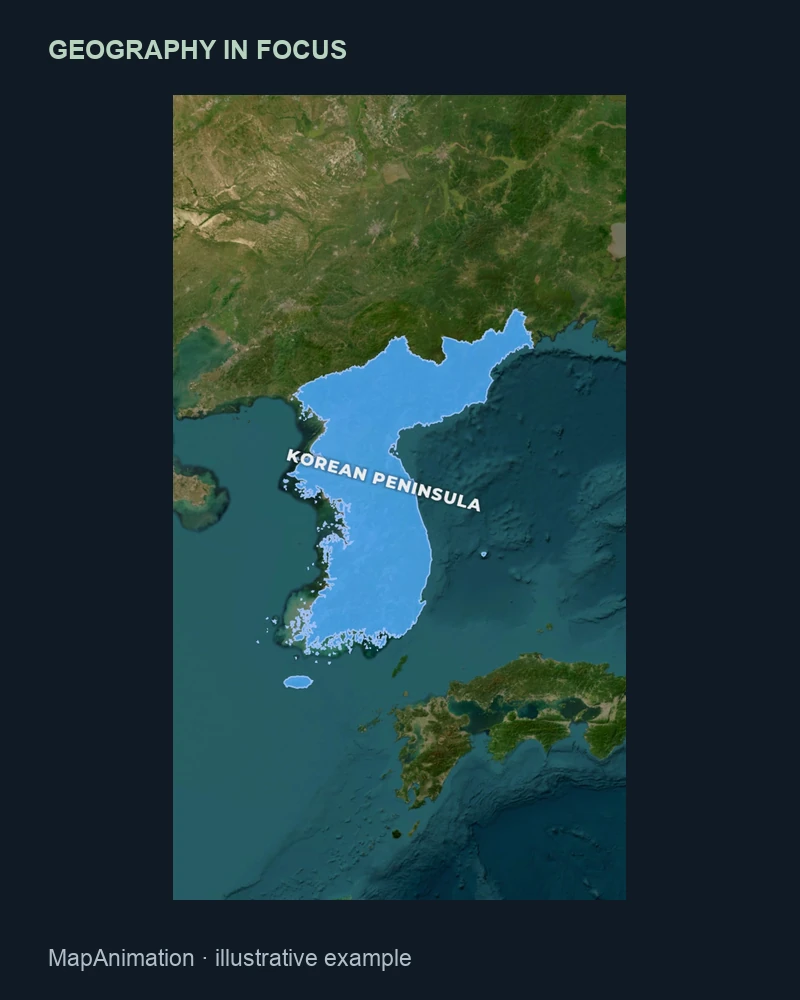
Update a front line, region or annotation when the explanation changes. The military map maker keeps those editing choices available inside the project instead of flattening them immediately.
Export a PNG for a slide or document, or develop the map into several scenes. Keep the editable project when you expect to explain another phase later.
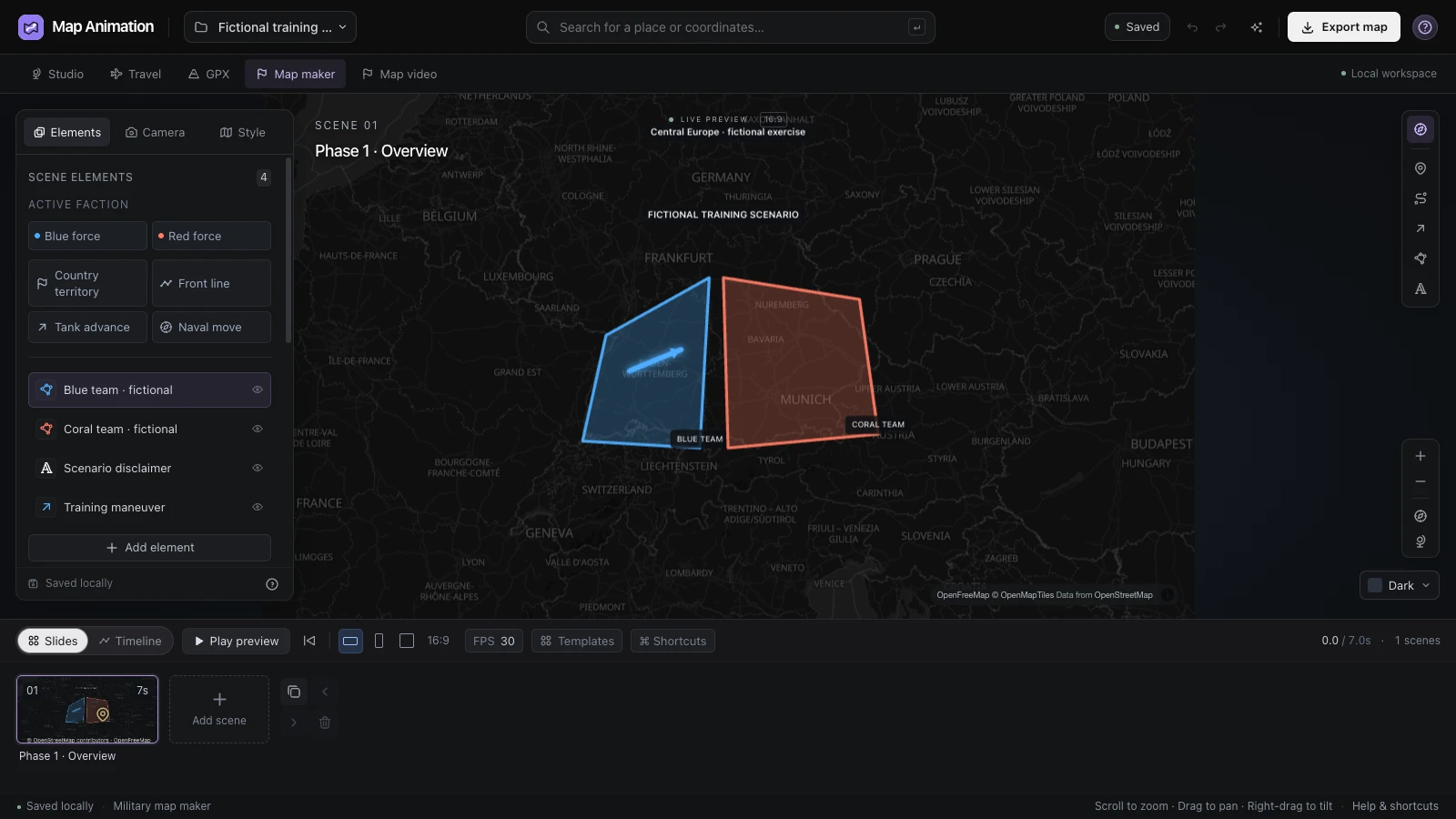
Select countries or draw polygon areas to establish the scenario. Use the military map maker to distinguish the sides, then review the framing so the geography supports the explanation and leaves space for labels.
Open the editor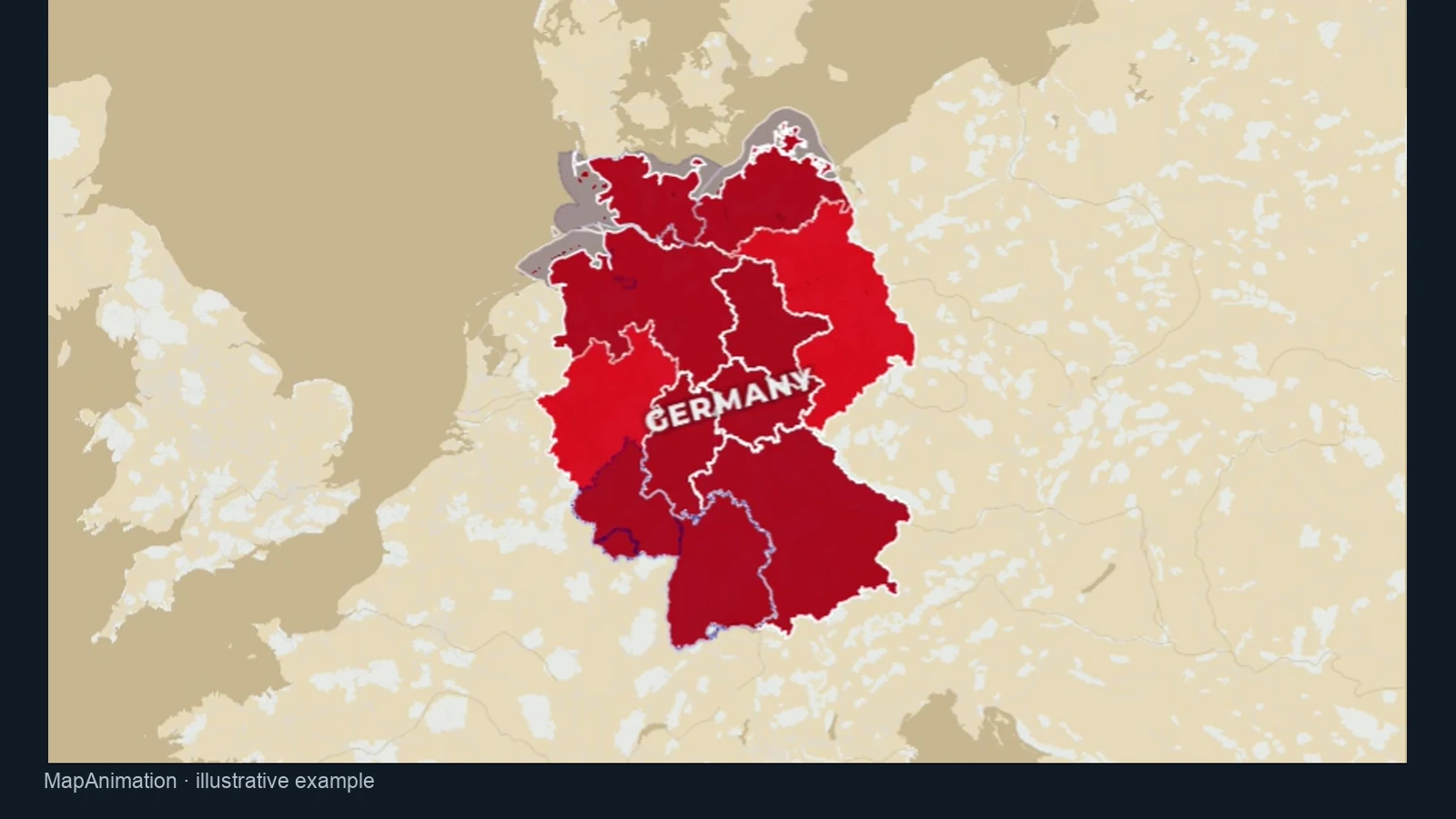
Use color to make the important area visible against the surrounding map. In the military map maker, assign those colors consistently and add annotations that tell viewers what each highlighted region represents in your scenario.
Open the editor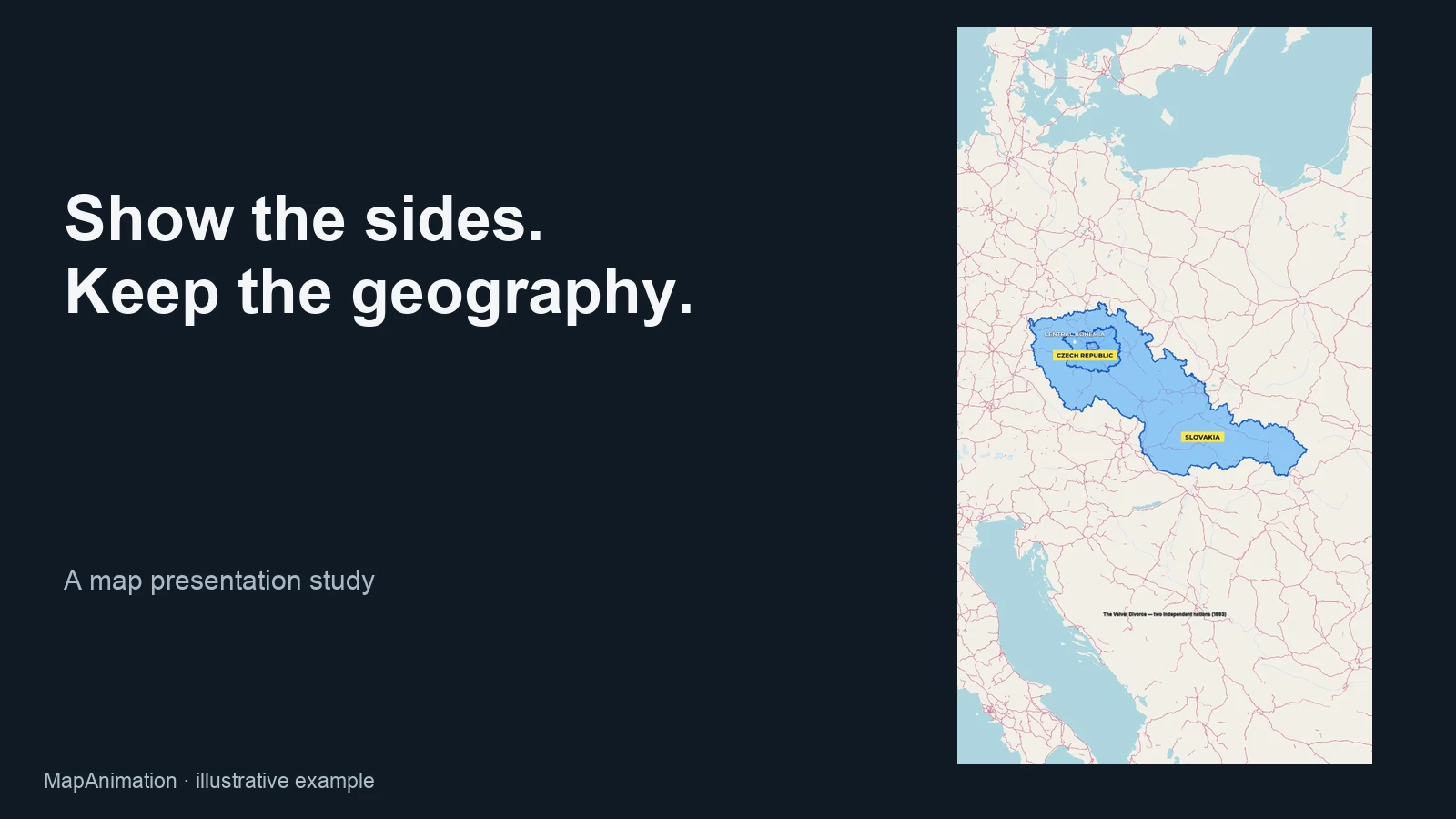
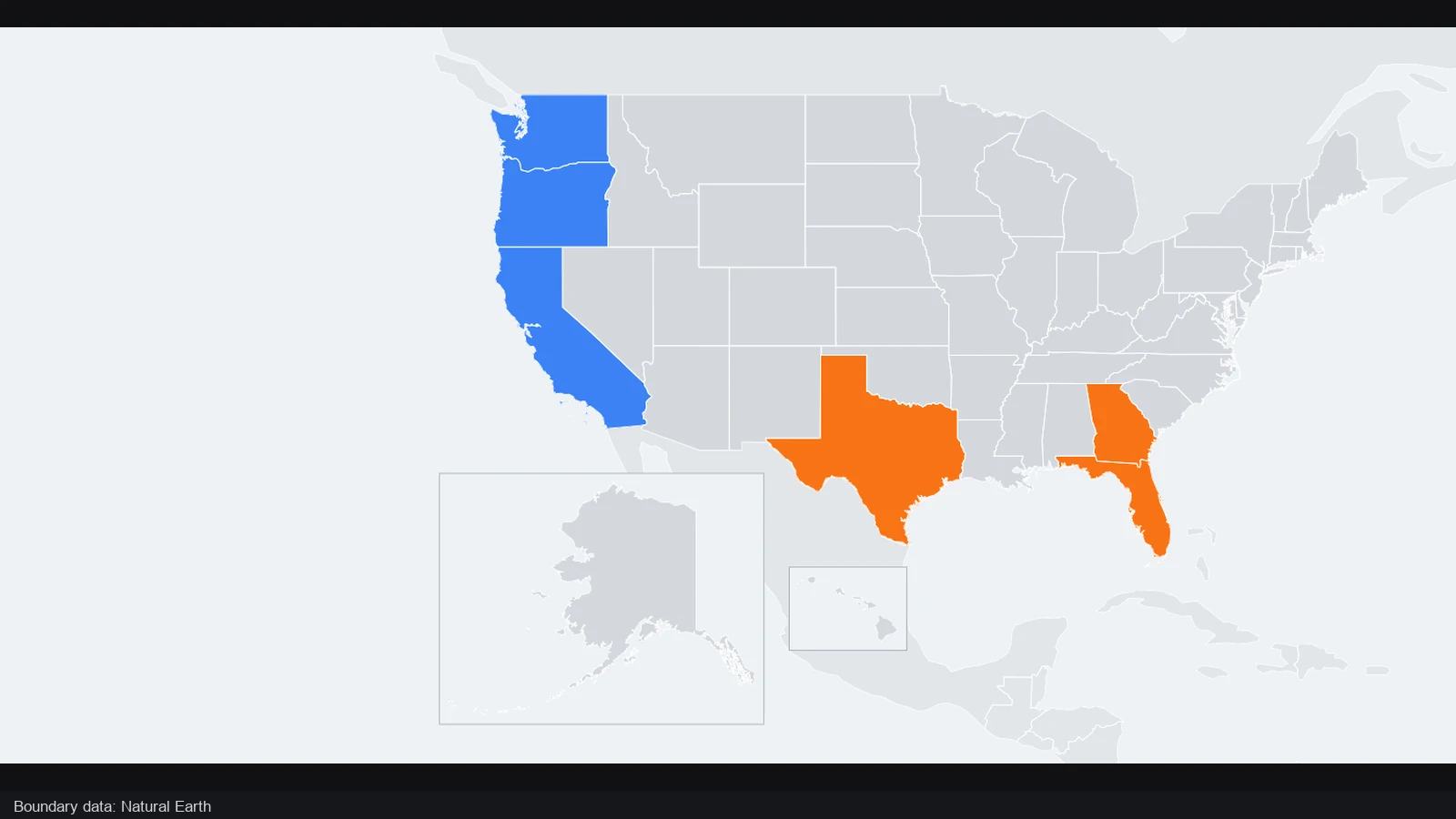
Give adjacent regions distinct visual roles so viewers can identify the sides. Use the military map maker to refine labels and scene order when your explanation needs to introduce those areas one at a time.
Open the editor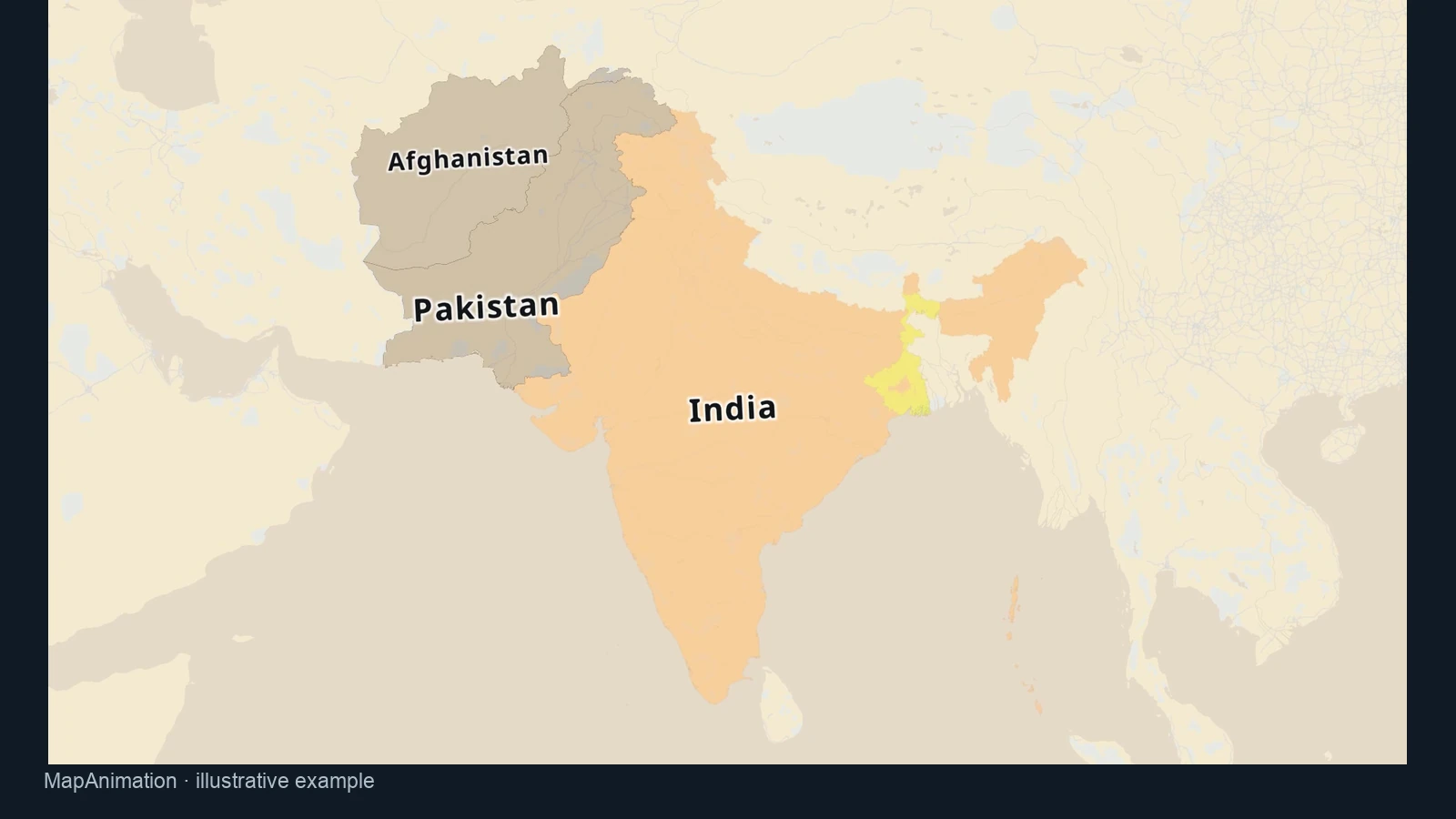
Show enough surrounding geography to make the selected area understandable. Set the camera and labels in the military map maker for the question you are explaining, then save the editable project for later revisions.
Open the editorOpen the military map maker and find the region for your lesson or scenario. Choose a view that leaves room for the markings and labels.
Add territories, front lines, arrows and annotations. Review the military map maker canvas to check that the sides, movement and intended time are clear.
Export a PNG for a static explanation or prepare a video sequence. Keep the military map maker project file so the scenario remains editable later.
The military map maker supports history lessons, explanatory videos and fictional scenarios. Use regions, front lines, unit paths and annotations to show a specific idea. Check your own source material, and make the date or fictional setting clear so viewers understand the context of the map.
Arrange the geography and markings in the military map maker, then export a PNG for a slide, document or still frame. Check label readability at the intended size. Save the JSON project too, so revisions do not require rebuilding the scenario from an image.
Select countries or draw polygon regions, then apply consistent colors for the sides. The military map maker supports labels and annotations that explain what those colors mean. Use only the detail needed for the lesson, and check that adjacent areas remain distinguishable in the exported view.
Yes. Add tank or ship routes, arrows or front lines to clarify direction and position. Preview movement before exporting. The military map maker supplies illustrative controls; you decide whether the positions, timing and labels represent the scenario and the point you want to explain.
The military map maker is an editing tool. It does not supply a verified live conflict feed or validate the scenario you draw. For historical or current affairs explanations, use your own checked sources, state the relevant date and distinguish interpretation from reported facts. For fictional work, label the setting accordingly.
Yes. Use the military map maker scenes to separate phases, adjust the camera and set the duration of each part. Preview the sequence to ensure viewers can follow the changes. Projects support up to 30 scenes and 600 seconds; individual video exports cover up to 120 seconds at the supported output settings.
Yes. Export a JSON project from the military map maker alongside any image or video output. Import it to adjust regions, labels, camera positions or scenes later. You can also explicitly save a private map to your verified account; keep a downloaded project for a portable editable copy.
Start with one question and use the military map maker to show the geography needed to answer it. Introduce the sides consistently, place labels where they remain visible and preview at the final viewing size. For changes over time, divide the explanation into phases instead of crowding everything into one still.

Build a clear situation map for your next explanation. Choose the region, mark the scenario and keep an editable copy for later revisions.
Create a military map