Start with the subject
Tell the AI map generator which real places and regions matter. Put the geographic question first so the draft has a clear focus instead of an open ended request.
Start with the geography you want to explain. The AI map generator turns your description of places and regions into an editable draft, so you can refine the map before exporting a still image.
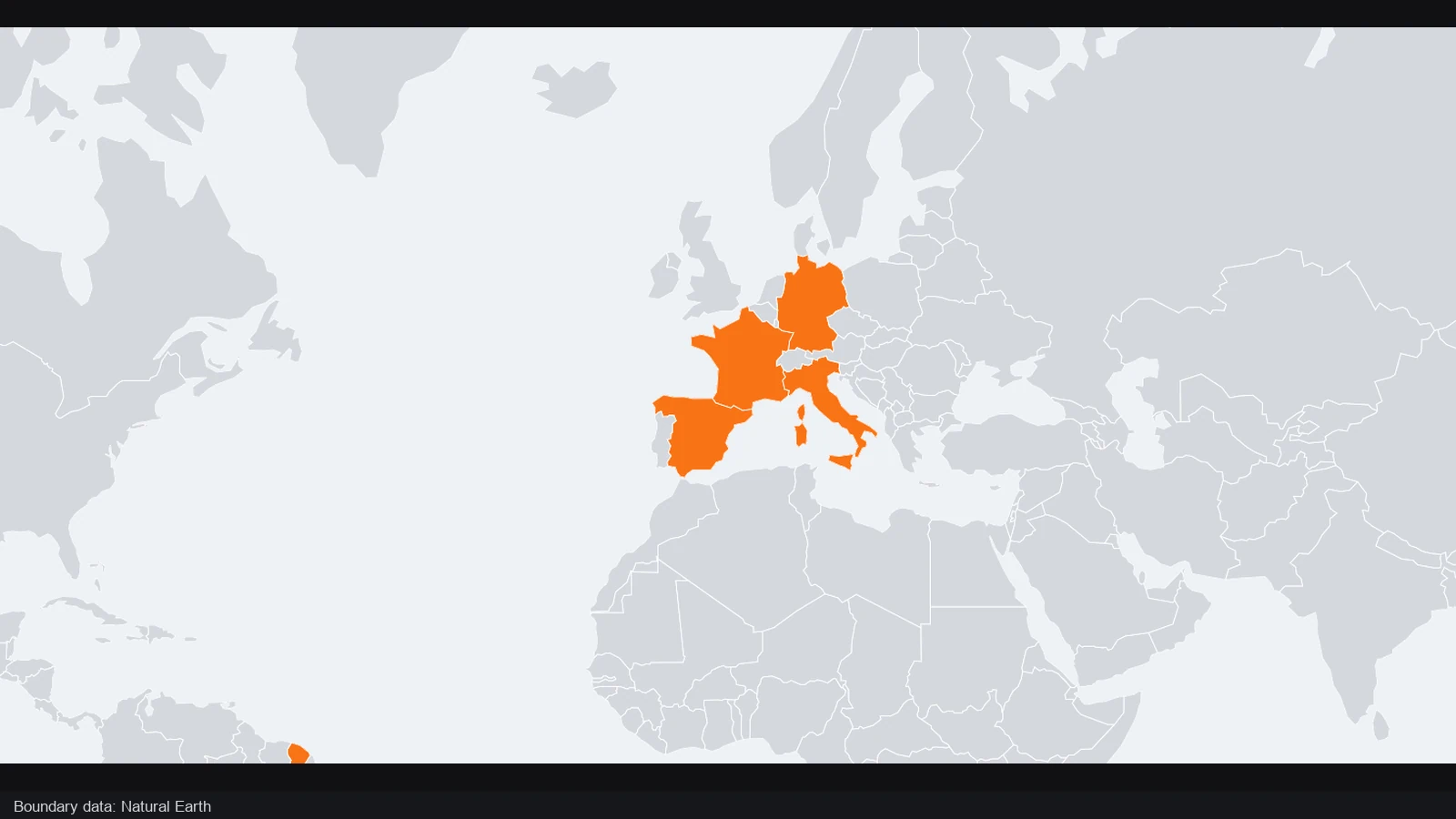
Compare one geographic view before and after France, Germany, Spain and Italy are highlighted. Country colors make the selected area visible without losing the surrounding European context.
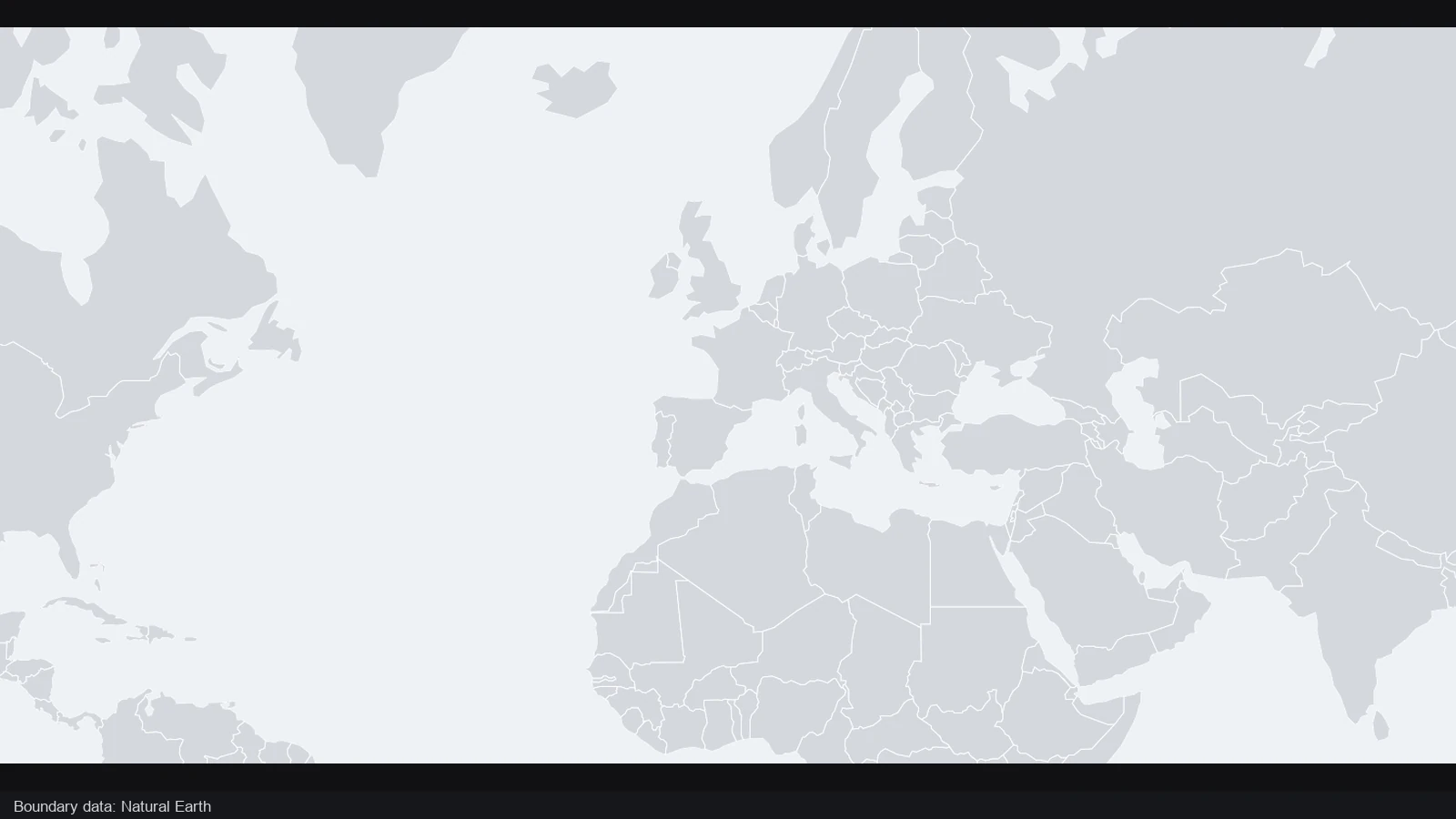
The starting map provides a neutral view of western and southern Europe. Decide which countries belong in your explanation and what readers should notice about them before adding color, labels or other geographic emphasis.
France, Germany, Spain and Italy stand out together in the highlighted view. Use the AI map generator to begin your own editable geographic draft, then refine the country emphasis, labels and framing around the places your explanation needs.
France · Germany · Spain · Italy
The change here is geographic emphasis: the selected countries become easier to identify in context. Review the actual locations and composition of your own draft before choosing the final map view.
Move from a written idea to a map you can inspect and change. Use the draft to establish the geography, then keep control of the decisions that make the final explanation clear.
Tell the AI map generator which real places and regions matter. Put the geographic question first so the draft has a clear focus instead of an open ended request.
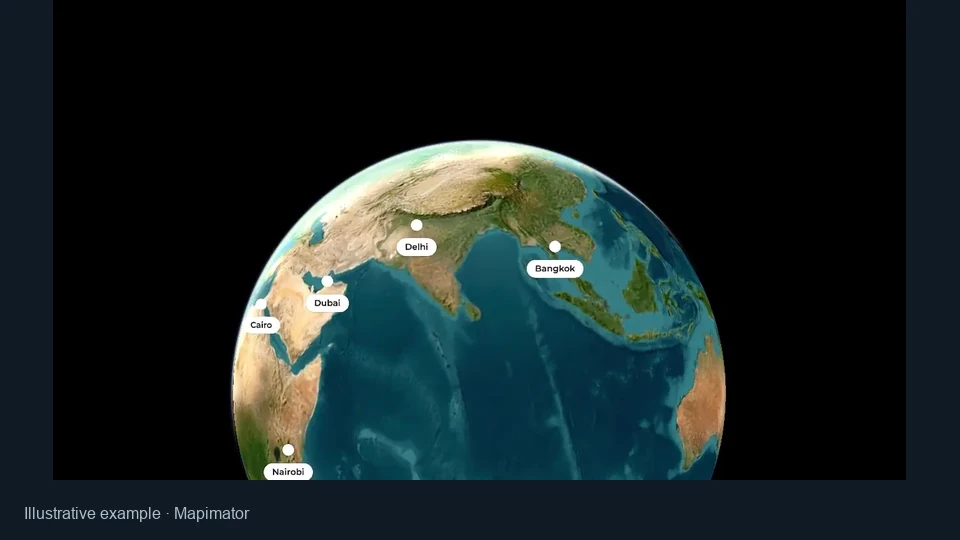
This AI map workflow gathers the requested geography into a single flat scene. Review the relationships together when your intended result is a map rather than a travel video.
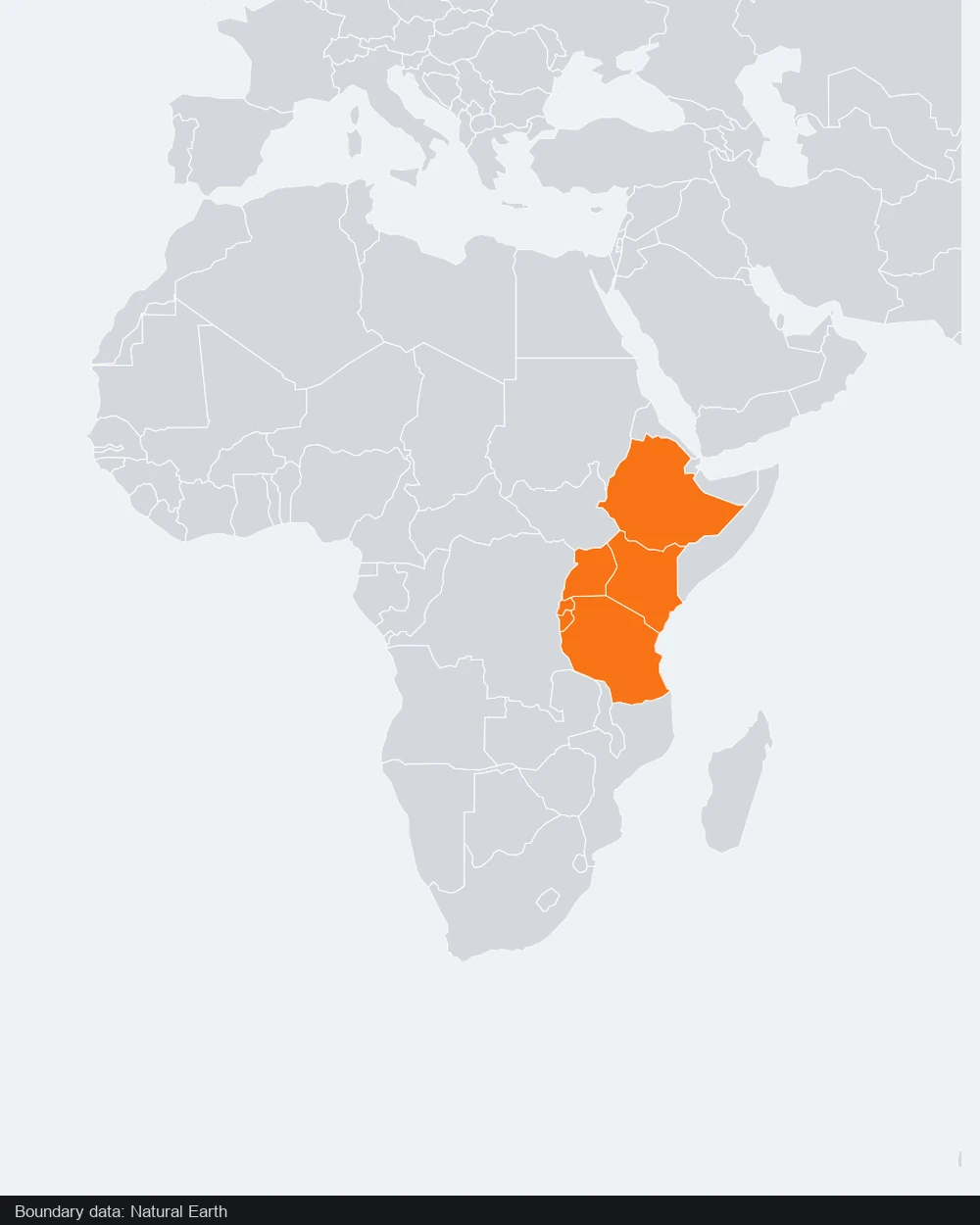
The AI map generator produces editable objects. Correct a label, change a color or reposition the camera in Studio instead of being limited to a flattened generated image.
Export a PNG when the map is ready, and keep its editable project. Revisit the same geographic idea when you need another slide, a corrected label or a different framing.
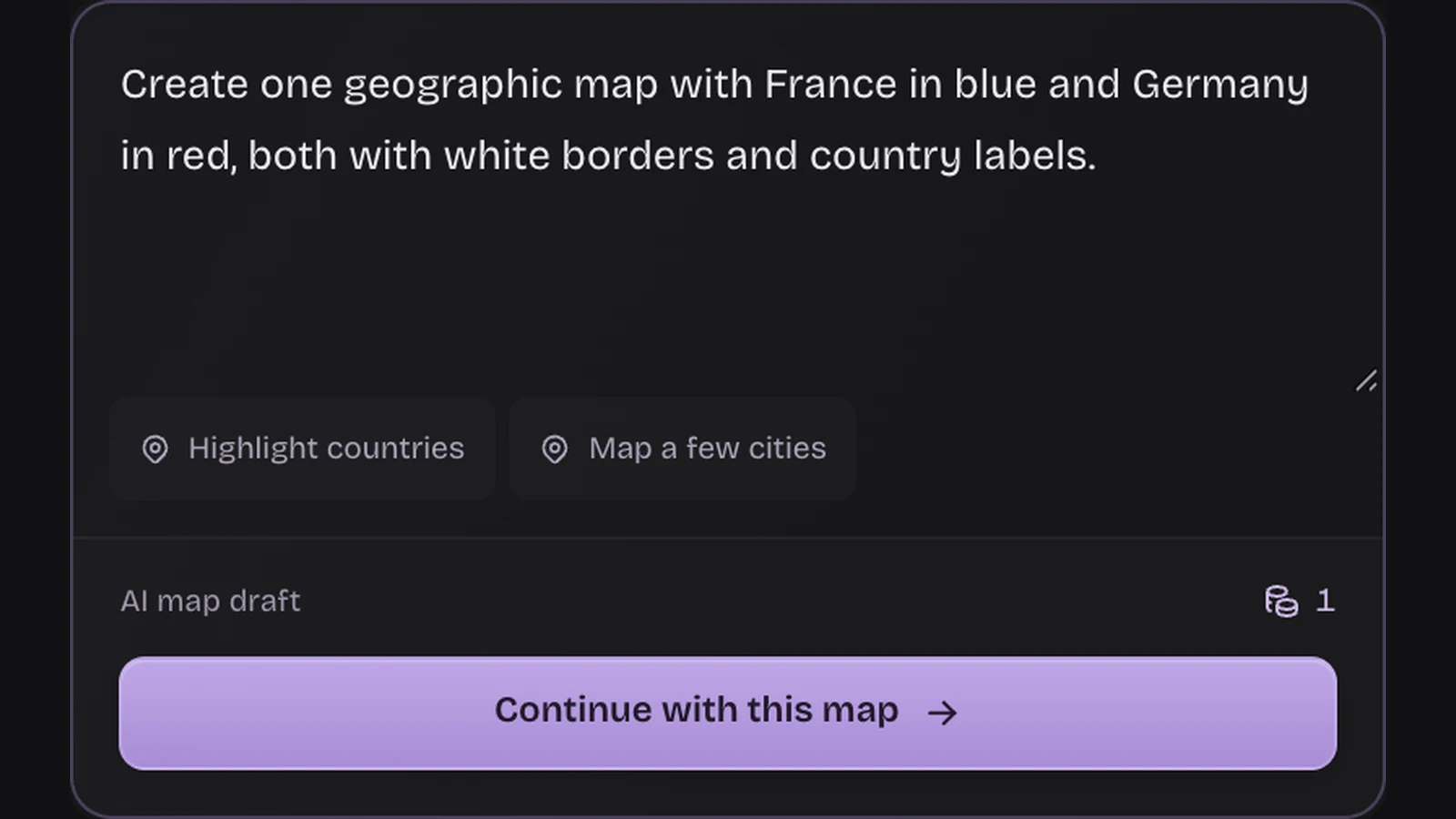
Name the cities or countries and say what you want the reader to notice. The AI map generator works with real geographic places, so clear names and a specific comparison give the draft a better defined purpose than a broad request for a beautiful map.
Create your map draft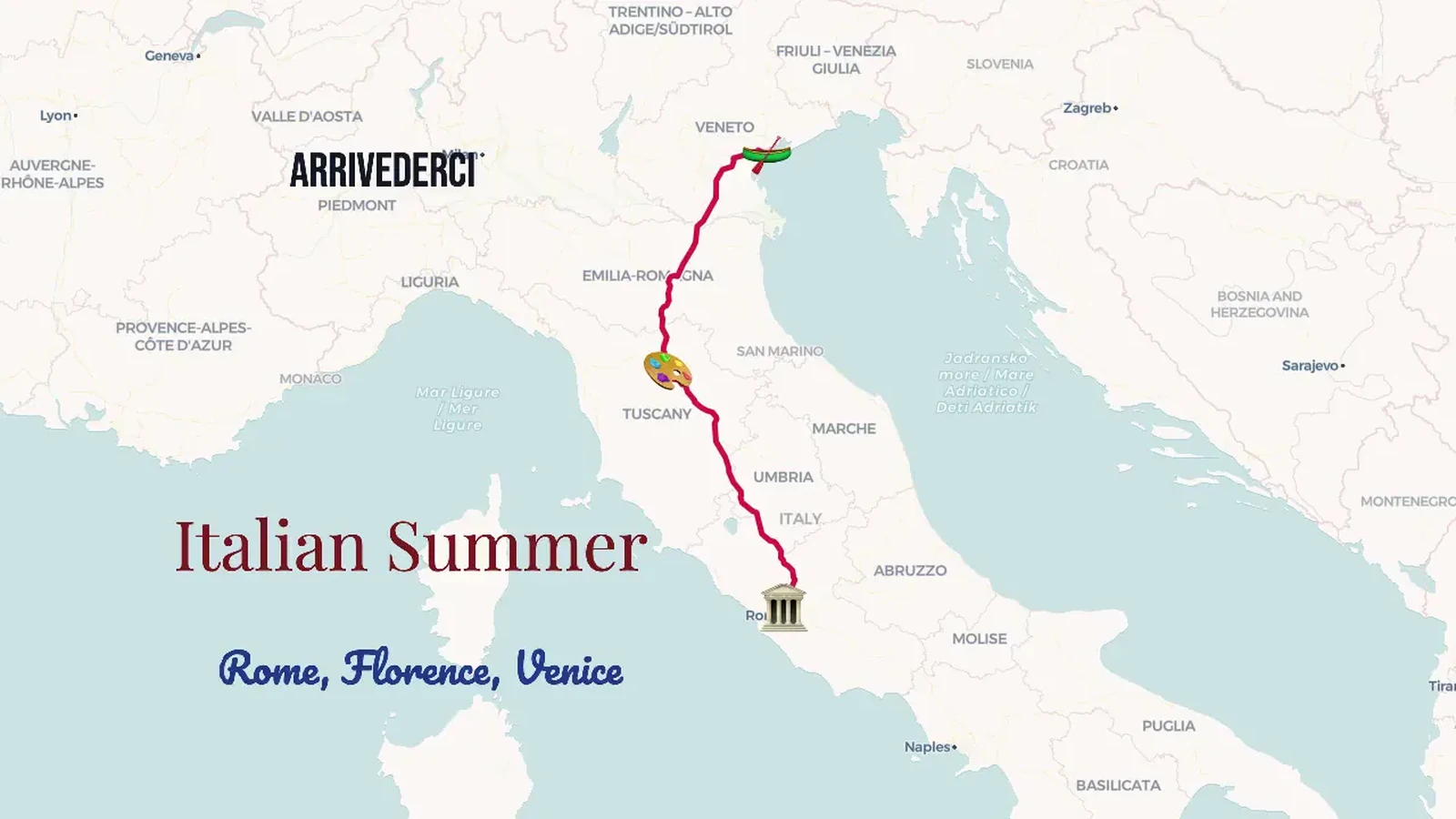
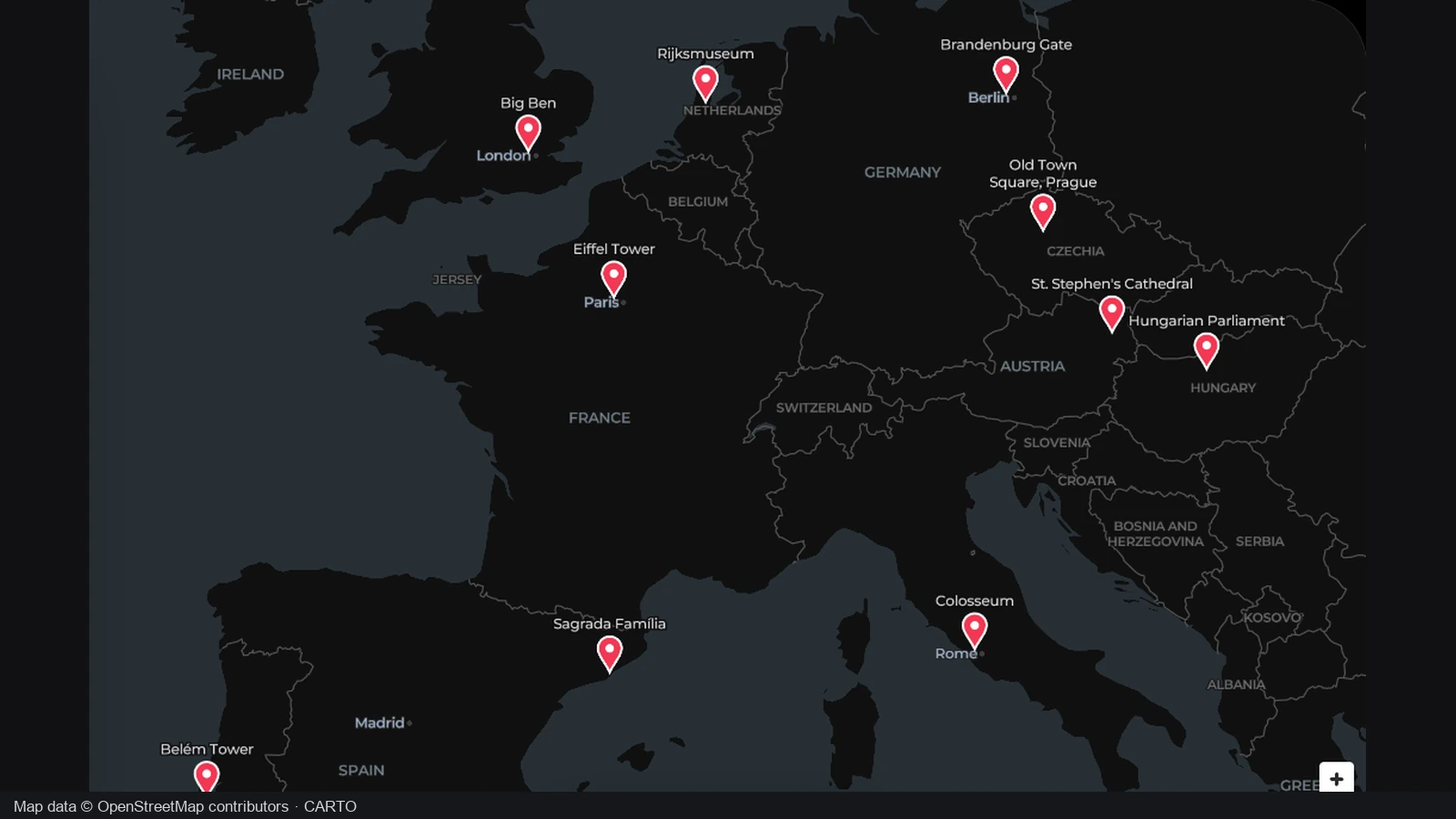
Use one view to relate the places, lines and labels in your explanation. The AI map generator gives you an editable starting point; review the geography together before deciding which details and surrounding context belong in the final composition.
Create your map draft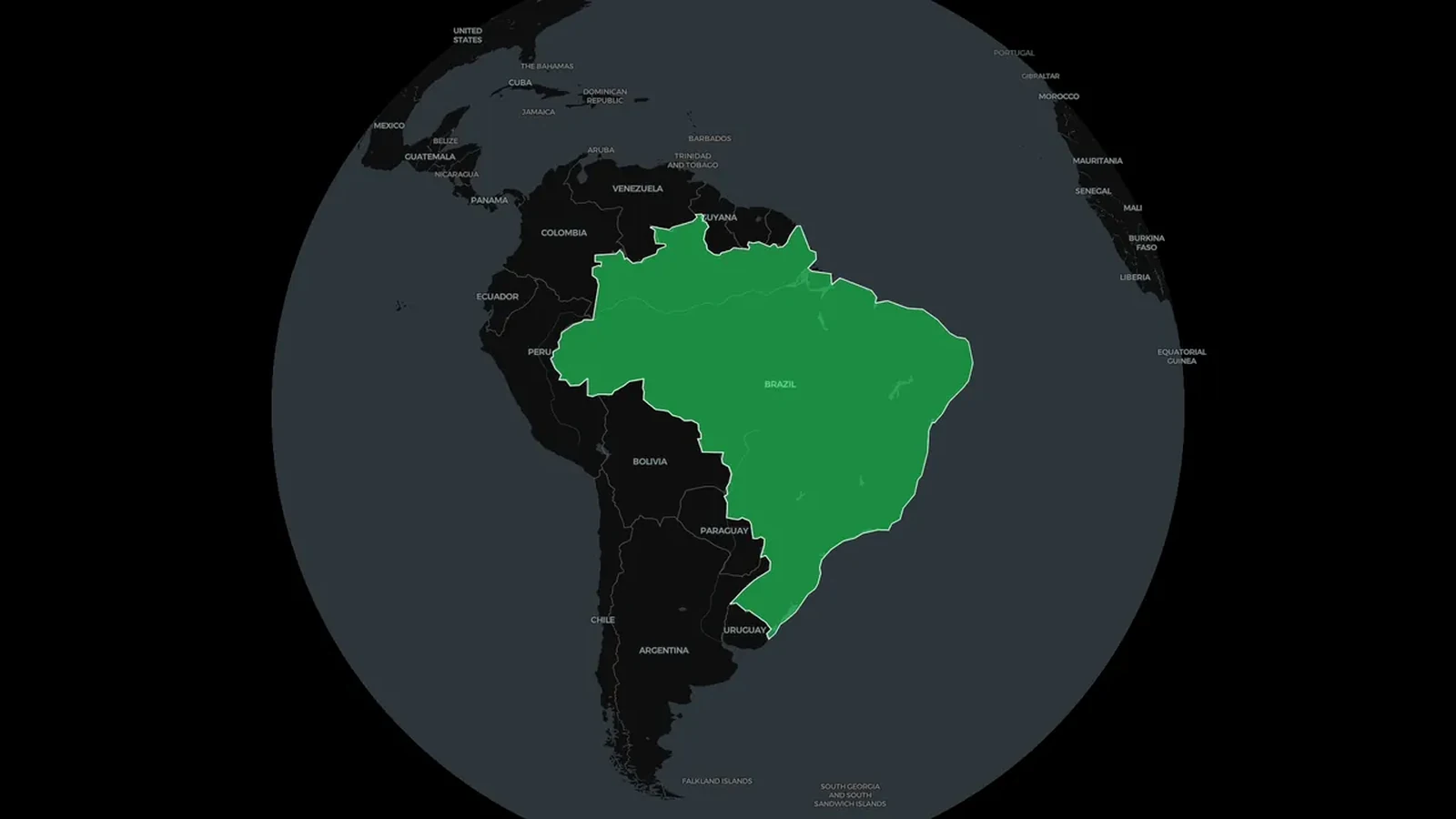
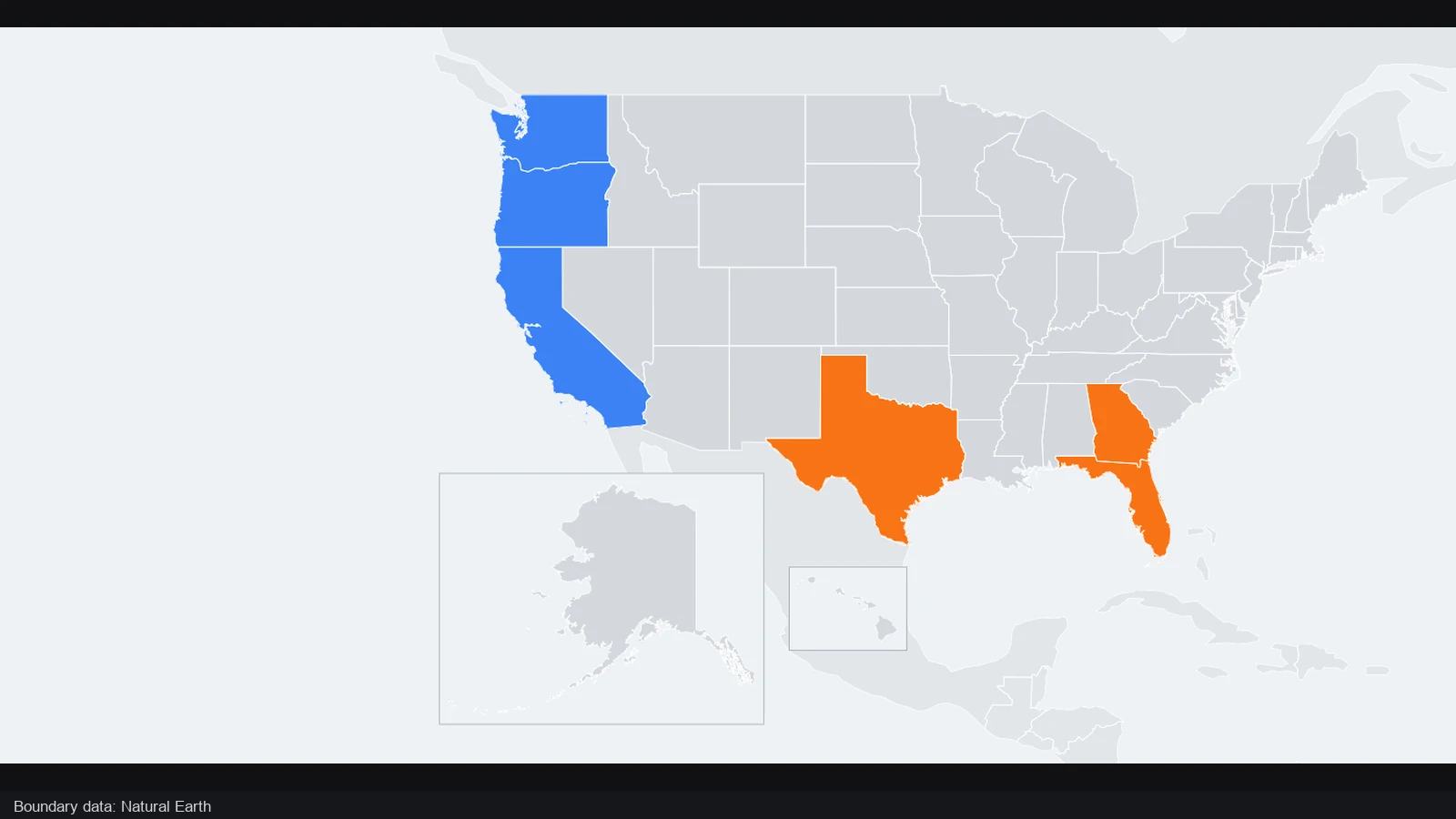
Select objects to revise their appearance and adjust the camera to frame the important area. The AI map generator hands you an editable map, so the final geographic emphasis comes from your judgment rather than an image that is already fixed.
Create your map draft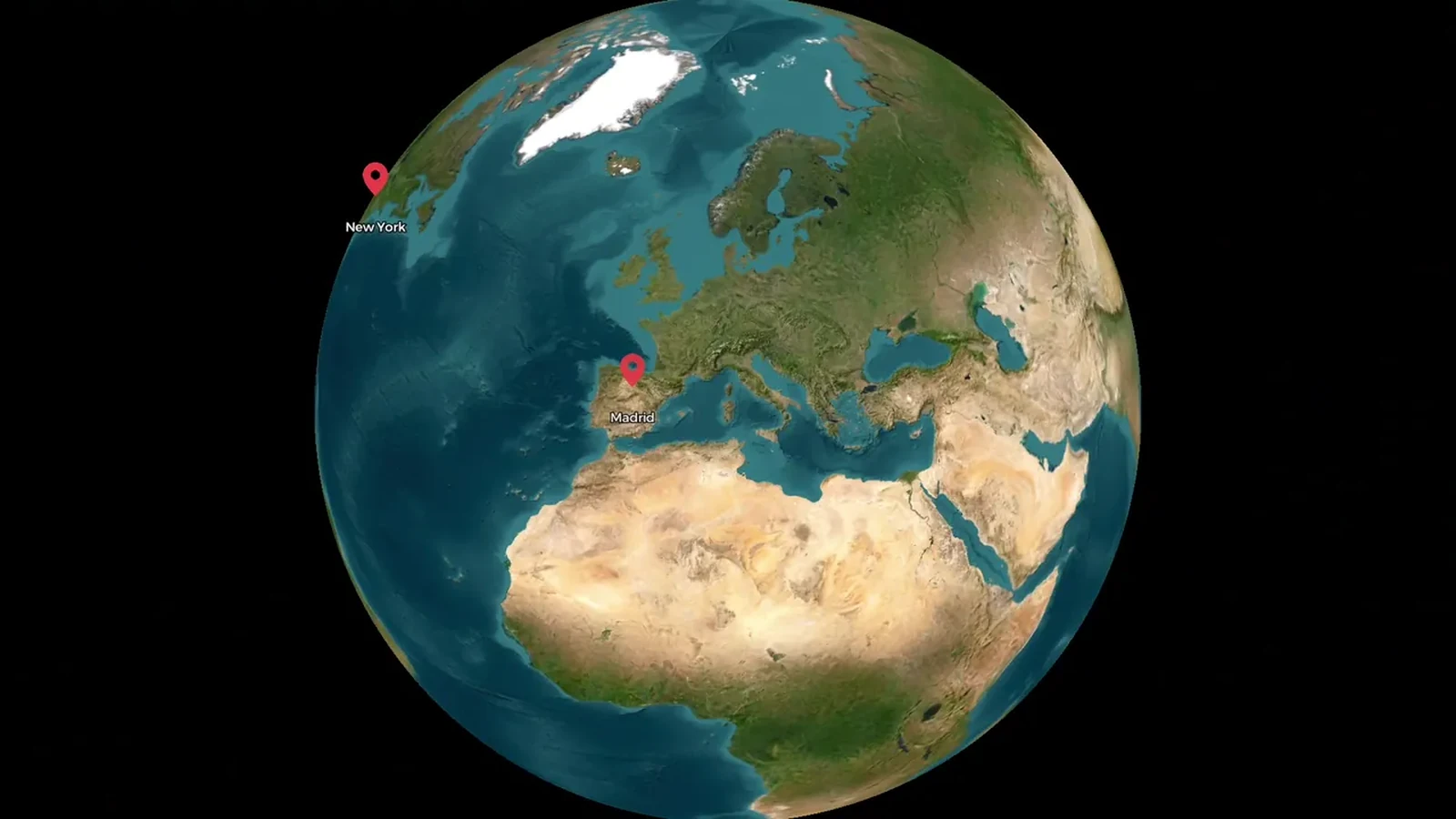
Download a PNG for the finished illustration and save a JSON project for revisions. The AI map generator uses the existing map workspace, where private account saves also let you retain the editable composition after signing in.
Create your map draftTell the AI map generator the real places, regions and emphasis you need. Continue to Studio with that description, keeping the request focused on a static map.
Request the AI map draft in Studio, then check the locations and labels. Adjust objects and framing until the geography supports the explanation you want to give.
Use the AI map generator project as an editable starting point. Export a PNG when ready and keep the project if you expect to revise the composition later.
The AI map generator drafts real places and regions from your description. It combines editable elements in one flat Studio scene, where you can inspect and change them. Review the geography before exporting the image for your explanation.
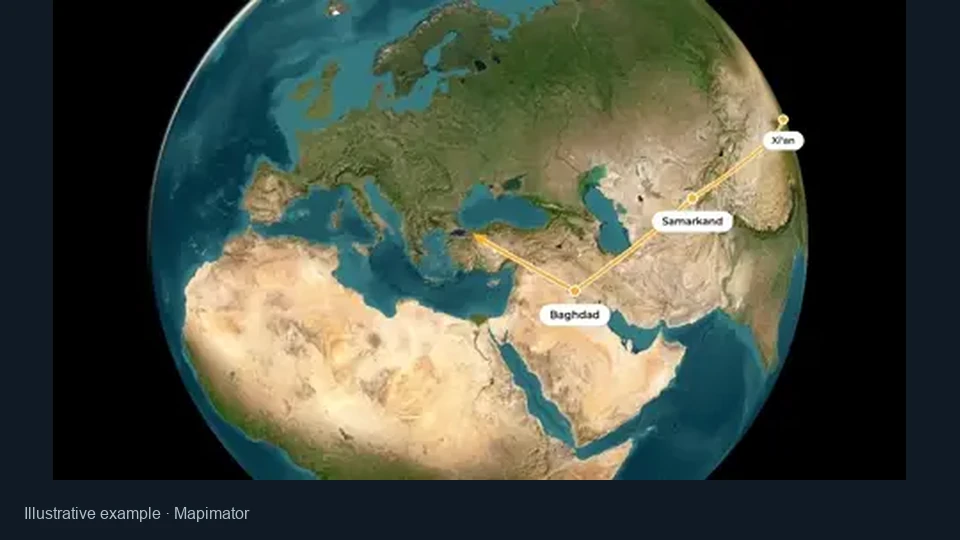
This AI map workflow creates one geographic composition, with places and regions visible together. Choose it for a still image. The separate map animation tool serves stories where movement, timing and changes between scenes are the main result.
Name the places and desired emphasis. Ask the AI map generator to highlight countries or label cities, including a country for ambiguous place names. Explain what the reader should understand so the draft has a clear geographic purpose.
Yes. The AI map generator produces editable elements. Revise labels, colors, objects and camera framing in Studio. Check every place and highlighted area yourself: a draft gives you a starting point, rather than verified geographic or factual research.
This AI map generator uses real geographic places on the existing map. It does not invent coastlines, terrain, game levels or fantasy atlases. Use a dedicated world building tool when you need to create the geography itself.
A complete AI map generator draft costs one credit. Applying it, editing manually and exporting locally do not use another AI credit. Manual map editing is separate; the current plan does not grant AI credits for registration or login.
Review the elements included by the AI map generator, then frame the area your reader needs. Country geometry can include distant territories, widening the initial view. Adjust the camera for a closer regional composition without requesting another draft.
Yes. Export a PNG for a slide or document, and keep the editable JSON for revisions. The AI map generator also supports private account saves in Studio. Check label readability and geographic accuracy at the intended viewing size.

Open the AI map generator, describe the places that matter and refine the resulting draft into a map you can explain.
Create your map draft