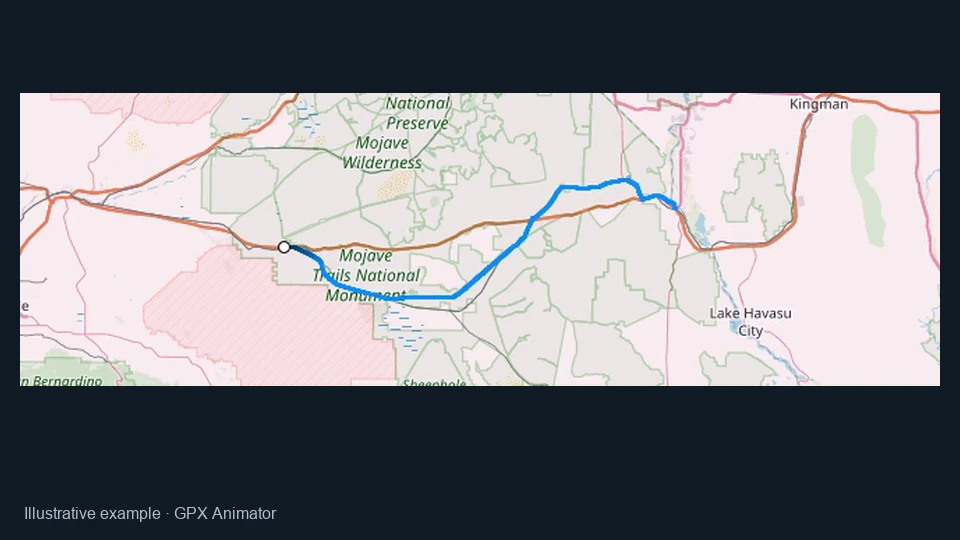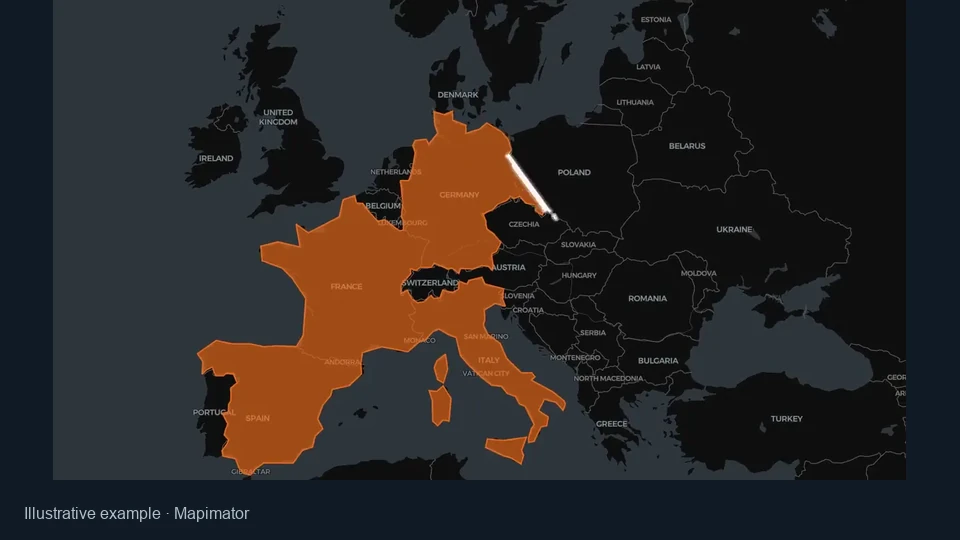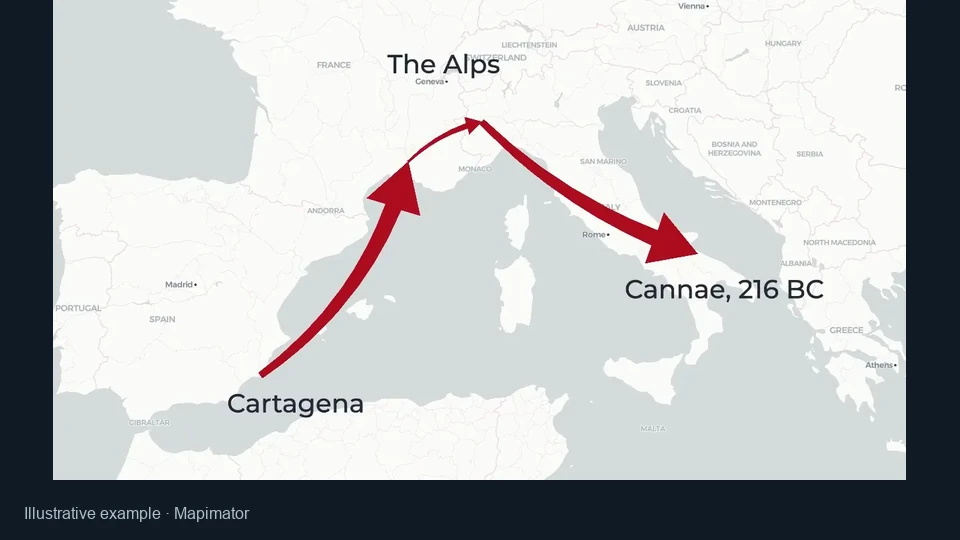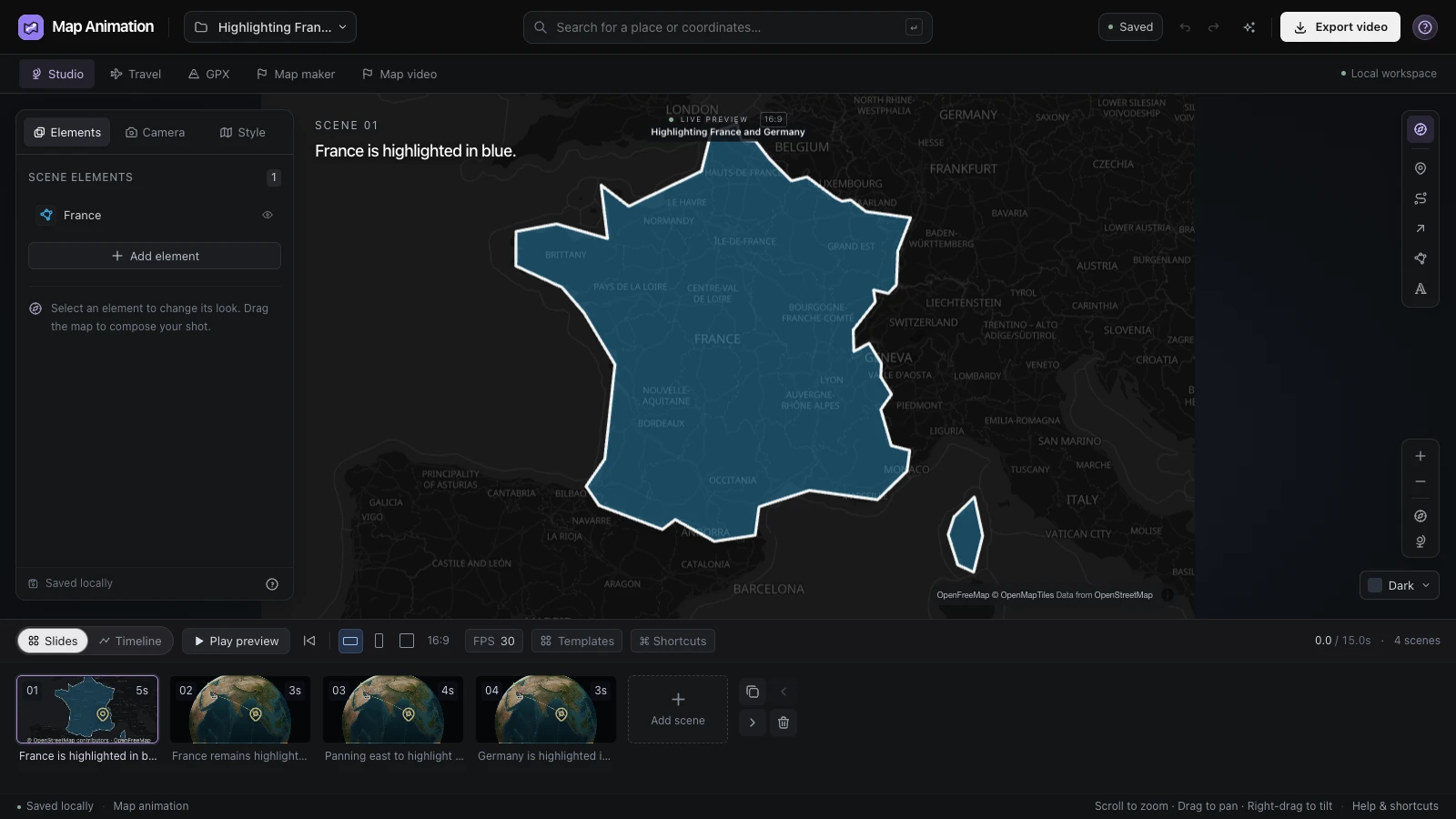
Explain places in sequence
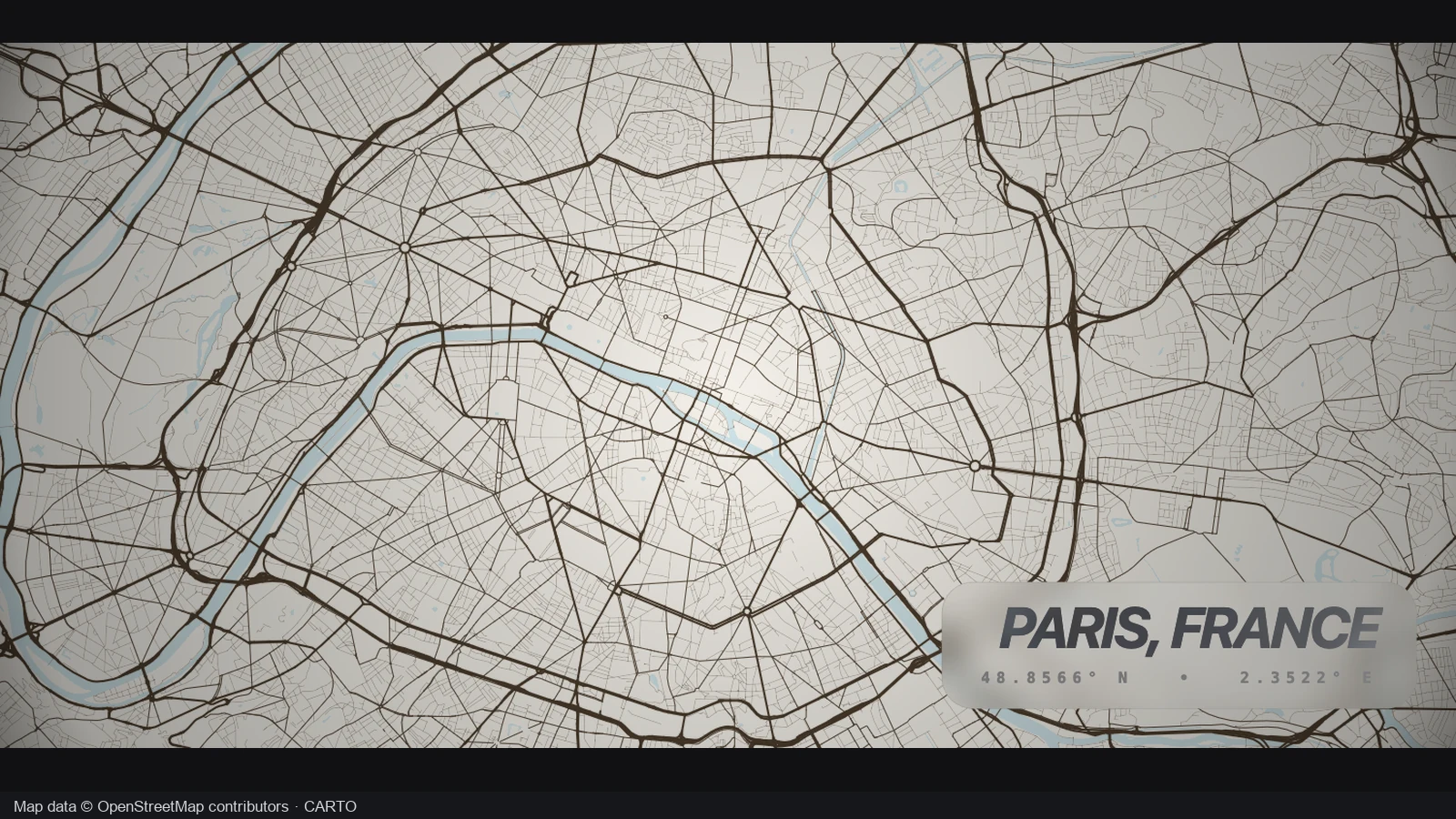
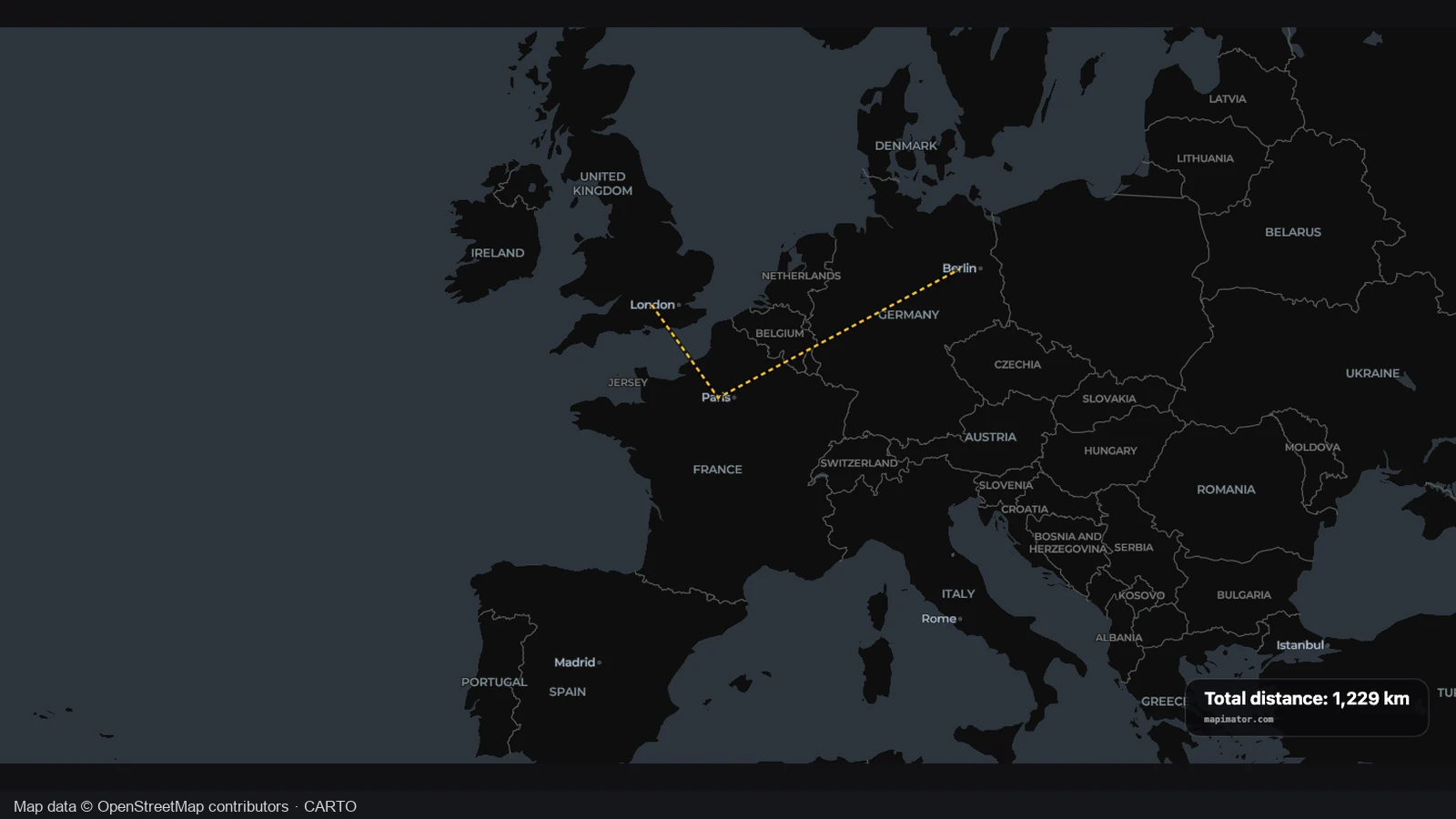
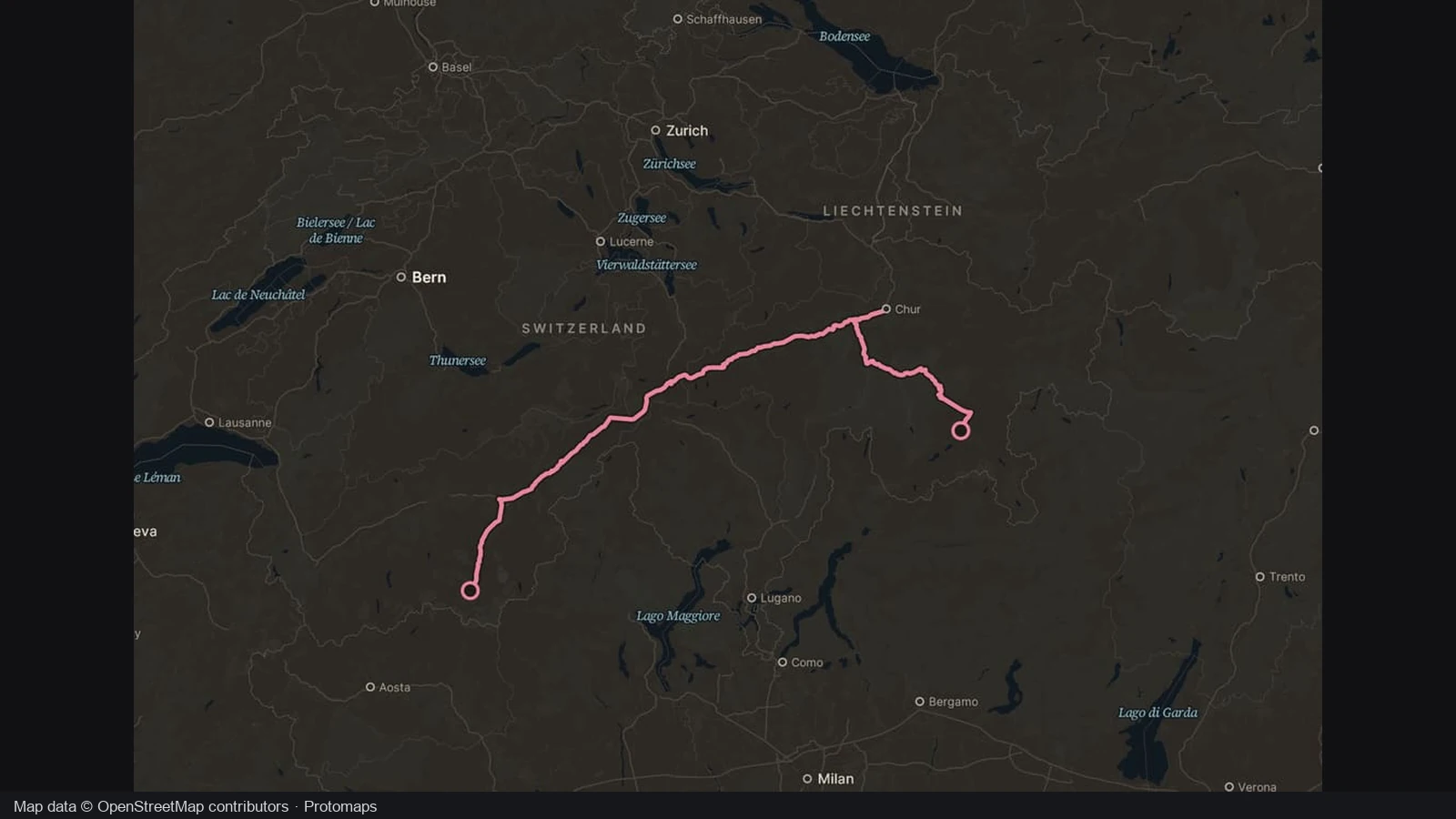
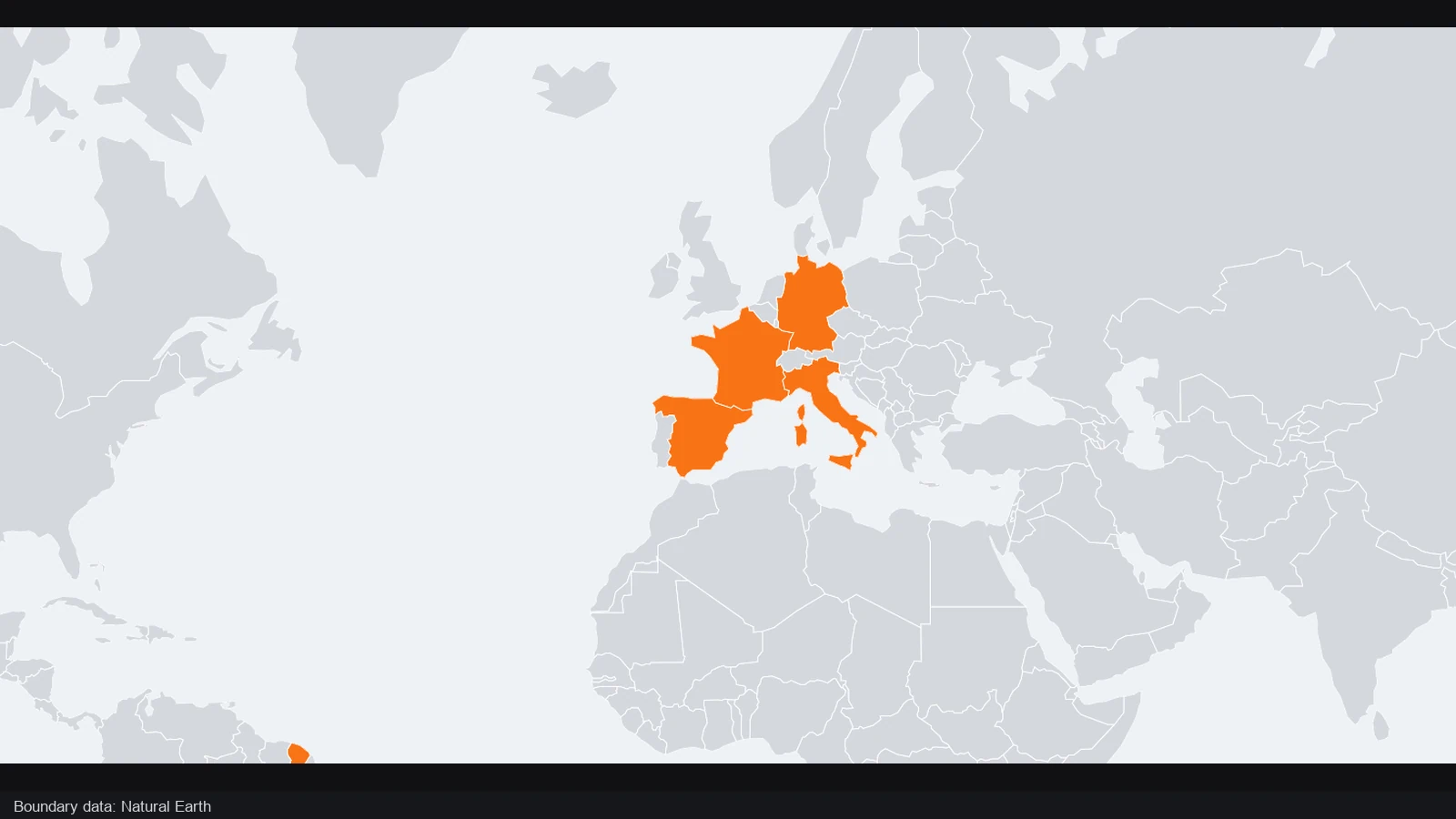
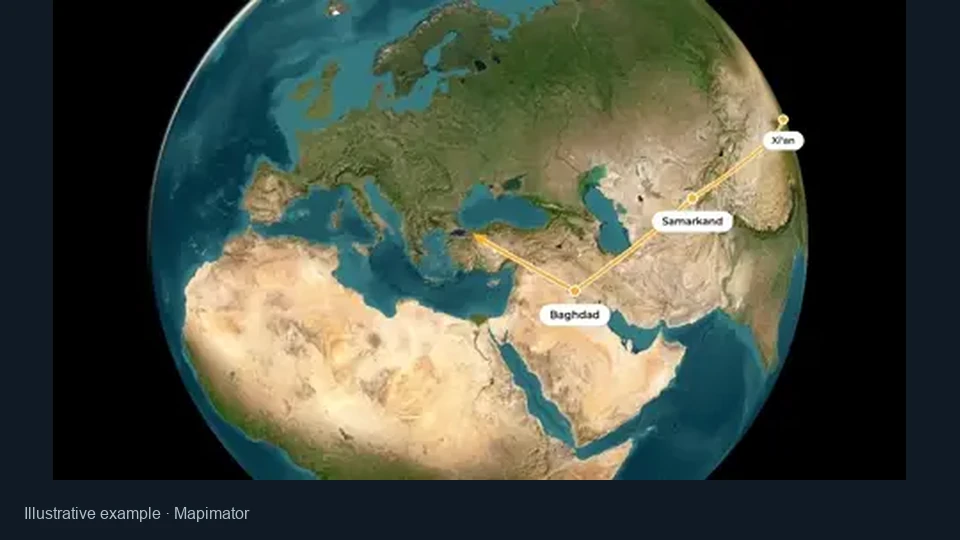
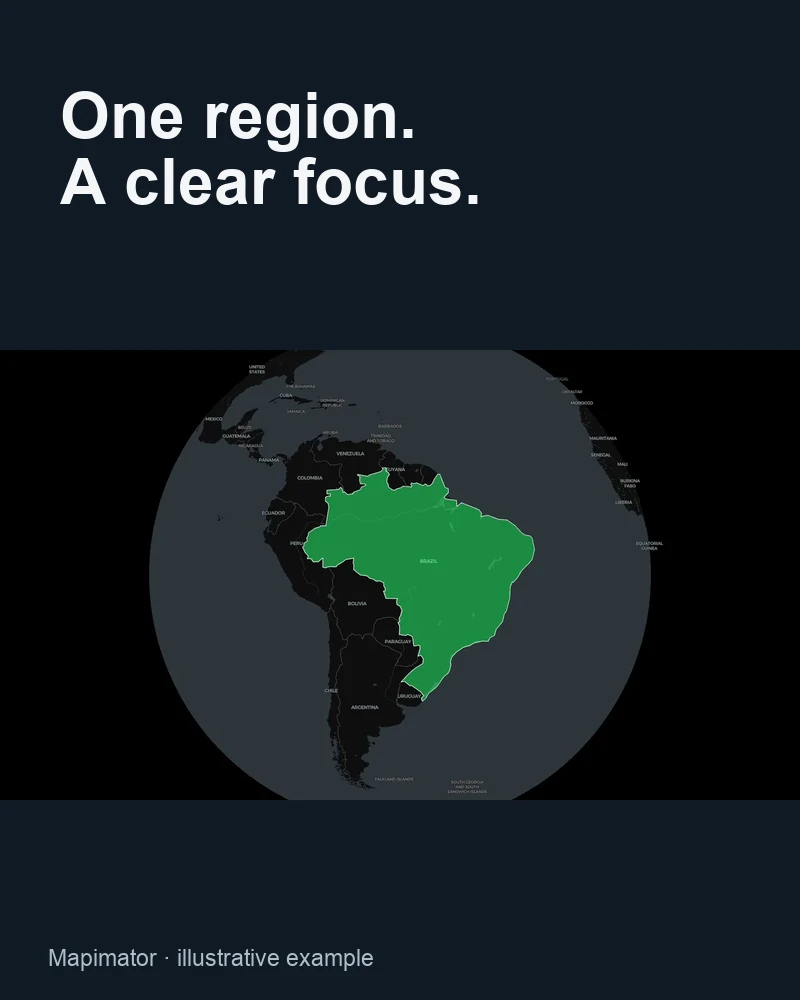
Use map animation to introduce a region, connect its important places and reveal the route in order. Viewers see the relationships that a list of locations leaves unexplained.
Turn places and ideas into a map animation you can revise. Describe your story for an AI draft, or arrange the geography yourself, then refine scenes, routes and camera movement before exporting your video.
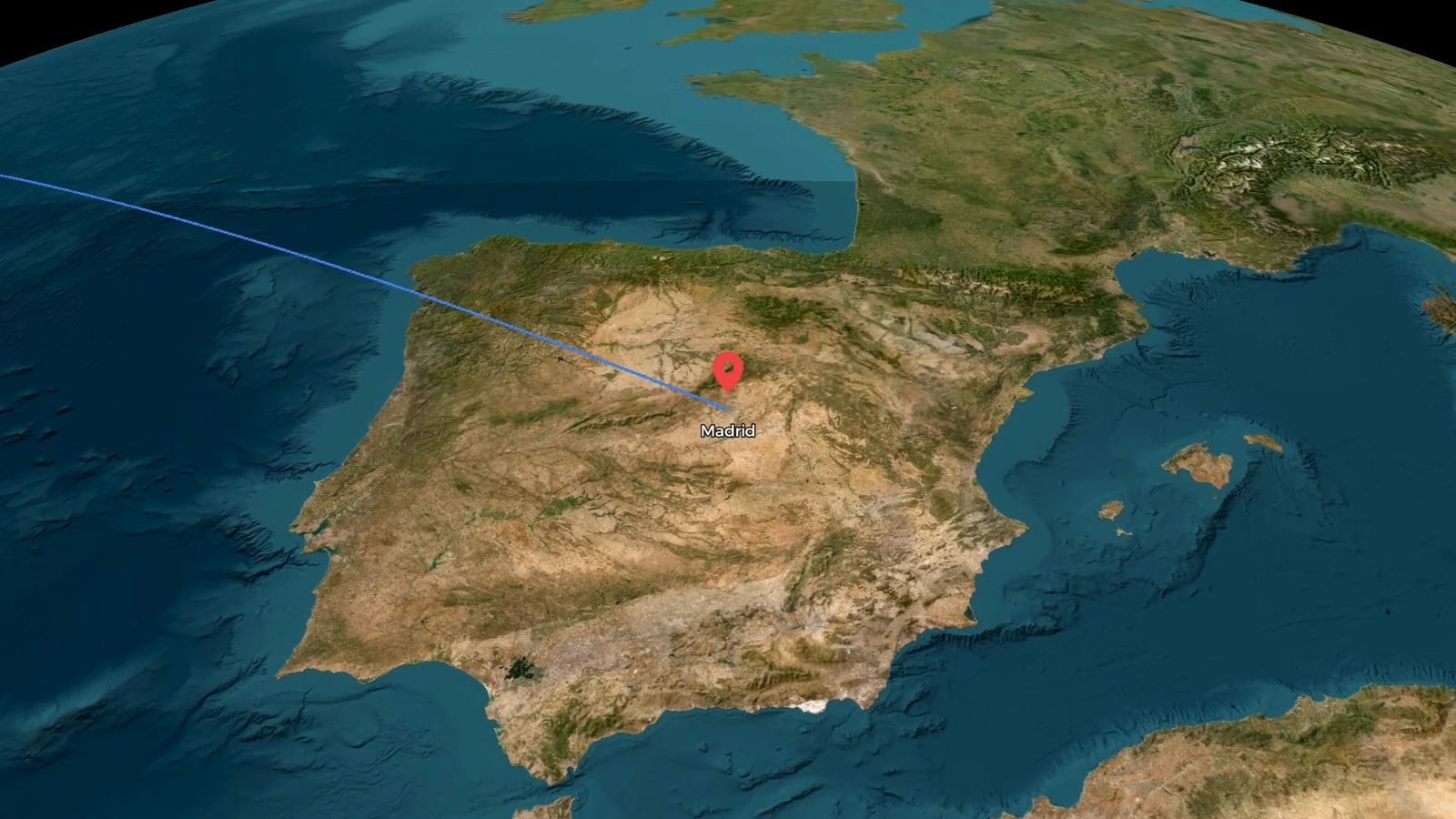
Watch one flight route develop across a globe. The opening view establishes geographic scale, while the moving arc helps viewers follow the connection as the camera approaches the destination.
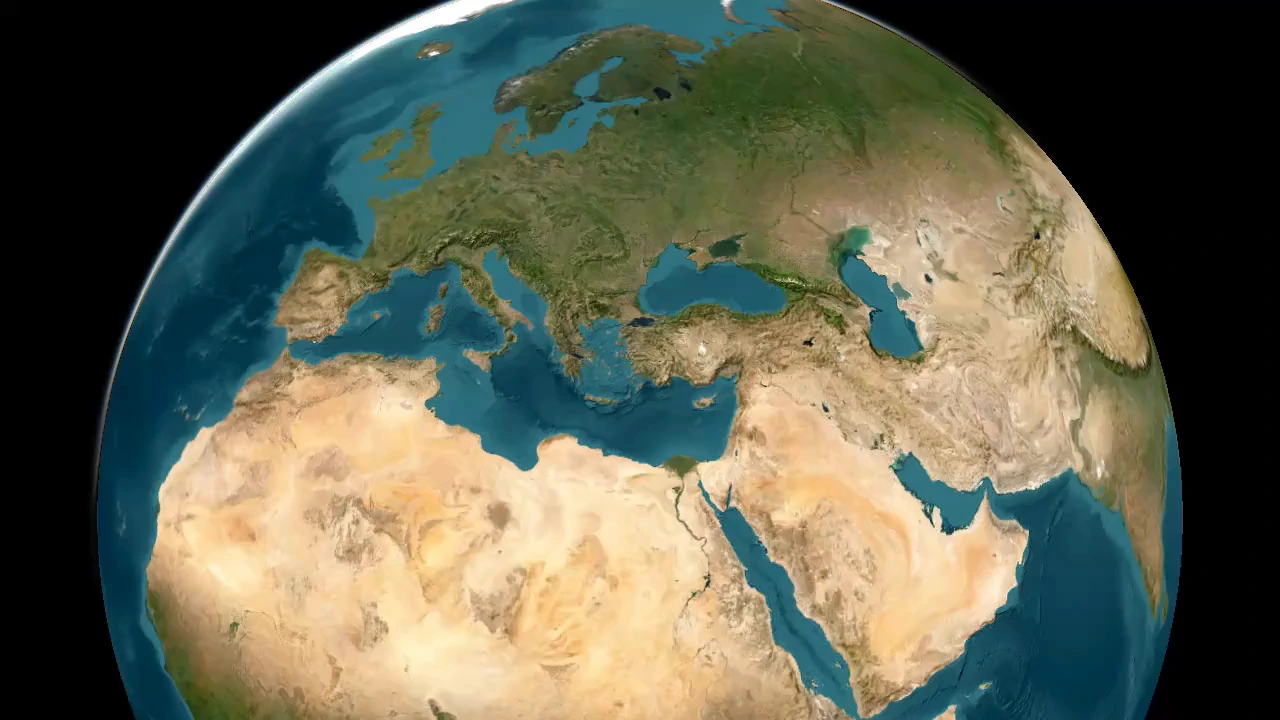
The opening frame gives the journey a geographic starting point before the flight arc develops. Showing the surrounding globe first lets viewers understand the distance and direction, rather than meeting an isolated line without a recognizable setting.
As the arc extends from Dubai, movement connects the locations into a sequence. Preview the sequence to judge whether the route stays visible and the camera gives your audience enough time to understand each stage.
One flight route · globe to destination
The opening still and playback follow one flight sequence. Compare the developing route, camera position and pace when deciding how a map animation should support the story in your own video.
Build the geography around the point you want to explain. Keep the places, visual emphasis and sequence adjustable as your script develops, so revisions stay connected to the same editable project.
Use map animation to introduce a region, connect its important places and reveal the route in order. Viewers see the relationships that a list of locations leaves unexplained.
Change one route, label or camera view without rebuilding every scene. Keep the map animation aligned with a revised itinerary, corrected place name or updated explanation.
Download the editable JSON alongside the finished clip. Reopen that project on another device when you need new framing, a shorter sequence or a corrected annotation.
Prepare your map animation for landscape, portrait or square video. Export a clip for your main edit, or use a PNG frame in a slide or thumbnail.
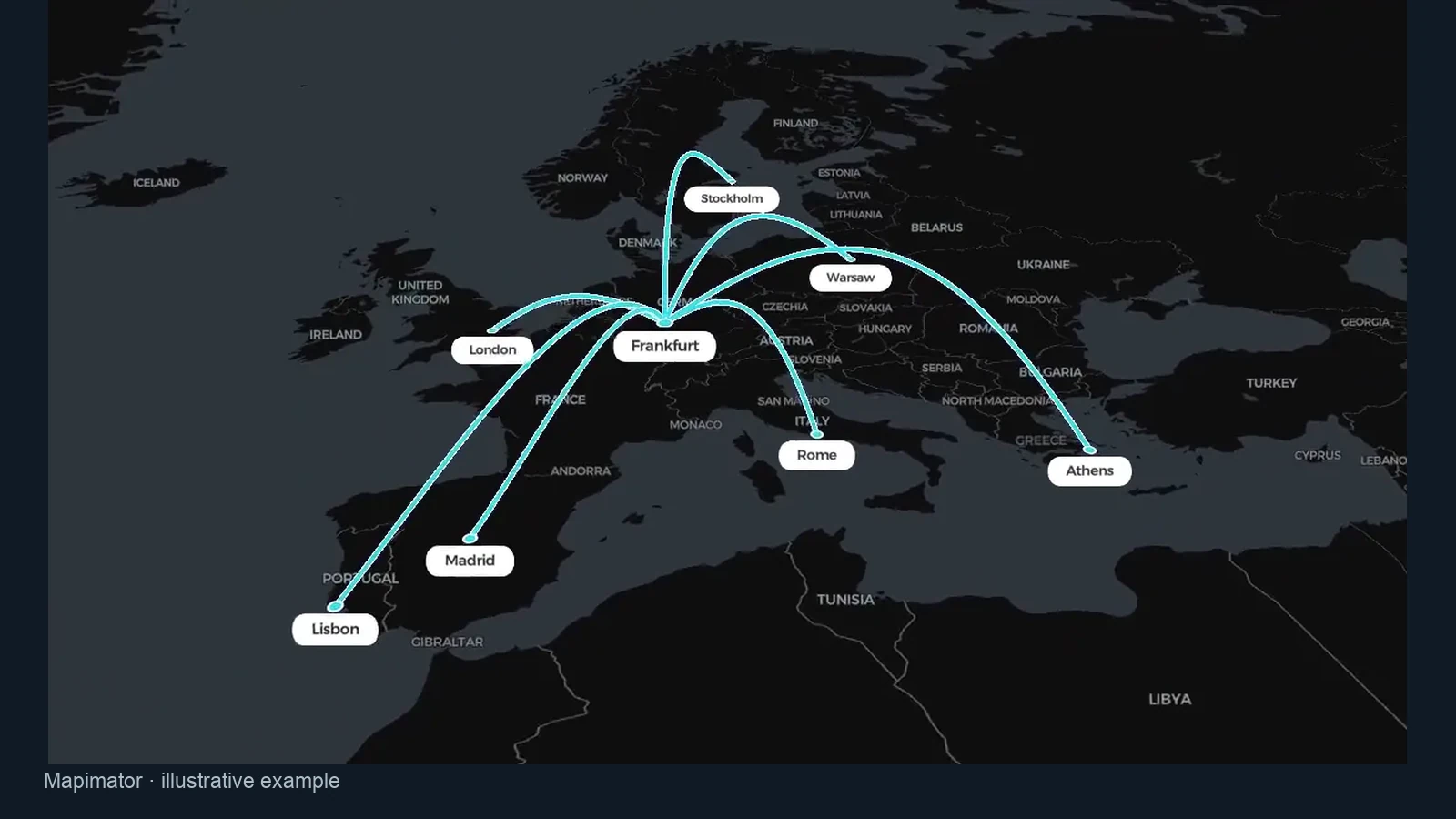
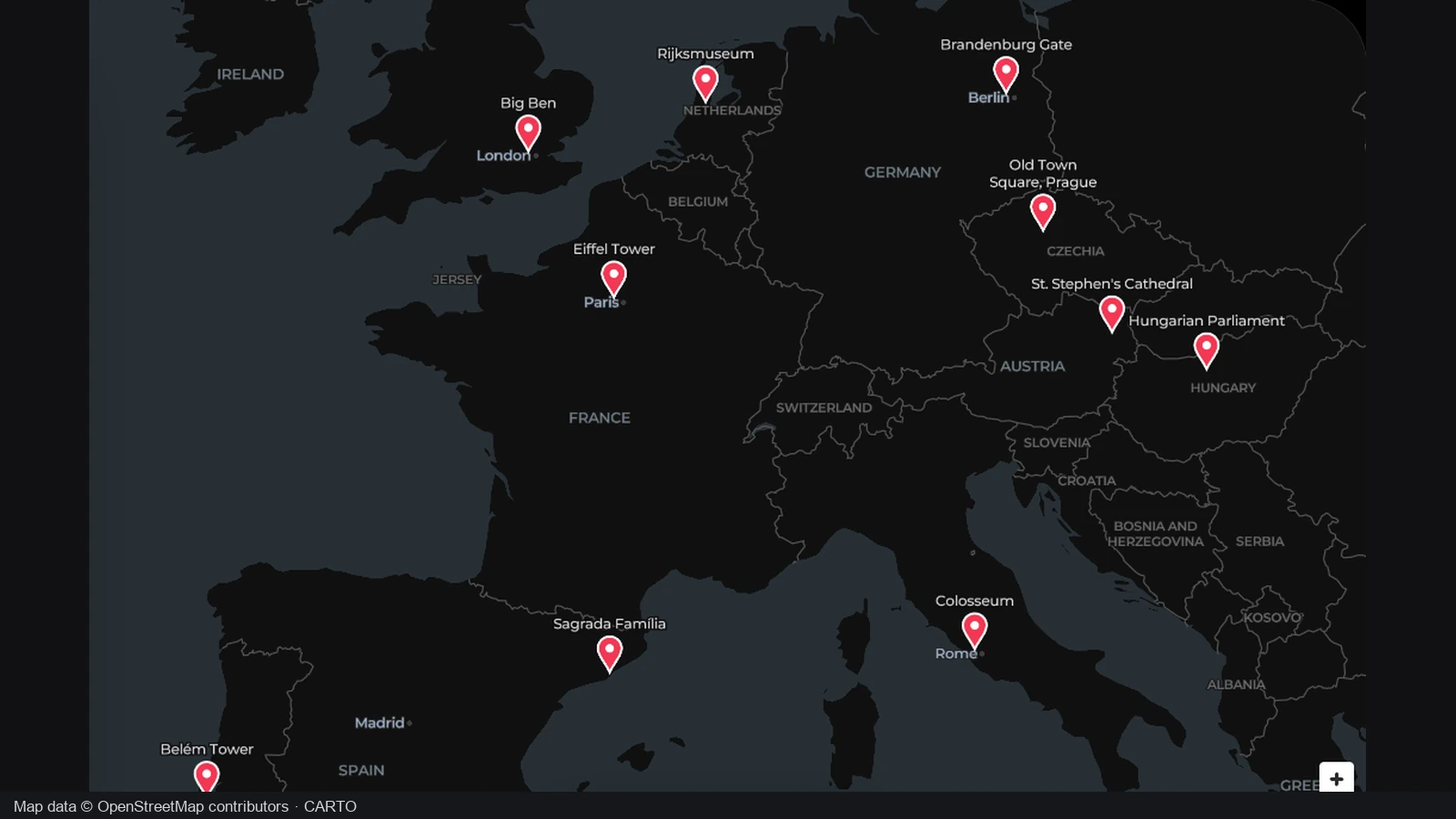
Arrange cities, markers and routes in the order your story needs. The map animation maker keeps these elements editable, letting you compare a regional overview with the closer connections that make animated maps understandable to your audience.
Open the editor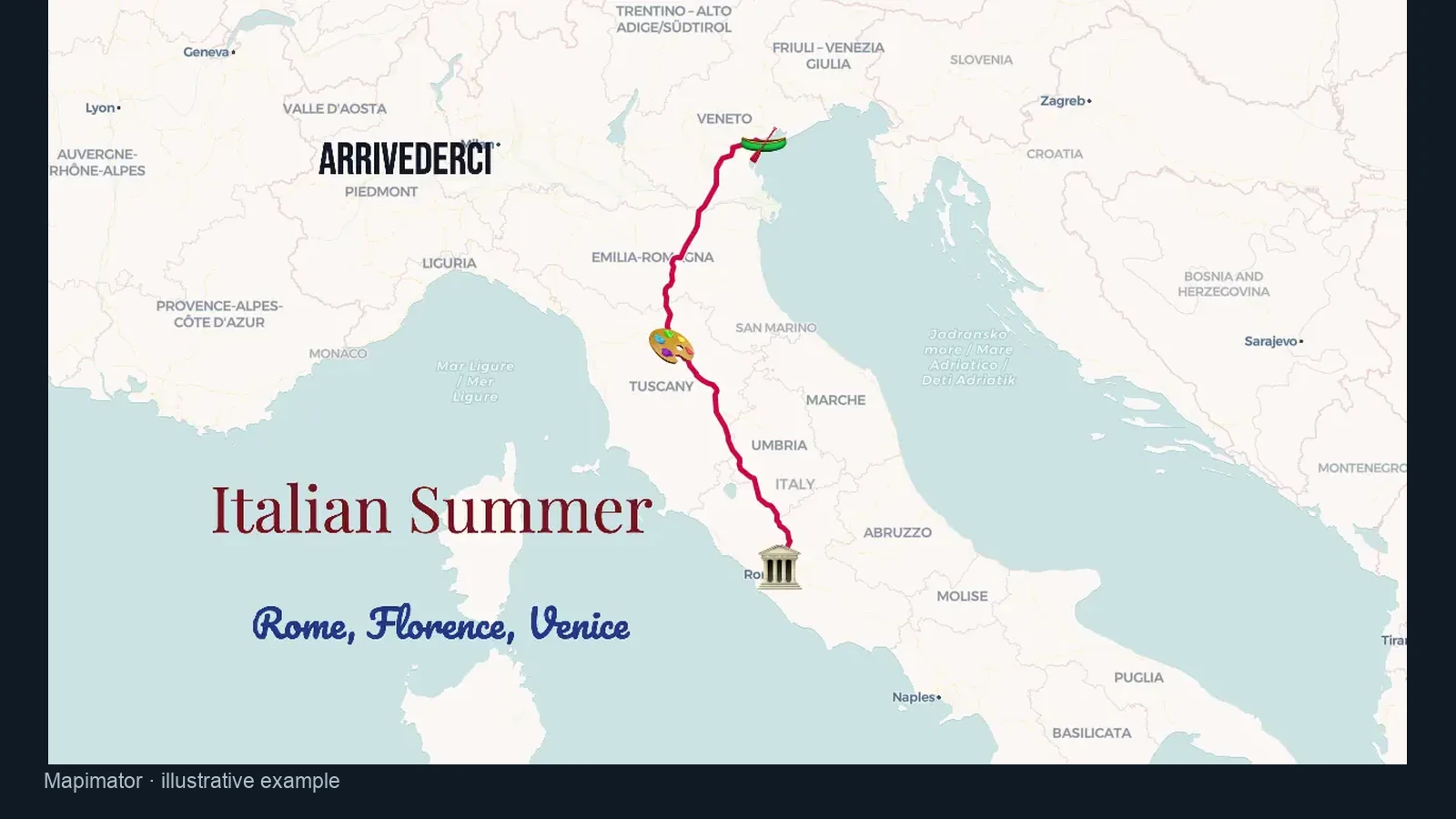
Use labels to connect place names with the geography on screen. Set map zoom animation through camera views and scene timing, then preview the result. This map animator gives important arrivals room without rushing through unfamiliar locations.
Open the editor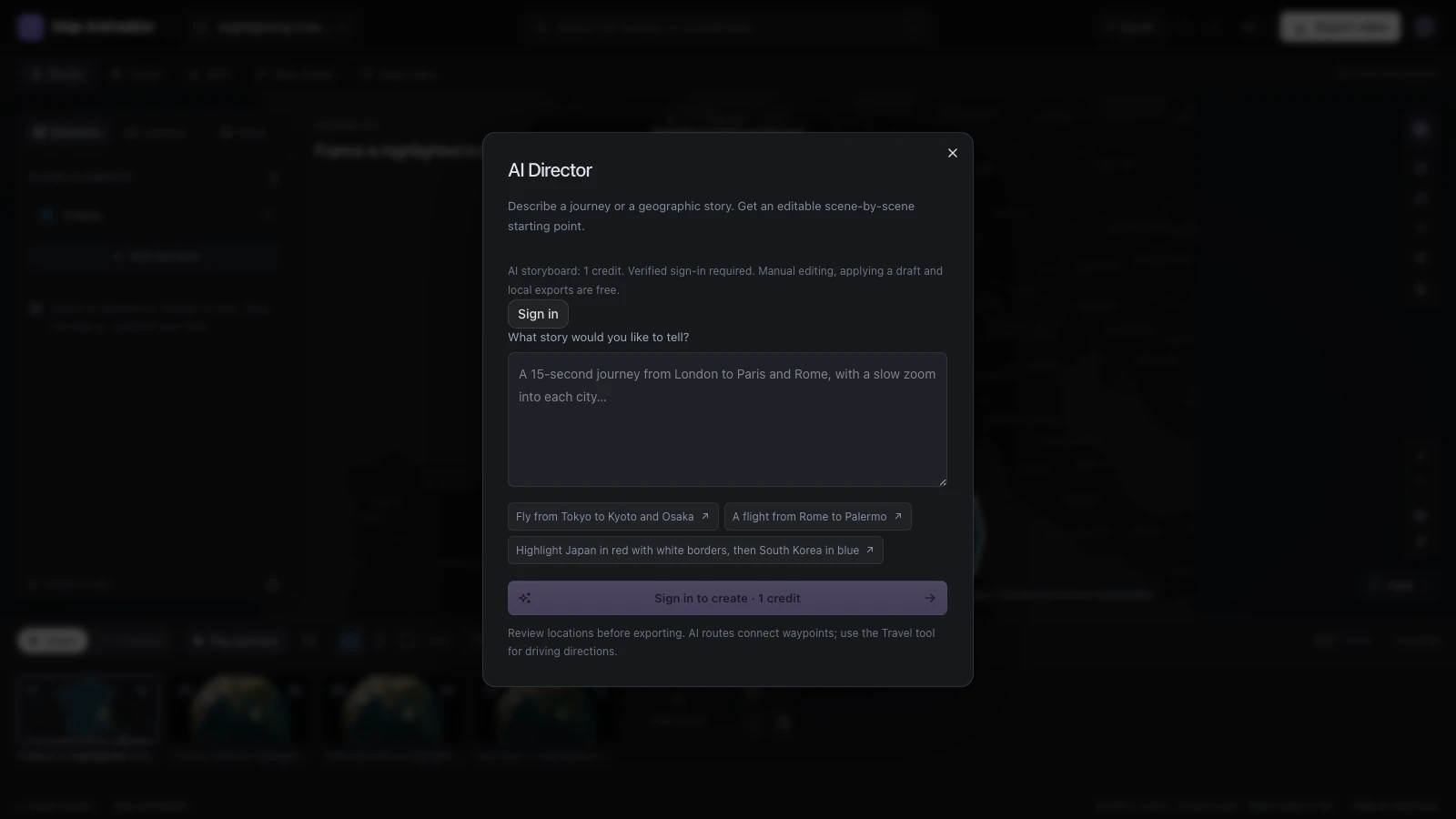
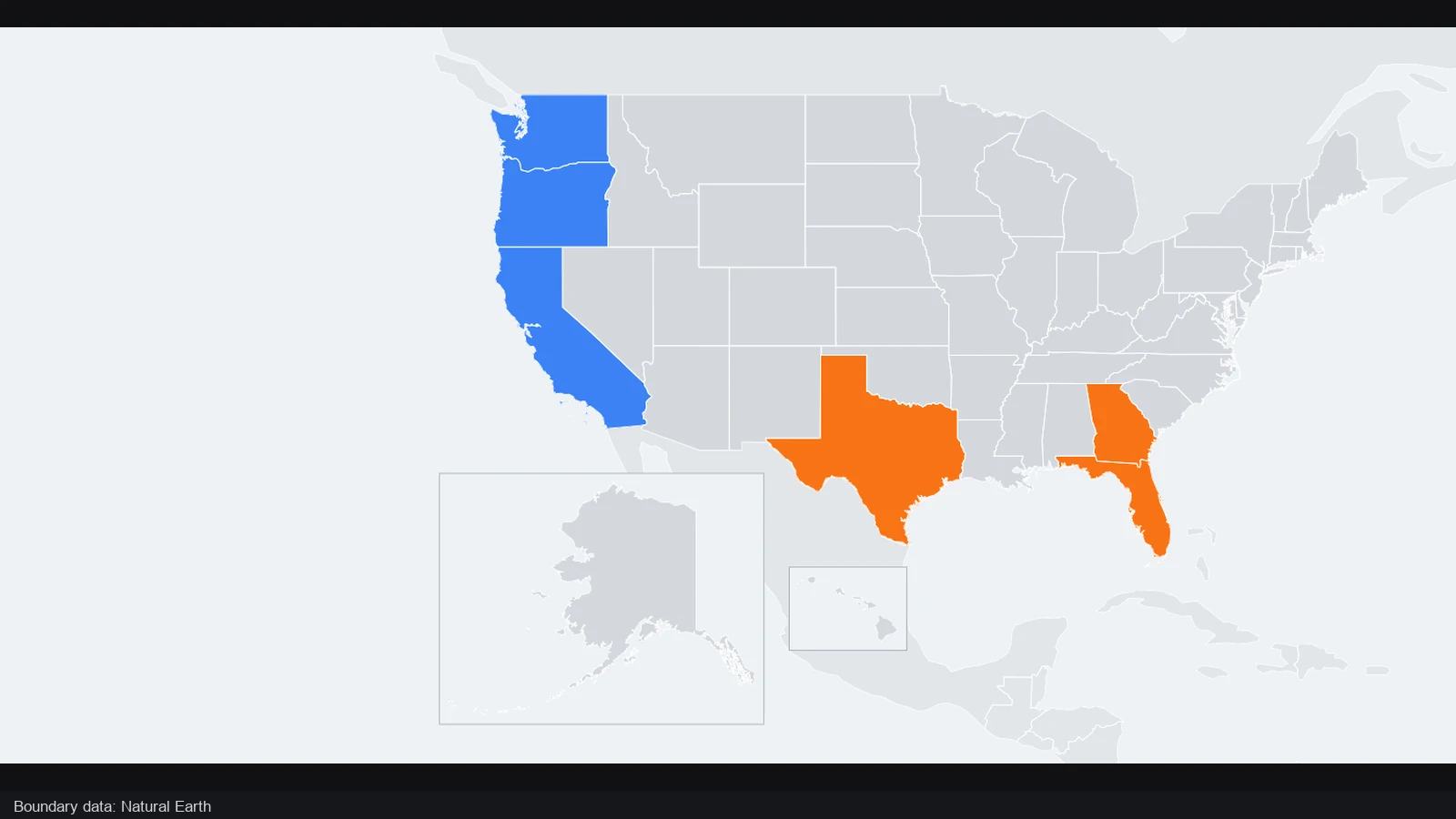
Describe the places, country highlights and sequence you need. Map animation AI proposes an editable draft for review in Studio. Apply the useful scenes, then correct the geography and timing yourself; a complete draft costs one credit.
Open the editor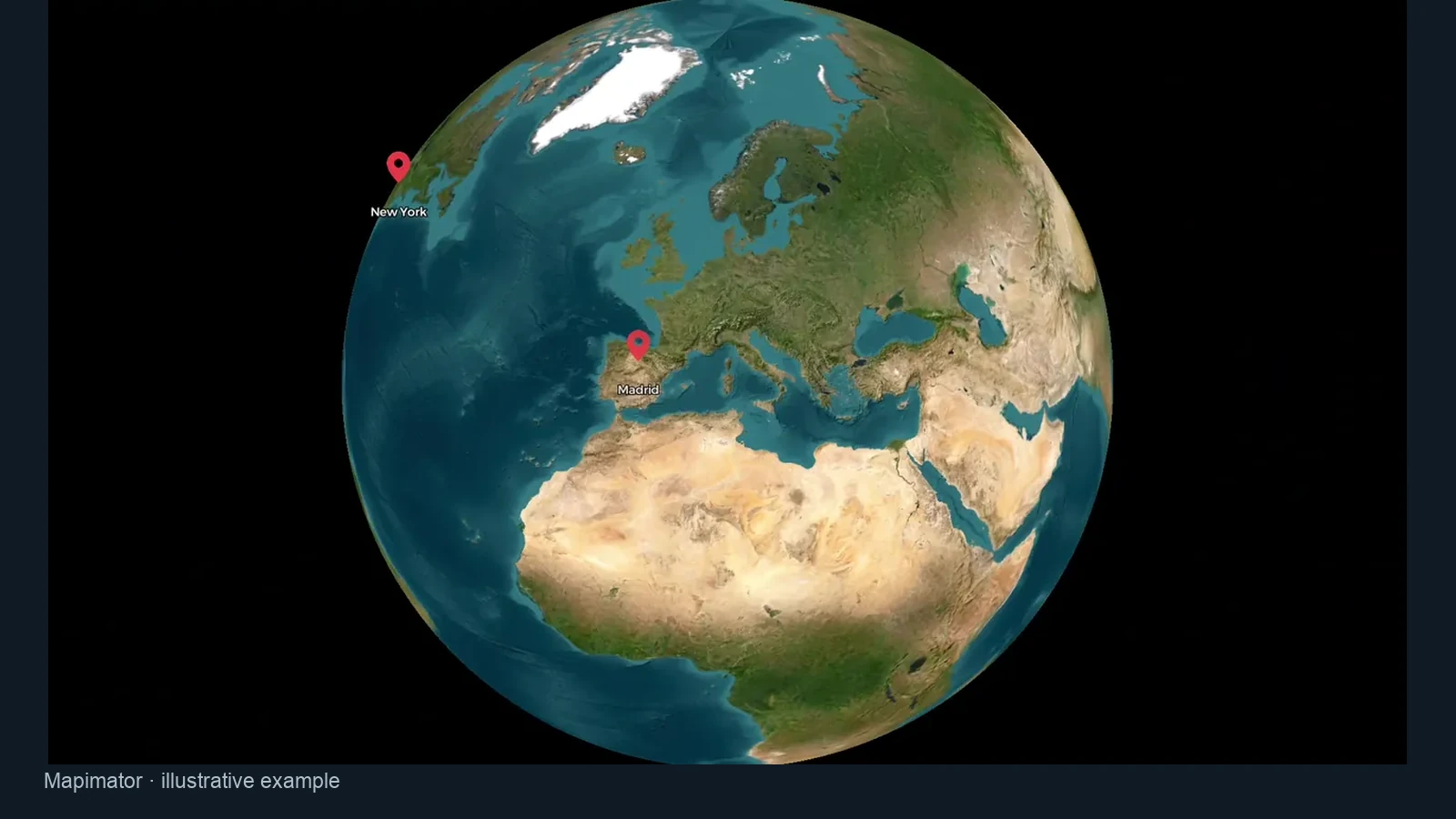
Save the scenes and settings as a JSON project rather than keeping only the rendered video. Reopen the project to change a route, update a country highlight or prepare another version from the same geographic starting point.
Open the editorDescribe your map animation above or open the browser editor to work manually. Start with the places, journey or geographic change your video needs to explain.
Use the map animation software to refine places, routes, labels and camera views. Play the sequence and give unfamiliar locations enough time to become recognizable.
Choose the framing, resolution and frame rate, then download the video. Save the JSON project so the next correction starts from editable scenes.
Use the map animation maker for route stories, geography lessons and visual explainers. Animate map routes, highlight countries and arrange labels with camera movement. Dedicated travel and GPX tools provide starting points for planned itineraries or recorded activities when those inputs better match your project.
Map animation AI turns your description into proposed editable scenes. Name the important places, explain the desired sequence and review the draft before applying it. The assistant helps with an initial structure; you retain responsibility for checking geography, choosing visual emphasis and refining the timing.
Yes. Export your map animation video as MP4 or WebM and add it to your preferred editor. Choose landscape, portrait or square framing to suit the surrounding footage. Add narration, music and final assembly there while retaining the map project for revisions.
Choose 720p or 1080p and 24, 30 or 60 frames per second. Individual exports support up to 120 seconds. A project can organize up to 30 scenes and 600 seconds, so shorten a longer sequence before exporting an individual clip.
Yes. Save the JSON project alongside the video, then import it to change scenes, routes or framing. The project retains editable objects for later changes. You can also explicitly save a private project to your verified account.
Track imports and video rendering happen in your browser. Keep a downloaded project backup or explicitly save a private account map. Map imagery and place search use online services. Optional map animation AI sends your description for processing; ordinary manual editing does not request an AI draft.
For a style inspired by Airrack map animations, establish the location first, then use a route or zoom to direct attention. Build the sequence around checked places and your script. Preview labels at the intended viewing size and keep each geographic change easy to follow.
Manual map animation editing and local PNG, MP4 and WebM export are free. An AI draft is a separate one-credit action requiring sign-in and a verified account. Registration and login do not grant AI credits. You can create a complete video manually without requesting a draft.

Choose the places, shape the sequence and build an animated map that supports your story. Keep the project ready for the next edit.
Create a map animation